內容簡介
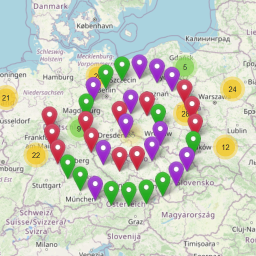
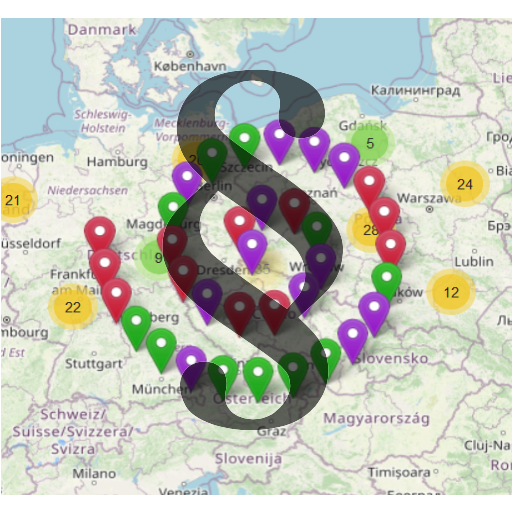
OSMaps 是一款輕量級的 WordPress 外掛,讓使用者能在網站上顯示多個免費的地圖。每個頁面可以顯示一個地圖並提供「查看地圖」按鈕,支援多種地圖樣式,無需訪問金鑰即可使用。
【主要功能】
• 顯示簡單地圖
• 支援複雜地圖,含標記和彈出視窗
• 可顯示多個地圖
• 提供路線圖和衛星圖
• 顯示「查看地圖」按鈕
外掛標籤
開發者團隊
原文外掛簡介
Lightweight Plugin to display in your website multiple free road maps.You can have as many maps as you need but only one per page.You can display a “VIEW MAP” button. A single page can have many buttons.To display a Map you can choose between Api javascript Openlayers and Api Leaflet Map tiles by OpenStreetMap. Access key is not required.Map tiles by Mapbox. Access key is required. Mapbox create satellite maps.
Features
Simple Map.
Complex Map, with Marker and / or PopUp. The popup created with the Api OpenLayers has a green icon with links to the Directions.
Multiple maps.
Road maps and satellite maps.
Displays a “VIEW MAP” button. View the map, full screen, on a new page.
Demo
View:
Minimal usage
Configure the Settings -> OSMaps from the admin dashboard. Change the defaultMap options and save.
Insert the shortcode in an article or in a page. Look the OSMaps administrative page for the shortcodes.
Done!