內容簡介
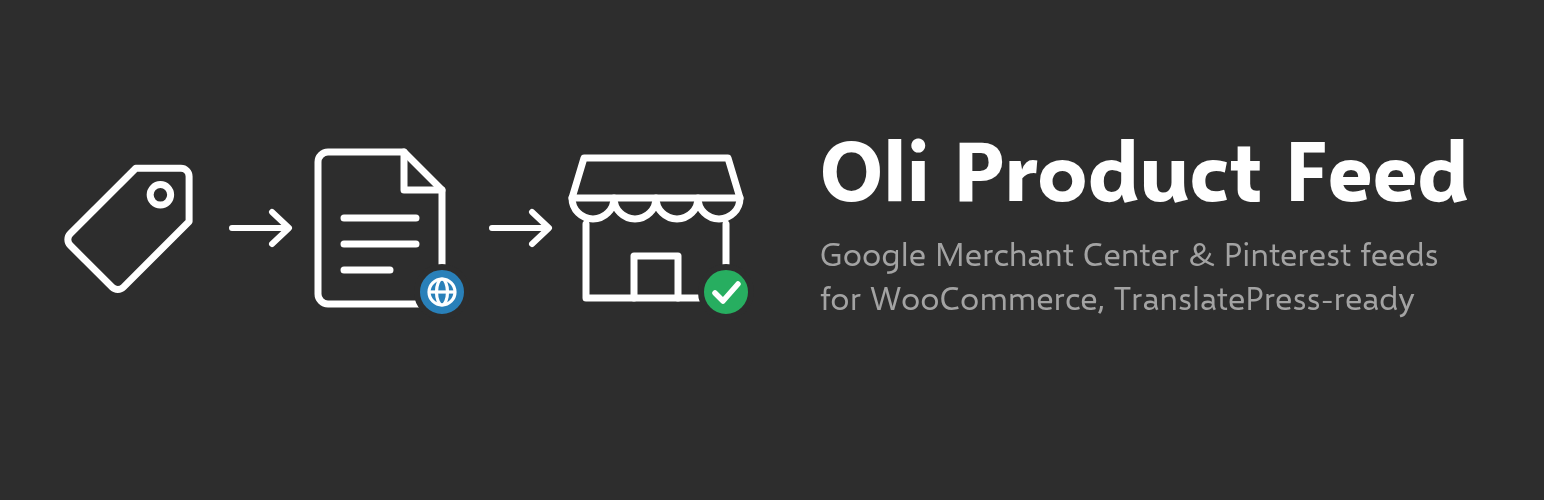
Oli Product Feed 外掛可從 WooCommerce 目錄生成針對各大購物平台的產品供應檔案,支援多語言和多貨幣,並可定期自動更新,幫助商家輕鬆管理產品資料。
【主要功能】
• 支援多平台供應檔案生成
• 自動化屬性映射與篩選
• 定時生成與更新供應檔案
• 提供清晰的生成日誌
• 無需外部請求,保護隱私
外掛標籤
開發者團隊
原文外掛簡介
Oli Product Feed builds product feed files for shopping platforms from your WooCommerce catalog. Each feed targets one platform, one language and one currency. Files are generated in the background, in small batches, and their URL never changes, so the platform can fetch them on a schedule.
Channels
Google Merchant Center (XML RSS 2.0, CSV or TSV)
Pinterest Catalogs (availability preorder for products on backorder)
Meta catalogs for Facebook and Instagram (Commerce Manager data feed)
TikTok Catalog (CSV, TSV or XML)
Microsoft Merchant Center for Bing Shopping (tab-separated TXT or XML)
Generic CSV, TSV or XML with your own columns, for comparison sites and marketplaces
Other channels can be added with the oliprfe_channels filter
Feeds
Simple and variable products: one item per variation, grouped with item_group_id
Language and currency per feed: with TranslatePress, titles, descriptions, terms and links are taken in the feed language; with Price Based on Country, prices come from a pricing zone and links can carry the country parameter
Attribute mapping: for every attribute, use the automatic rule or pick a product field, a product attribute, a taxonomy, a custom field (meta), a static value or a copy of another final attribute, with prefix, suffix, fallback and value map; a preview column shows the value for a sample product
Variant color and size sent by default from the pa_color (or pa_colour, Color, Colour) and pa_size (or Size) attributes, in the feed language; an explicit mapping always wins
Per-product values for the odd product (for example the color of one item)
Title template such as {brand} {name} {type} - {variation}, with the type set per category
GTIN validation (check digit); MPN = SKU for all brands or only for a list of brands
Filters: categories, tags, price range, stock status, product IDs, words in the title, required fields; exclusion rules and availability rules on custom fields; live count of the matching products
Google product category per category or per product
UTM and extra link parameters
Clear log: every generation lists the excluded products and why
Generation and serving
Background generation with Action Scheduler (WP-Cron fallback), in batches, with a lock and an atomic file swap
Schedule: hourly, twice a day, daily or weekly, at an off-peak hour; optional regeneration when products change (at most every 15 minutes)
Static file (default) or served by WordPress with a short cache, X-Robots-Tag: noindex, ETag and Last-Modified, for hosts whose CDN keeps static files too long. The pre-generated file is streamed while the plugins load (never rebuilt during the request); an optional must-use loader serves it even earlier
Logs in WooCommerce > Status > Logs
Access: the plugin screens need the manage_woocommerce capability (administrators and shop managers); when shop manager access is turned off in the settings, manage_options (administrators)
WP-CLI: wp oli-feed list|generate|status|export|import|settings
Privacy
The plugin makes no external request, loads no remote asset and collects no data. Feeds only contain public product data.