
內容簡介
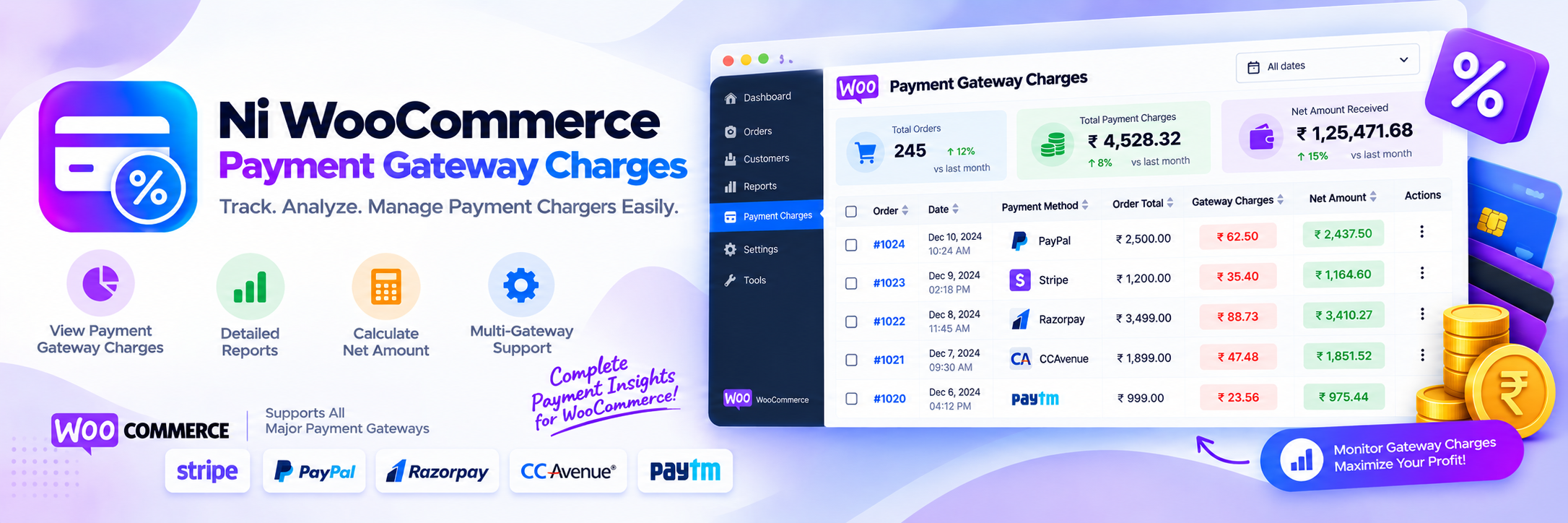
Ni WooCommerce Payment Gateway Charges 外掛讓您能夠在結帳時,為任何 WooCommerce 付款方式新增額外的收費或手續費。這能幫助商家轉嫁處理成本、鼓勵顧客選擇低成本的付款方式,或對貨到付款收取便利費,操作簡單且無需編碼。
【主要功能】
• 為每個付款閘道單獨新增固定或百分比的額外收費
• 統一的設定介面,輕鬆配置所有活躍付款閘道的額外收費
• 支援 WooCommerce 內建的離線閘道及自訂付款閘道
• 可選擇額外收費是否需課稅
• 隨時可啟用或停用額外收費功能
• 銷售儀表板提供訂單、收入及客戶概覽
外掛標籤
開發者團隊
② 後台搜尋「Ni WooCommerce Payment Gateway Charges」→ 直接安裝(推薦)
原文外掛簡介
WooCommerce Payment Gateway Fees, Made Simple
Ni WooCommerce Payment Gateway Charges lets you add an extra charge, fee, or surcharge to any WooCommerce payment method at checkout. Pass on processing costs, encourage customers toward lower-cost payment methods, or charge a convenience fee for cash on delivery — all configurable per gateway, with no coding required. Works with the built-in offline gateways (“Direct bank transfer / BACS,” “Check payments,” “Cash on delivery”) as well as any custom or third-party payment gateway active on your store.
Set the extra charge as either a Fixed Amount or a Percentage of the order total, independently for every payment gateway, from one convenient screen.
Turn the feature on or off instantly with the “Enable Extra Charges” setting, and choose whether the fee is taxable via the “Extra Charges Option” (Include Tax / Exclude Tax).
A built-in sales dashboard gives you an at-a-glance view of orders, revenue by payment gateway, top customers, and top countries — and is fully compatible with WooCommerce HPOS (High-Performance Order Storage) as well as legacy (post-based) order storage.
Key Features
Add a fixed or percentage extra charge / surcharge for each payment gateway individually.
One unified settings table to configure extra charges for every active payment gateway, with values pre-filled from existing settings.
Works with WooCommerce core offline gateways and any custom payment gateway.
Option to make the extra charge taxable (include tax) or tax-exempt (exclude tax).
Enable or disable the extra-charges feature at any time with one setting.
Extra charges/fees appear as a line item in the cart, checkout, order emails, and the WooCommerce admin order screen.
Sales dashboard: total/periodic sales, order status breakdown, payment gateway report, top customers, top countries, and stock overview.
Compatible with WooCommerce HPOS (custom order tables) and legacy post-based order storage.
Support/Feedback Email/New Requirement
We are open to your suggestions and feedback – Thank you for using or trying out one of our plugins
[email protected]
Disclaimer
It is not responsible for any harm or wrong doing this Plugin may cause. Users are fully responsible for their own use. This Plugin is to be used WITHOUT warranty.