內容簡介
總結:New SVG Icons 讓管理員可以在文章、頁面或小工具中插入 SVG 代碼並透過短碼引用,該外掛採用嚴格安全措施,遵循 WordPress 外掛開發最佳實踐。使用 [svg_icon name="your_icon_name"] 在內容中展示圖示。
問題與答案:
- 使用 New SVG Icons 外掛的用途是什麼?
管理員可以插入 SVG 代碼並透過短碼在文章、頁面或小工具中引用圖示。
- New SVG Icons 外掛是否具有嚴格的安全性措施和遵循 WordPress 外掛開發最佳實踐?
是的,該外掛有嚴格的安全措施並遵循 WordPress 外掛開發最佳實踐。
- 如何在內容中展示圖示?
使用 [svg_icon name="your_icon_name"] 的短碼即可展示圖示。
外掛標籤
開發者團隊
原文外掛簡介
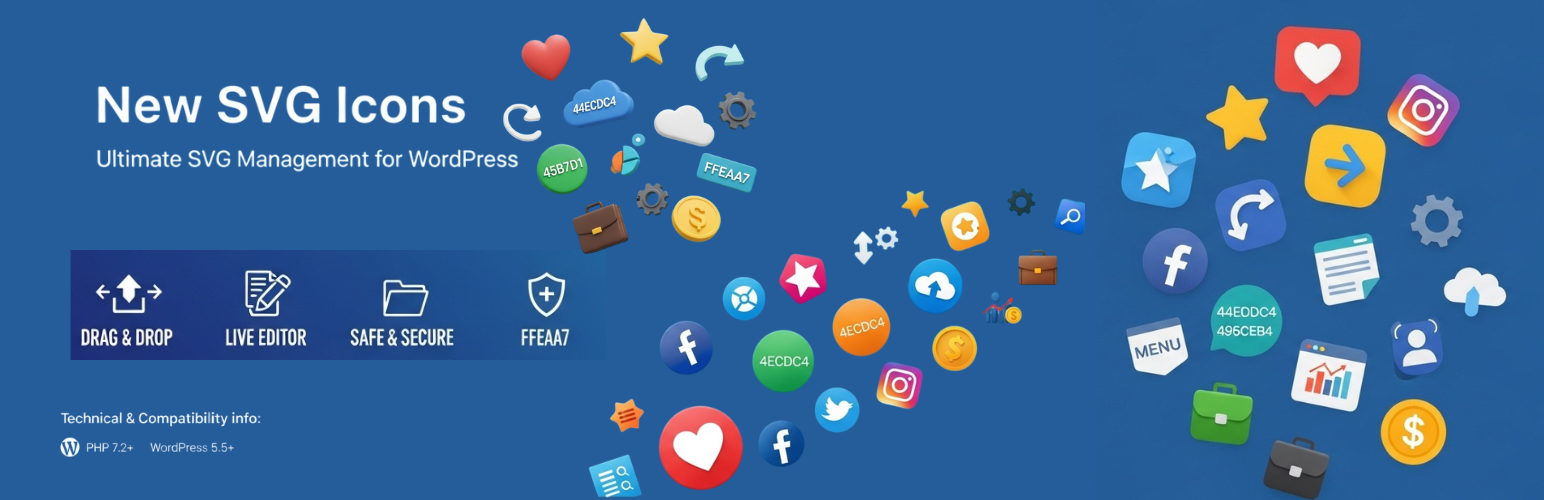
✨ New SVG Icons is a comprehensive WordPress plugin that revolutionizes how you manage and display SVG icons on your website. Built with security, performance, and user experience in mind, this plugin offers multiple ways to add icons and powerful customization options.
🚀 Why Choose New SVG Icons?
* 🔒 Security First: All SVG code is automatically sanitized to prevent XSS attacks
* 🎯 Multiple Input Methods: Upload files, paste code, or scan folders
* 🎨 Built-in Editor: Live SVG editor with real-time preview
* 📁 Smart Organization: Categorize icons for easy management
* ⚡ Performance Optimized: Lightweight and fast loading
* 🛠️ Developer Friendly: Extensive shortcode parameters and filters
🌟 Key Features:
📤 Multiple Upload Methods
* 📁 File Upload: Drag & drop multiple SVG files at once
* 📝 Code Paste: Direct SVG code input with live preview
* 🔍 Folder Scanner: Batch import from wp-content/svg-icons/ directory
* 📚 Built-in Library: Pre-installed icon collection
🎨 Advanced SVG Editor
* 🖼️ Live Preview: See changes in real-time as you edit
* 🎛️ Attribute Editor: Modify colors, dimensions, and properties
* 🔧 Dimension Controls: Resize with locked aspect ratio
* 🌈 Background Toggle: Test icons on different backgrounds
* 📐 Preview Sizing: Adjustable preview scale (50%-200%)
🏷️ Smart Organization
* 📂 Categories: Built-in categories (Social, UI, Business, Arrows, Logos, Shapes)
* 🏷️ Custom Categories: Create your own organization system
* 🔍 Search & Filter: Quickly find icons by name or category
* 📊 Icon Counter: Track your library size
⚡ Powerful Shortcode System
Use [svg_icon name="icon-name"] with these amazing parameters:
* 📏 size="24" – Set custom dimensions
* 🎨 color="#ff0000" – Change icon color
* 🎯 class="my-class" – Add CSS classes
* 🐛 debug="true" – Debug mode for troubleshooting
🔒 Enterprise-Level Security
* 🛡️ SVG Sanitization: Removes potentially harmful code
* 🔐 Nonce Protection: CSRF protection on all actions
* 👤 Permission Checks: Admin-only access controls
* 🗃️ Database Security: Prepared SQL statements
🎁 Bonus Features
* 📋 One-Click Copy: Copy shortcodes and SVG code instantly
* 🌐 Resource Library: Curated list of free SVG icon sources
* 📖 Usage Guide: Built-in help and tutorials
* 🎯 Quick Tools: Links to online SVG editors and optimizers
🌟 Live Demo | 📖 Documentation & Downloads | 💬 Support
Support & Contributing
💝 Love this plugin?
* ⭐ Leave a 5-star review
* 🐛 Report bugs
* 💡 Suggest features
* 🤝 Contribute on GitHub
🚀 Keep building amazing things! 🎨✨