內容簡介
**總結:**
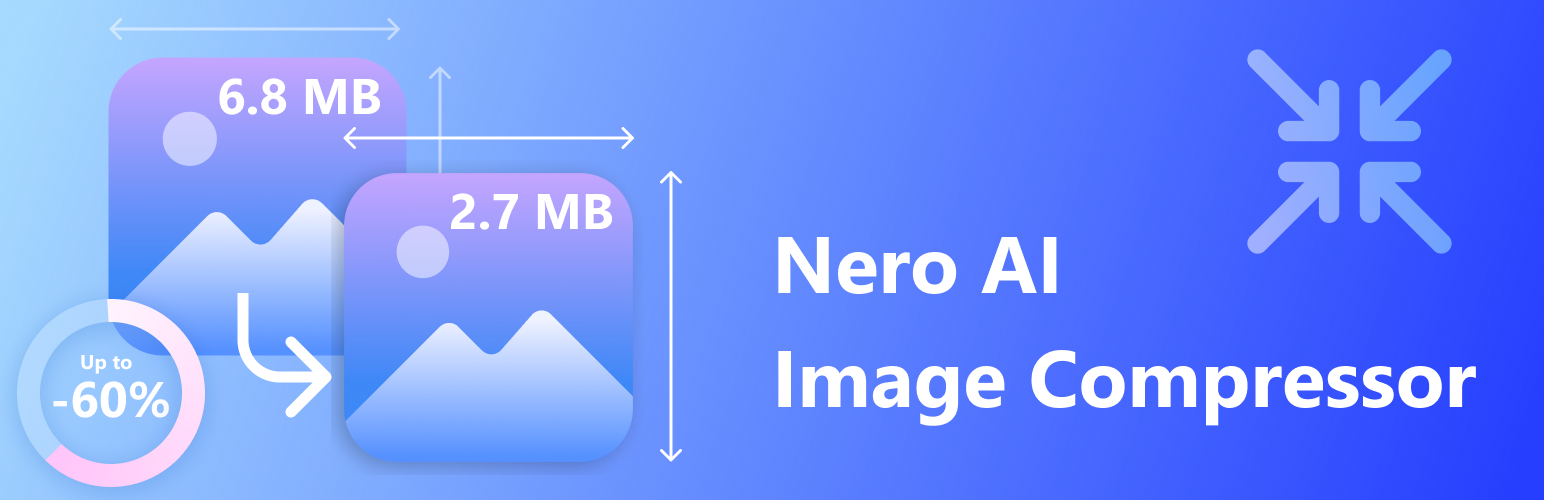
AI Image Compressor 使用 Nero AI API 自動壓縮您的圖像,支援批次處理、可調整品質和安全處理原始圖像,一鍵即可節省頻寬、加快網站速度,並改善 SEO!
**問題與答案:**
1. 這外掛的主要功能是什麼?
- 回答:AI Image Compressor 使用 Nero AI API 自動壓縮圖像,支援批次處理、可調整品質,並安全處理原始圖像。
2. 該外掛支援哪些圖像格式?
- 回答:它支援各種圖像格式,包括 JPG、JPEG、JPE、PNG、WEBP、BMP、JIF、JFI、JFIF、SVG 和 GIF。
3. 如何與作者聯絡?
- 回答:如果有任何問題、建議或反饋,請寄電子郵件至 [email protected]。
4. 外掛連接到哪個服務來進行圖像壓縮?
- 回答:這外掛連接至 Nero AI API 以進行圖像的壓縮和優化。
5. 圖像壓縮會消耗什麼?
- 回答:每次圖像壓縮會消耗 1 Nero Credit,並且在處理後圖像不會永久存儲在 Nero AI 伺服器上,所有原始圖像仍然安全存放在您的伺服器原始位置上。
外掛標籤
開發者團隊
原文外掛簡介
AI Image Compressor automatically compresses your images using Nero AI API. It supports batch processing, adjustable quality, and safe handling of your original images. Save bandwidth, speed up your site, and improve SEO with one click!
Features
Supports bulk compression for multiple images at once, improving efficiency.
Compress images from your media library or upload new files for compression.
Clean and intuitive interface for easy management and visual clarity.
AI-powered image compression that balances size reduction and quality preservation.
Two compression levels: high for maximum size reduction, low for better quality.
Displays compression ratio after processing for clear feedback.
Compressed images saved as new files; original images remain unchanged.
Images stored only locally; Nero AI does not keep user files.
Temporary data transfer for compression; no permanent storage on external servers.
Compatible with a wide range of image formats including JPG, JPEG, JPE, PNG, WEBP, BMP, JIF, JFI, JFIF, SVG and GIF.
Contact us
If you have any questions, suggestions, or feedback, feel free to reach out at [email protected].
External services
This plugin connects to the Nero AI API to compress and optimize images. The service is required for the core functionality of image compression.
Service Details:
* Service Provider: Nero AI (https://ai.nero.com)
* Purpose: Image compression and optimization using AI technology
* Data Sent:
– Image files (JPG, JPEG, JPE, PNG, WEBP, BMP, JIF, JFI, JFIF, SVG, GIF) from your WordPress media library and theme directories
– API authentication key for service access
* When Data is Sent:
– During manual bulk processing when you click “Start Bulk Process”
– Each time an individual image compression is requested
* Data Processing: Images are processed on Nero AI’s secure cloud servers and compressed versions are returned to your website
Important Links:
* Service Website: https://ai.nero.com
* Terms of Service: https://ai.nero.com/terms
* Privacy Policy: https://www.nero.com/eng/corp-legal/privacy.php
* API Documentation: https://ai.nero.com/ai-api/docs
Note: Each image compression consumes 1 Nero Credit from your account. No images are stored permanently on Nero AI servers after processing. All original images remain safely on your server in their original locations.
Compatibility
Compatible with WordPress 5.0 and above
Works with most themes and media libraries
Author
Author: Nero AI
Website: https://ai.nero.com
License
This plugin is licensed under the GNU General Public License v2.0. See LICENSE.txt for details.