內容簡介
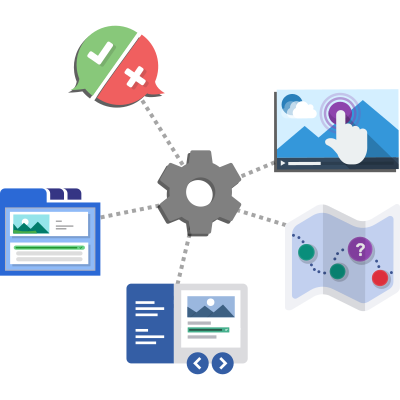
NDLA's H5P Caretaker 外掛讓使用者能夠利用 NDLA 的資源檢查 H5P 內容檔案的改進選項,幫助提升可及性、解決授權衝突及優化儲存空間。
【主要功能】
• 檢查 H5P 內容的可及性問題
• 識別子內容或圖片的授權衝突
• 提供儲存空間優化建議
• 設定使用權限與可見性
• 上傳 H5P 檔案並生成報告
外掛標籤
開發者團隊
📦 歷史版本下載
原文外掛簡介
The “H5P Caretaker” plugin for WordPress allows you to use NDLA’s library of the same name to check H5P content files for improvement options, e.g. accessibility issues, conflicting licenses across subcontents or images that take too much storage space for their respective purpose.
Configure
Set the capability use-h5p-caretaker as required. Only users/roles with this capability will be able to use the H5P Caretaker unless it is configured to be public. Please note that while WordPress has a fully fledged role management features, you still require separate plugins to assing capabilities to user roles (e. g. User Role Editor)
Go to the settings Settings > H5P Caretaker and
choose the URL where the tool should be made available,
choose whether the tool should be usable publicly or only by users with the respective
capability (not public by default),
add introductory text that should be displayed on the page on top of the upload button, and
add footer text that should be displayed at the bottom of the page.
Use
The plugin will set up the URL /h5p-caretaker or the URL that you configured in the settings. Go there, upload an H5P file and check the report for potential improvements of the content.
The plugin will also add an “H5P Caretaker” menu item to the tools menu. You will also find an “H5P Caretaker” button above the H5P content view inside the editor. Click on that to open the H5P Caretaker page and the respective file will be checked directly.
Privacy
Please note that the uploaded H5P file will be removed immediately after analyzing it. It will not be stored permanently or used for anything else.
Please also note that the plugin will fetch the H5P accessibility reports and displaythose inside the report if appropriate. No personal information is shared in that process.