外掛標籤
開發者團隊
原文外掛簡介
A more manageable way to optimize your WordPress site.
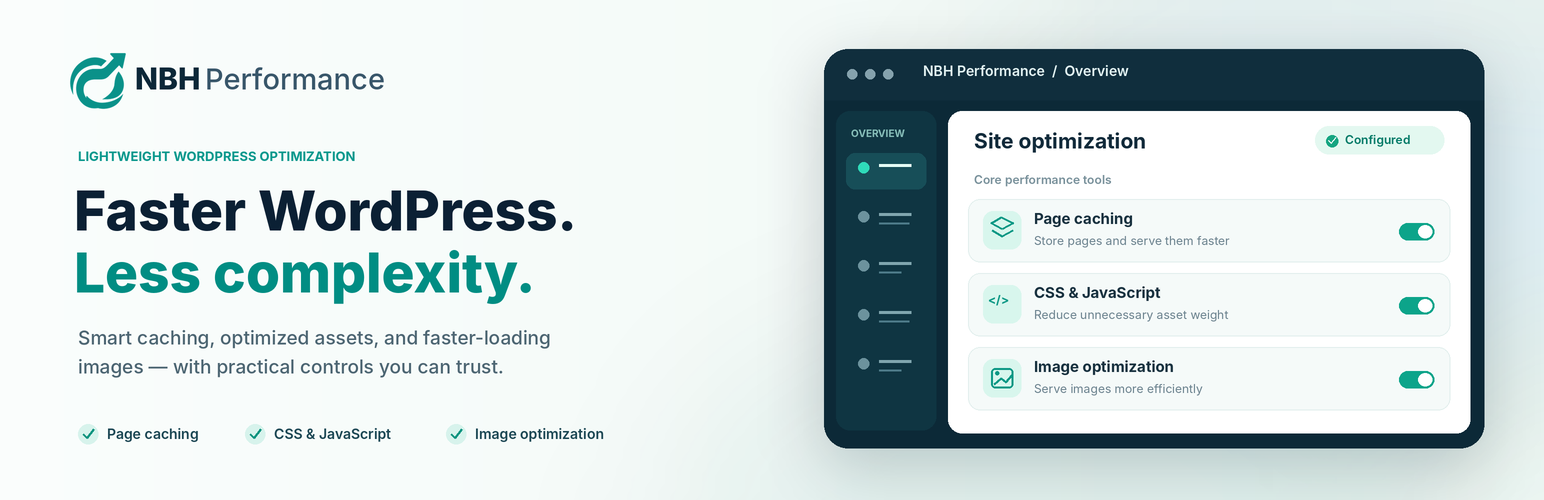
NBH Performance brings page caching, CSS and JavaScript optimization, image conversion, and useful performance tools into one WordPress dashboard. Start with a guided setup, switch on only what you need, and keep recovery options close at hand.
It is designed for site owners and developers who want straightforward controls without hiding important settings behind a paid upgrade.
What you can do
Cache public pages. Reduce repeated page generation for eligible visitors, clear cached pages, and optionally preload your cache.
Manage CSS and JavaScript. Minify files, optionally combine compatible assets, defer or delay selected scripts, and exclude files that should not be optimized.
Optimize image delivery. Create WebP or AVIF versions when your server supports them while keeping original images intact.
Make media loading lighter. Use lazy loading and optional click-to-load YouTube embeds.
Manage CDN connections. Configure supported Cloudflare, Bunny.net, or KeyCDN connections, or a custom HTTPS cache-purge webhook.
Troubleshoot with confidence. Review diagnostics, use Safe Mode, run Smart Optimize manually, and restore saved settings snapshots when needed.
Start with control, not guesswork
NBH Performance starts in Safe Mode, so you can review settings before enabling optimization. The guided setup helps identify common cache conflicts. Make changes gradually, then test your menus, forms, interactive pages, and checkout if you run an online store.
Free and open source: All functionality included in this plugin is free and does not require a license key or Nobash account. Optional third-party CDN or hosting services may have their own fees.
Important compatibility notes
Page caching requires WP_CACHE enabled in wp-config.php, a writable cache directory, and a compatible advanced-cache.php drop-in. The plugin does not modify wp-config.php or overwrite another plugin’s cache drop-in.
Page caching is disabled on WordPress multisite installations.
Image conversion depends on server-supported formats and the WordPress image editor. Original uploads are preserved.
WooCommerce cart, checkout, and other sensitive or logged-in requests are excluded from public-page caching. Always test your own store.
Settings snapshots are not full-site backups. The plugin does not include Redis/Memcached object caching or automated third-party speed tests.
Results depend on your hosting, theme, plugins, and chosen settings; no performance score or compatibility outcome is guaranteed.
Learn more at NBH Performance and Nobash.
External services
Core caching, CSS/JavaScript optimization, and image conversion run locally. NBH Performance does not require a Nobash account, license server, remote updater, or telemetry service. External requests below occur only when the relevant optional feature is configured or activated.
Cloudflare
If configured by an administrator, the plugin can check the connection, discover zones, and purge CDN caches manually or through enabled automatic purges. Requests may contain an API token, zone ID, hostnames, or URLs to purge.
Service: Cloudflare Terms and Privacy Policy.
Bunny.net
If configured, connection checks and manual or enabled automatic cache purges may send the API key, pull-zone ID, or purge URLs to Bunny.net.
Service: Bunny.net Terms and Privacy Policy.
KeyCDN
If configured, connection checks and manual or enabled automatic cache purges may send an API key, zone ID, or purge URLs to KeyCDN.
Service: KeyCDN Terms and Privacy Policy.
Custom CDN or purge webhook
An administrator may configure a custom CDN hostname or HTTPS purge endpoint. The configured provider receives cache-purge requests on manual or enabled automatic purge events. Check that provider’s own terms and privacy policy before enabling it.
YouTube
The optional YouTube facade can replace an existing embed with a local click-to-load button. The plugin does not request YouTube content from your server. A visitor’s browser contacts YouTube when the visitor clicks to load the embed, or when consent-based autoload is enabled and applicable consent exists.
Service: YouTube Terms and Google Privacy Policy.
Other third-party script names
The script-delay and consent controls recognize hostnames associated with services such as Facebook, TikTok, LinkedIn, Stripe, PayPal, Intercom, Tawk.to, Zendesk, and Drift only to manage scripts already added by your site. Recognizing these names does not cause NBH Performance to contact those services. Cache preloading, health checks, and frontend validation may make same-site requests.
Source and Licenses
The plugin includes human-readable PHP, JavaScript, and CSS. No JavaScript build step is required. Third-party components and license notices are retained under vendor/; see vendor/THIRD-PARTY-NOTICES.md. NBH Performance’s original code is GPLv2 or later; upstream dependency terms remain intact.