內容簡介
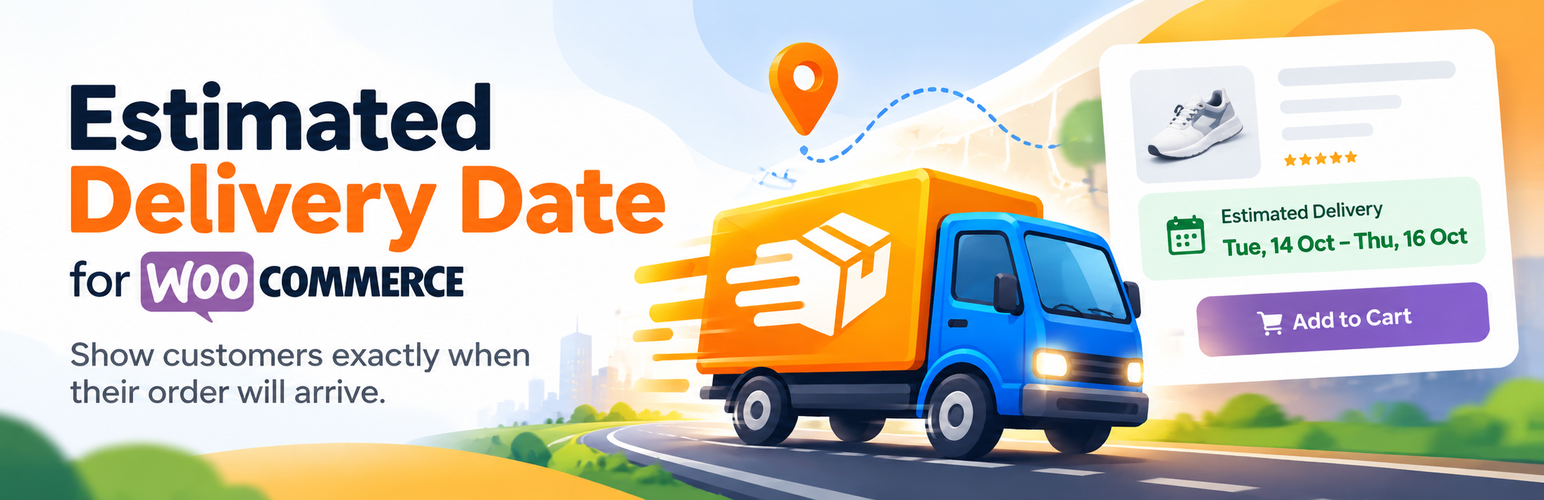
NACSTech Estimated Delivery Dates for WooCommerce 外掛可在產品頁面、購物車及結帳頁面顯示訂單預計送達天數,簡化配送日期設定,並可依類別、運送方式及郵遞區號進行調整,提升顧客購物體驗。
【主要功能】
• 全球預設送達天數範圍
• 類別、運送方式及產品的覆蓋設定
• 郵遞區號的特殊規則設定
• 訂單截止時間及營業日設定
• 自訂日期格式及訊息模板
• 實時同日發貨倒數計時
外掛標籤
開發者團隊
② 後台搜尋「NACSTech Estimated Delivery Dates for WooCommerce」→ 直接安裝(推薦)
原文外掛簡介
NACSTech Estimated Delivery Dates for WooCommerce tells customers how many days their order will take to arrive, right on the product page, cart, and checkout (classic and block-based). You don’t have to set a delivery date on every product one by one — set a default once, then override it by category, shipping class, product, variation, shipping zone, or specific postcode only where you need to.
Key features
Global default delivery day range (storewide)
Per-category override
Per-shipping-class override
Per-product override
Per-variation override, for variable products
Per shipping-zone override
Per-postcode/zip code override, with CSV bulk import/export
Restrict payment methods (e.g. disable Cash on Delivery) per postcode
Fully block checkout for postcodes you do not deliver to
Order cut-off time (orders placed after this time count from the next business day)
Configurable business days (exclude weekends)
Holiday exclusion list
Works on classic and WooCommerce Blocks cart/checkout
Live “order within Xh Ym for same-day dispatch” countdown to today’s cut-off time
Customizable date format, message templates, and box colors, translatable via WPML/Polylang
Admin Delivery Simulator to test rules without placing a real order
[nacs_edd_estimate] shortcode to show the estimate anywhere
Estimate is saved on the order and shown in order emails, the thank-you page, My Account, and the admin order screen
Recommended setup
Go to WooCommerce > Estimated Delivery.
Set a global min/max delivery day range and cut-off time.
Add category, shipping-class, product, or variation-level overrides where needed.
Add shipping-zone overrides for zones that ship faster or slower than the default.
Add postcode rules for exceptions: faster/slower postcodes, payment-method restrictions, or areas you don’t deliver to at all.
Choose where the estimate should be displayed (product page, cart, checkout), and optionally enable the same-day dispatch countdown.
External services
This plugin can connect to an external service in the following case:
Deactivation feedback email to NACSTech
When the plugin is deactivated, the plugins screen can show an optional feedback form. If the admin chooses “Submit & Deactivate”, the plugin sends a feedback email to NACSTech.
What the service is used for:
To collect optional product feedback and troubleshooting context when a site admin deactivates the plugin.
What data is sent and when:
The feedback request is sent only when the admin manually chooses “Submit & Deactivate” in the deactivation feedback form. It sends the selected reason, optional details entered by the admin, site name, site URL, admin email, WordPress version, and WooCommerce version to NACSTech support using your site’s WordPress mail configuration.
Service provider:
NACSTech
Links: Support page | Terms of service | Privacy policy