內容簡介
**概述:**
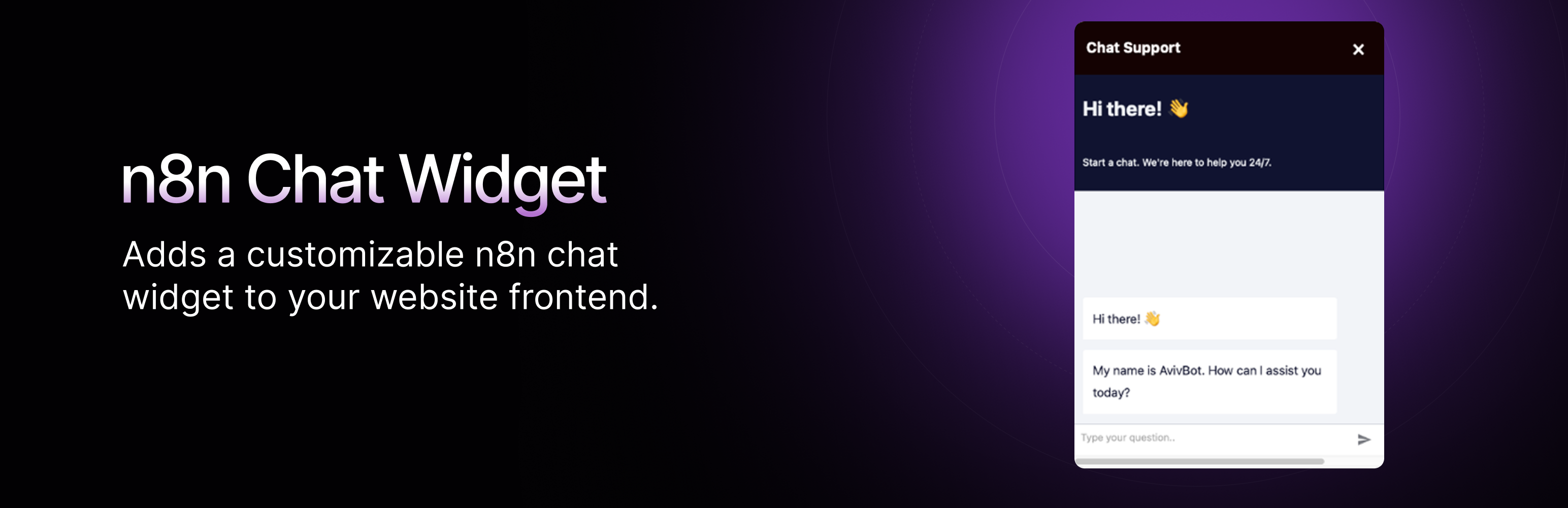
這個外掛將一個可自訂的 n8n 聊天窗口添加到您的網站前端,讓訪客可以通過彈窗介面直接與 n8n 聊天工作流互動。
**問題與答案:**
1. 這個外掛的功能有哪些?
- 輕鬆整合 n8n 的聊天工作流到您的網站。
- 可自訂聊天窗口外觀:
- 選擇窗口位置(左側或右側)。
- 設置自定義窗口標題。
- 更改主要顏色。
- 選擇自定義表情符號圖標或上傳 SVG 圖標。
- 調整內容縮放比例(50% - 150%)。
- 具有手機響應設計。
- 流暢的動畫效果。
- 輕量級實現。
2. 需要什麼條件來使用此外掛?
- WordPress 5.0 或更高版本。
- 具有現有聊天工作流的 n8n。
3. 如何進行配置設置?
- n8n 聊天 URL:輸入您的 n8n 聊天 Webhook 的完整 URL(如 https://n8n.example.com/webhook/your-chat-id/chat)。
- 啟用聊天窗口:切換以啟用或停用網站上的聊天窗口。
- 窗口位置:選擇右側或左側的位置。
- 聊天窗口標題:設置顯示在聊天標題中的標題。
- 窗口顏色:為窗口按鈕和標題選擇自定義顏色。
- 聊天圖標:選擇一個表情符號或上傳 SVG 圖標作為聊天按鈕。
- 聊天內容縮放:調整聊天內容的縮放級別。
4. 這個外掛如何連接到外部服務?
- 這個外掛將連接到一個外部服務(n8n)來提供聊天功能。
- n8n 聊天服務是什麼?:n8n 是一個工作流自動化平台,可配置為提供 AI 驅動的聊天功能。
- 發送哪些數據?:當用戶與聊天窗口互動時,他們的消息將通過您在設置中提供的 Webhook URL 發送到您的 n8n 實例。
- 何時發送數據?:只有當用戶主動打開聊天窗口並發送消息時才會發送數據。
5. 注意事項:
- 您有責任確保您對 n8n 的使用符合所有關於用戶數據和隱私的適用法律和法規。
外掛標籤
開發者團隊
原文外掛簡介
This plugin adds a customizable n8n chat widget to your website frontend. It allows visitors to interact with n8n chat workflows directly from your website through a popup interface.
Features
Easily integrate n8n chat workflows into your website
Customizable chat widget appearance:
Choose the widget position (left or right)
Set custom widget title
Change the primary color
Select custom emoji icon or upload SVG icon
Adjust content zoom level (50% – 150%)
Mobile-responsive design
Smooth animations
Lightweight implementation
Requirements
WordPress 5.0 or higher
n8n with an existing chat workflow
Configuration
n8n Chat URL: Enter the full URL of your n8n chat webhook (e.g., https://n8n.example.com/webhook/your-chat-id/chat)
Enable Chat Widget: Toggle to enable or disable the chat widget on your website
Widget Position: Choose between right or left side positioning
Chat Widget Title: Set the title that appears in the chat header
Widget Color: Select a custom color for the widget button and header
Chat Icon: Choose an emoji or upload an SVG icon for the chat button
Chat Content Zoom: Adjust the zoom level of the chat content
External Services
This plugin connects to an external service (n8n) to provide chat functionality:
n8n Chat Service
What is it?: n8n is a workflow automation platform that can be configured to provide AI-powered chat functionality.
What data is sent: When a user interacts with the chat widget, their messages are sent to your n8n instance via the webhook URL you provide in the settings.
When data is sent: Data is only sent when a user actively engages with the chat widget by opening it and sending messages.
Terms and Privacy: This plugin requires you to have your own n8n instance or use n8n Cloud. For more information about n8n’s terms and privacy policy, please visit:
n8n Terms of Service
n8n Privacy Policy
Note: You are responsible for ensuring that your use of n8n complies with all applicable laws and regulations regarding user data and privacy.