
內容簡介
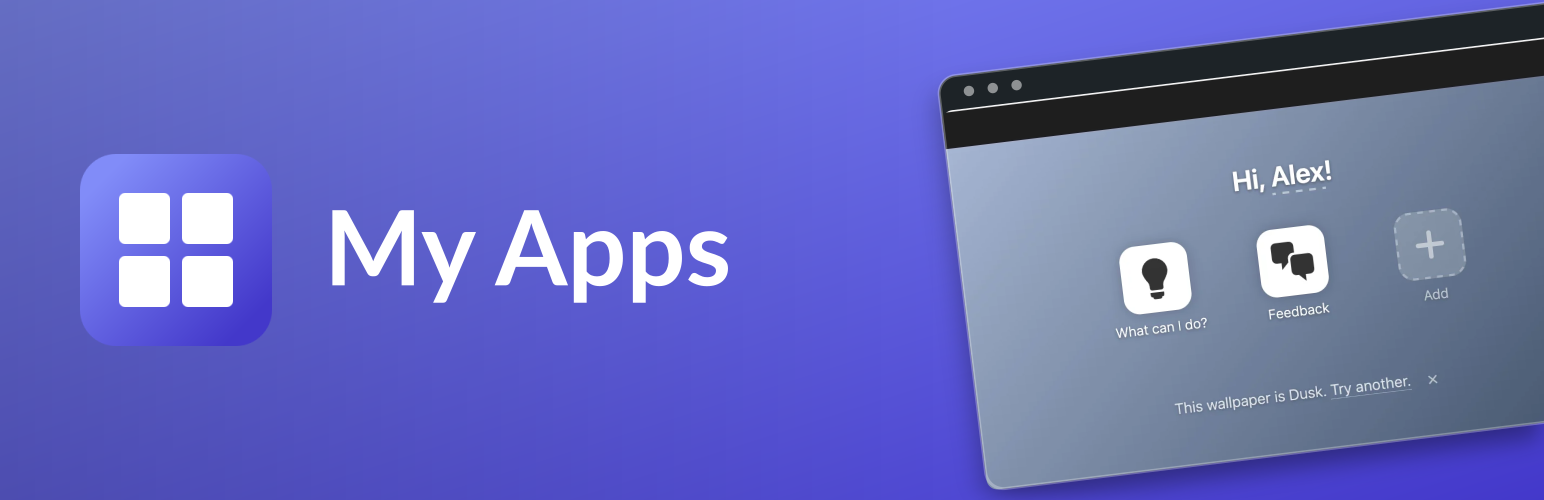
My Apps 外掛為您的 WordPress 網站新增一個 /my-apps/ 路徑,讓您可以像使用手機主畫面一樣快速啟動應用程式,無需進入 wp-admin 控制台即可輕鬆訪問常用的外掛和連結。
【主要功能】
• 自訂化的應用程式啟動器介面
• 支援搜尋功能,快速找到應用程式
• 內建應用商店安裝新應用程式
• 可調整圖示大小、間距及佈局
• 支援拖放排序和編輯模式
外掛標籤
開發者團隊
原文外掛簡介
This plugin adds a /my-apps/ route to your WordPress so that it can act as your personal apps launcher — a dashboard that feels like a mobile phone home screen, so you don’t have to navigate wp-admin to reach the apps you use.
Apps can be plugins that register their own icon, custom links you add yourself, or plugins you install on demand from the built-in app store.
Features
Launcher at /my-apps/ with flow, grid or search layouts, drag-to-reorder, and an edit mode for customization.
Search layout: a search field above the home screen. Empty, it shows the apps you pinned as icons; typing anywhere turns the home into a vertical result list of title and description, best matches first, with arrow keys to move and Enter to open. Search matches an app’s name, its own description if it registers one, and the description of the plugin that registered it; description text matches at word starts from three characters up. The shown description is the app’s own, falling back to the plugin’s. Pin and unpin from the app’s context menu, or from the pin badge that appears on hover and in edit mode.
Display settings live in the launcher itself (no admin page): icon size, spacing, grid columns, layout toggle, background color/image, optional personalized greeting, and, in WordPress Playground, a default-on per-user redirect from / to /my-apps/ plus a default-on simplified WordPress mode that hides legacy admin shortcuts, plugin recommendations, manual add links, and core WordPress guides behind a reveal button. Device-specific display settings are stored per-device while in edit mode, and app-level options live in a dedicated App Launcher Settings window.
App Store for installing new apps: browse a curated catalog, view app detail pages, and install via WordPress Playground blueprints. Paste a custom blueprint JSON from the clipboard to install anything.
Plugin-provided launcher icons: installed apps appear in My Apps when the plugin registers through my_apps_plugins.
Mobile-friendly: full-screen app store, three icons per row, and a My Apps link in the admin bar on the frontend.
External services
The App Store and “What can I do?” guides retrieve JSON catalogs from the WordPress blueprints repository on GitHub: apps.json, blueprints/my-wordpress/plugins.json, and blueprints/my-wordpress/recipes.json. Requests are made when those features are used, including their AI abilities, and cached on your WordPress site. These requests send no account or site content; GitHub receives the requesting server’s IP address and HTTP request metadata. See GitHub’s privacy statement.
Opening app details can fetch blueprint metadata, screenshots, and repository information from GitHub and the sources listed in the catalog. In WordPress Playground, choosing Install runs the selected blueprint and downloads its specified resources. Custom blueprints and catalog sources use the URLs you provide.
Adding an app from a plugin
Plugins can register their own launcher icon by filtering my_apps_plugins:
add_filter( 'my_apps_plugins', function ( $apps ) {
// Add your app to the array. These three keys are mandatory:
$apps['friends'] = array(
// Name: The name that will be displayed.
'name' => __( 'Friends', 'friends' ),
// The icon as a URL. You can also use a local URL inside a plugin, using `plugins_url()`.
'icon_url' => 'https://ps.w.org/friends/assets/icon-256x256.png',
// The URL this should link to.
'url' => home_url( '/friends/' ),
// Optional: shown and searched in the search layout. Without it,
// My Apps falls back to the description of the plugin that
// registered the app.
'description' => __( 'A self-hosted social reader.', 'friends' ),
);
return $apps;
} );
Instead of icon_url, an app can use a dashicon (a class such as dashicons-food) or an emoji. Both default to a plain white tile; give them a look of their own with the optional styling keys:
'dashicon' => 'dashicons-food',
// A CSS colour or gradient for the tile.
'icon_background' => 'linear-gradient(135deg, #f7971e, #ffd200)',
// The glyph colour.
'icon_color' => '#fff',
// true for a soft glyph shadow, or a CSS text-shadow value.
'icon_shadow' => true,
Values are limited to colour, gradient and shadow syntax; anything else is dropped and the tile falls back to the default. The same keys colour the generated letter icon of an app that registers no icon at all. Apps built on wp-app set these through its app_icon_background, app_icon_color and app_icon_shadow options.
My Apps works out which plugin registered an app by tracing the filter callback back to its file. An app registered through a shared library — a Composer package in some plugin’s vendor/ directory — cannot be traced that way, because the library file belongs to whichever plugin the autoloader loaded it from. For those, My Apps matches the app slug against the installed plugin slugs instead, and gives up rather than guess when the two differ. Register a description yourself, or name the app after its plugin directory, if an app of yours ends up without one.
Temporarily adding an app from a blueprint
You can add your own app to the App Store by pasting a complete WordPress Playground blueprint.json. Open My Apps, choose Add, then paste the blueprint anywhere in the App Store. On mobile, focus the Search field and paste the blueprint there.
My Apps reads the blueprint’s meta.title, meta.description, and meta.author fields to create the app-store entry. If the title matches an existing app, you can temporarily override that app with your pasted blueprint. Custom and modified blueprint entries are stored in this browser, appear in the Custom section, and can be removed or reverted from their badge in the App Store. When you paste multiple versions for the same entry, My Apps keeps a short version list so you can switch between them from the App Store.
My Apps also accepts meta.icon as a local App Store display extension for pasted blueprints. The official WordPress Playground blueprint schema does not currently allow meta.icon, so include it only when targeting My Apps. App Store icons can be an http(s) URL, a root-relative path, an image data URI, a Dashicon class such as dashicons-admin-plugins, or a short text/emoji icon. Dashicon and text icons also accept icon_background, icon_color and icon_shadow alongside icon, with the same values as the launcher keys above.
To test App Store catalog, What can I do? guide, or plugin recommendation changes from another blueprints source without changing this plugin, paste a WordPress/blueprints PR number, a PR URL, or a GitHub fork branch URL anywhere in the App Store. On mobile, paste it into Search. Use the x next to the source indicator to return to the default catalog.
To test an app or plugin change from GitHub, paste a PR URL, commit URL, or PR changes URL for the repository installed by an existing app blueprint, such as https://github.com/example-user/example-plugin/pull/117, https://github.com/example-user/example-plugin/commit/0123456789abcdef0123456789abcdef01234567, or https://github.com/example-user/example-plugin/pull/144/changes/fedcba9876543210fedcba9876543210fedcba98. My Apps will point the matching blueprint or recommended GitHub plugin at the PR branch or commit. Reverting that modified entry also clears its pasted version list.
Example:
`json
{
“$schema”: “https://playground.wordpress.net/blueprint-schema.json”,
“meta”: {
“title”: “My Custom App”,
“description”: “Installs my custom WordPress app.”,
“author”: “Your Name”,
“icon”: “https://ps.w.org/gutenberg/assets/icon-256×256.png”
},
“landingPage”: “/wp-admin/”,
“steps”: [
{
“step”: “installPlugin”,
“pluginData”: {
“resource”: “wordpress.org/plugins”,
“slug”: “gutenberg”
}
}
]
}
`
Short install links
For QR-code-friendly shares, link to the site root with myapps-i=
Example:
`
https://my.wordpress.net/?myapps-i=wordcamp-companion&schedule=https%3A%2F%2Fexample.com%2Fschedule.json
`
wordcamp-companion resolves to the matching App Store catalog key, including `apps/wordcamp-companion.json` and `blueprints/wordcamp-companion/blueprint.json`. You can also use `?install=1&app=wordcamp-companion` when an `app` parameter is easier to generate.
Remote App Store catalog entries can include an optional source_url HTTP(S) URL for the app source code. It appears as a Source code link in app details and is included in App Store API results. In the blueprints repository, set it in the app’s app-meta.json.
Remote App Store catalog entries loaded from apps.json can include the same optional icon field. This is My Apps catalog metadata, not Playground blueprint metadata.
Renaming an app
When an app changes its plugin directory name, list the former slugs in a replaces field of the blueprint’s app-meta.json:
`json
{
“icon”: “dashicons-location-alt”,
“replaces”: [“travel-app”]
}
`
My Apps then treats an installed plugin under an old name as an outdated copy of the new app: the old plugin’s launcher icon offers “Update”, the App Store shows “Update” instead of “Install”, and both simply run the new app’s blueprint. Retiring the old plugin is the blueprint’s job — add a step after installPlugin that deactivates and removes it, guarded so a fresh install is unaffected:
`json
{
“step”: “runPHP”,
“code”: “isDir() ? rmdir( $f ) : unlink( $f ); } rmdir( WP_PLUGIN_DIR . ‘/travel-app’ ); }”
}
`
The new plugin’s own activation or upgrade routine migrates the data; My Apps does not touch plugin files.
Abilities API
When the WordPress Abilities API is available, My Apps registers a my-apps category with App Store search, What can I do? guide discovery, and launcher customization abilities:
my-apps/get-all returns the full launcher state, including grouped background metadata, visible apps in display order, and app customization metadata.
my-apps/get-what-can-i-do returns the default My Apps What can I do? guide catalog for questions like “what can I do?”. It intentionally excludes browser-local custom blueprints and alternate App Store catalog sources; the backing catalog file remains recipes.json.
my-apps/search-app-store searches or browses the default My Apps App Store catalog, including curated installable apps and optional curated plugin recommendations. The optional query_mode defaults to any (OR across whitespace-separated terms); use all for AND or phrase for the previous literal phrase behavior. Matching uses case-insensitive substrings; Boolean operators in query text are not supported. App entries include a site-local install_url (?myapps-i=
my-apps/set-background updates the launcher background using a preset slug, an image attachment ID, a remote image URL to sideload or use directly if sideloading fails, or a safe CSS color/gradient value.
my-apps/add-app creates a custom app icon with a name, URL, and optional icon. Icons can be an image URL, Dashicon, emoji, gradient, generated letter tile, or the app URL’s conventional /favicon.ico.
my-apps/set-app-details renames an existing launcher app, changes its URL, or reverts those name/URL overrides.
my-apps/set-app-icon updates or reverts the icon for an existing launcher app by slug.
my-apps/set-visible-ordered sets the complete visible_ordered launcher app list; apps omitted from this list are hidden.
my-apps/set-app-visibility hides or restores a launcher app by slug.
When the AI Assistant plugin is available, My Apps also registers domain hints so questions about the My Apps App Store, app catalog search/browsing, installable apps/plugins, What can I do? guides, what WordPress can do, the launcher, app icons, hidden apps, app order, and launcher backgrounds are routed to these abilities.