內容簡介
總結:
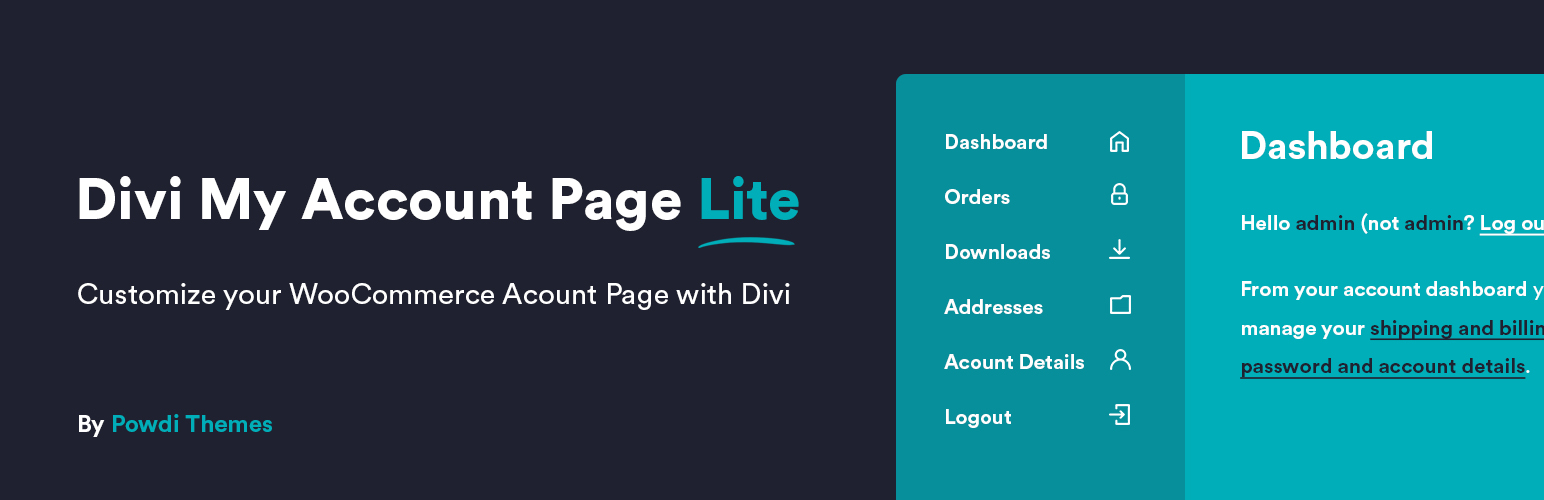
Divi My Account Page Lite 是一個輕量但功能強大的外掛,可在 Divi Builder 內完全控制預設 WooCommerce 「My Account」頁面。
無需使用簡單佈局或有限的自定義選項。透過此外掛,您可以輕鬆個性化客戶帳戶體驗,使其看起來和感覺像您的 Divi 網站的其餘部分。
問題與答案:
1. Divi My Account Page Lite 的主要功能有哪些?
- 修改 WooCommerce 終點名稱
- 自定義默認帳戶標籤的標籤,如「訂單」、「下載」或「儀表板」。
- 重新排序帳戶選項卡上的菜單項目
- 向菜單項目添加圖標
- 設置自定義登陸選項卡
- 使用 Divi My Account Page Classic 模塊
2. 如何解鎖 Pro 版本的功能?
- 建立和添加無限自定義終點
- 依用戶角色顯示或隱藏終點
- 隱藏默認或自定義終點
- 禁用默認 WooCommerce 內容
- 在終點內容之前或之後插入 Divi 库項
- 新的 Divi 模塊:增強終點顯示
3. 使用 Divi My Account Page Lite 和 Pro 版本可以協助建立哪些類型的網站體驗?
- 在線商店、會員網站或客戶端入口網站時
- 提供更優雅、個性化的體驗,透過 Pro 版本可以解鎖完整的設計自由
這些功能和優點可以協助您打造專業且具一致性的 WooCommerce 體驗,無需撰寫一行程式碼。
外掛標籤
開發者團隊
② 後台搜尋「My Account Page Lite for Divi」→ 直接安裝(推薦)
原文外掛簡介
Customize Your WooCommerce My Account Page with Divi – The Easy Way!
Divi My Account Page Lite is a lightweight yet powerful plugin that gives you more control over the default WooCommerce “My Account” page – all within the Divi Builder.
No more plain layouts or limited customization options. With this plugin, you can easily personalize the customer account experience and make it look and feel like the rest of your Divi-powered website.
Perfect for store owners, designers, developers and any Divi users who want to create a cohesive and professional WooCommerce experience — without writing a single line of code.
🎁 Free Divi My Account Layout Pack
To help you get started faster, we’ve created a free set of ready-to-use Divi layouts for the WooCommerce My Account page.
These layouts are designed to work perfectly with Divi My Account Page Lite and let you instantly see what’s possible with real designs — no building from scratch.
👉 Download the free layout pack
✅ Features in the Free (Lite) Version:
Rename WooCommerce Endpoints
Customize the labels of default account tabs like “Orders,” “Downloads,” or “Dashboard.”
Reorder Account Menu Items
Drag and drop menu items to change the tab order to fit your user journey.
Add Icons to Menu Items
Improve usability with clean icons next to each menu item.
Set a Custom Landing Tab
Choose any WooCommerce endpoint as the default tab when users open their account page.
Use the Divi My Account Page Classic Module
A dedicated Divi module to style WooCommerce endpoint pages visually using Divi’s design tools.
🚀 Unlock More Power with the Pro Version:
Upgrade to Divi My Account Page Pro to get full control over the WooCommerce account experience:
Create and Add Unlimited Custom Endpoints
Add new tabs with custom content, shortcodes, or Divi layouts.
Show or Hide Endpoints by User Role
Display custom or default tabs only for specific user roles (e.g., customers, subscribers, admins).
Hide Default or Custom Endpoints
Clean up the account menu by removing tabs you don’t need — without editing code.
Disable Default WooCommerce Content
Replace WooCommerce’s default content with fully custom Divi-designed layouts.
Insert Divi Library Items Before or After Endpoint Content
Add banners, upsells, help boxes, or anything else from your Divi Library — directly inside the account page.
New Divi Module: Enhanced Endpoint Display
Style endpoint content even further or display multiple endpoints on a single page (e.g., show Dashboard + Orders together).
Whether you’re building an online store, membership site, or client portal, Divi My Account Page Lite helps you deliver a more elegant, personalized experience — and with the Pro version, you unlock complete design freedom.
👉 Start with Lite. Upgrade to Pro when you’re ready to go further.
🔗 View Demo: Click here to see the plugin in action
Documentation
All of our documentation can be found in our Knowledgebase.
Additional helpful links:
Divi My Account Page Lite Documentation
Divi My Account Page Pro Documentation
If you have any questions about this plugin, you can post a thread in the WordPress.org forum. Please search existing threads before starting a new one.
Source Code
https://github.com/sewerel/my-account-page-lite-for-divi.git