內容簡介
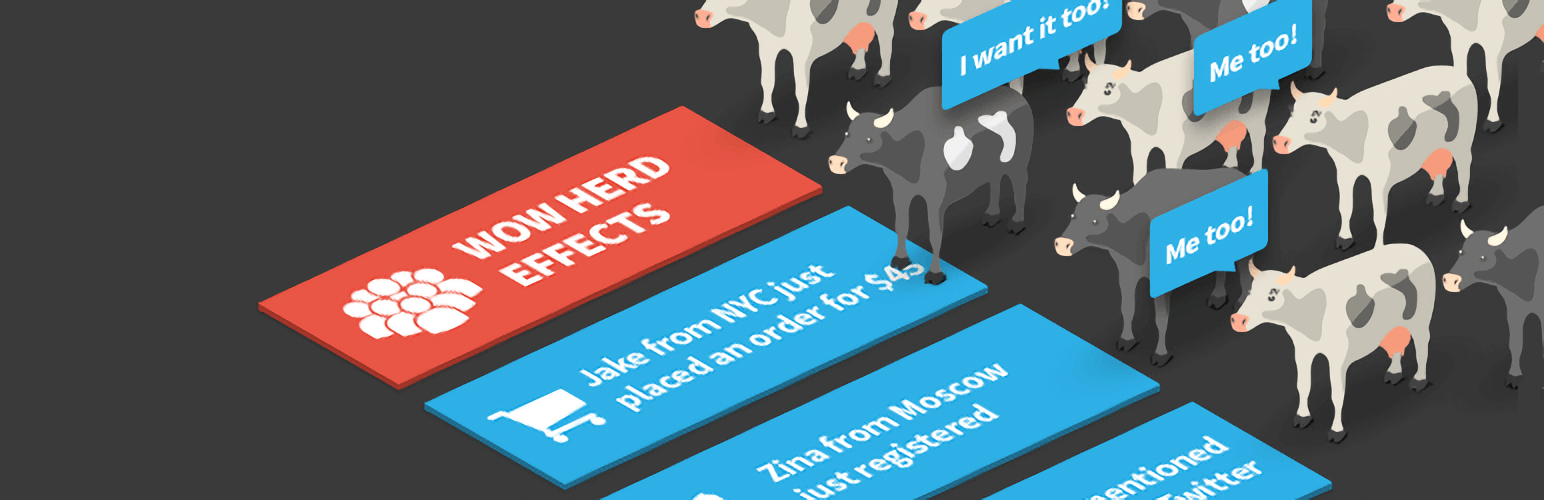
Herd Effects 是一款社交證明通知外掛,讓你在 WordPress 網站上建立自訂彈出式通知,模擬購買、註冊等活動,藉此提升訪客信任感與轉換率,且完全符合 GDPR 規範。
【主要功能】
• 自訂彈出通知模板,可使用姓名、地點等變數
• 手動定義模擬資料,營造社交證明效果
• 彈性控制通知顯示時間間隔
• 內建超過 2,000 個 FontAwesome 圖示可選用
• 支援短代碼,可在網站任意位置顯示通知
• 進階顯示設定,依裝置、螢幕尺寸或使用者行為控制
外掛標籤
開發者團隊
② 後台搜尋「Social Proof Popups & Real-Time Notifications – Herd Effects」→ 直接安裝(推薦)
📦 歷史版本下載
原文外掛簡介
Boost Conversions with Herd Effects – Social Proof Notifications for WordPress
Herd Effects is a flexible notification plugin that allows you to create custom popups to display simulated or user-defined activities on your website. While the plugin offers the appearance of social proof, it does not automatically pull real-time data from your site. Instead, users can create notifications by defining their own variables, such as recent purchases or signups, to simulate activity and drive engagement.
Display pop-up notifications for sales, signups, or other actions using customizable templates that capture attention and motivate visitors to act.
= Key Features of Herd Effects =
Customizable Popup Templates: Easily create your own notifications using templates with variables like names, locations, or numbers.
Simulated Activity: Users manually define the data (e.g., recent purchases or signups) to create the appearance of social proof.
Notification Timing Control: Set intervals for notifications to ensure consistent visibility.
2,000+ FontAwesome Icons: Choose from over 2,000 icons or upload custom ones to personalize notifications.
Custom Notification Titles: Personalize titles to match specific actions or events on your site.
Shortcode Support: Display notifications anywhere on your site using shortcodes.
Advanced Display Settings: Control visibility based on user activity, screen size, or specific devices.
GDPR Compliant: Cookie-free operation to ensure compliance with privacy laws.
—
Unlock even more features with the Pro version to maximize engagement with advanced notifications.
Upgrade to Pro | Demo Pro
—
= Use Cases =
Herd Effects can be used for various notifications that simulate activity on your WordPress site, including:
Recent Purchases: Create notifications for recent sales to build trust and encourage further purchases.
Registration Alerts: Display notifications for new user signups to create a sense of activity.
Service Orders: Simulate service bookings to create urgency.
Event Signups: Encourage event participation by displaying simulated or user-defined event registrations.
App Installations: Show custom notifications for app downloads or installations to boost credibility.
Real-Time Activity Simulation: Showcase predefined actions like, “John from NYC just signed up,” to mimic live activity.
Note: The notifications do not reflect actual real-time user actions unless you input the data manually.
—
= Integration with Other FREE Plugins =
Maximize your notifications by integrating Herd Effects with these plugins:
Counter Box: Add countdowns and timers to complement your notifications.
Buttons: Create call-to-action buttons within your custom notifications.
Calculator Builder: Add calculators for interactive elements alongside your notifications.
Floating Button: Add sticky floating buttons to drive further engagement.
Modal Window: Create in-depth announcements with modal windows alongside your popups
Support
Need help? Visit our support center for questions or troubleshooting.