內容簡介
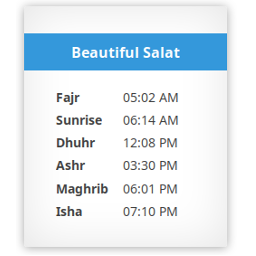
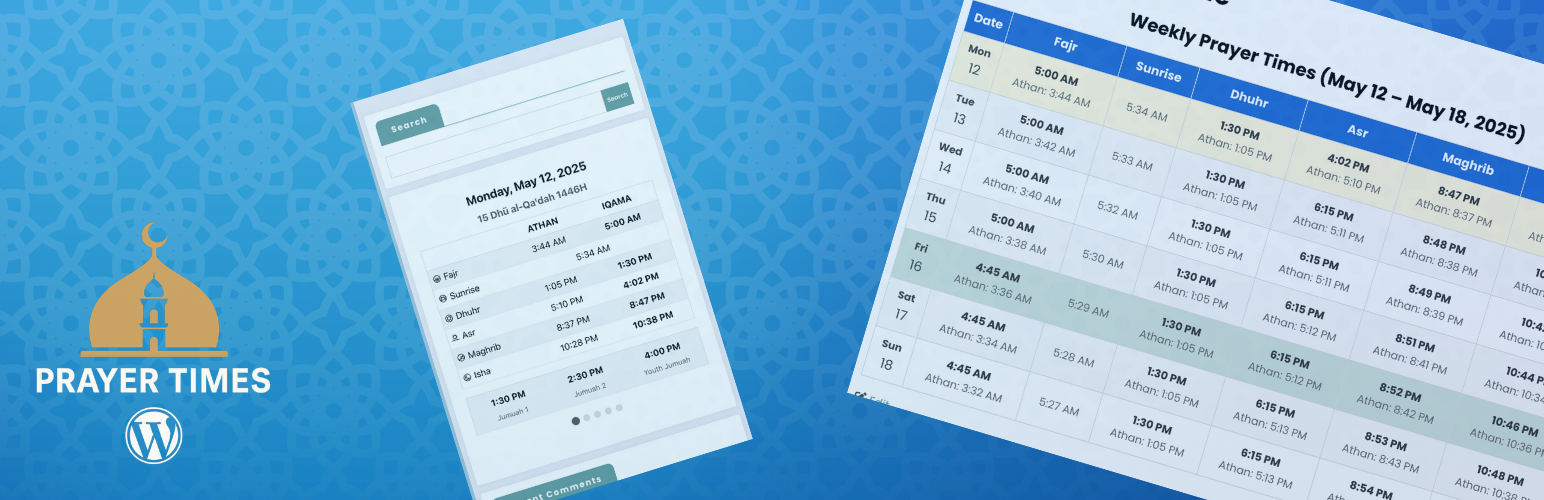
Muslim Prayer Times 是一款強大的 WordPress 外掛,能在網站上顯示每日及每月的禱告時間,特別適合清真寺、伊斯蘭中心或任何穆斯林網站使用。
【主要功能】
• 每日禱告時間顯示,包括 Athan 和 Iqama 時間
• 每月禱告時間日曆
• 自動更新的即時禱告時間顯示
• 支援 SalahAPI 1.0 標準化禱告時間數據交換
• 自訂計算方法(MWL、ISNA、埃及等)
• 提供小工具和短代碼以便整合
外掛標籤
開發者團隊
原文外掛簡介
Muslim Prayer Times is a powerful plugin that allows you to display daily and monthly prayer times on your WordPress website. Perfect for mosques, Islamic centers, or any Muslim website.
Features
Daily prayer times display with both Athan and Iqama times
Monthly prayer times calendar
Live prayer times display that updates automatically
SalahAPI 1.0 support for standardized prayer times data exchange
REST API endpoints for integration with other systems
Customizable calculation methods (MWL, ISNA, Egypt, etc.)
Blocks and shortcodes for easy integration
Admin interface to manage Iqama times
Automatic location-based prayer times
Customizable display options with multiple styles
Hijri date conversion with adjustment options
Jumuah (Friday) prayer time management
Responsive design for all devices
ETag-versioned object-cache entries that refresh after prayer-time updates
How to Use
Setting Up Prayer Times
Configure Basic Settings:
Go to Settings > Muslim Prayer Times in your WordPress dashboard
Enter your location’s coordinates (latitude and longitude) or use the “Find Coordinates by Address” feature
Select your timezone and prayer calculation method
Set Hijri date adjustment if needed
Configure Jumuah (Friday) prayer times if applicable
Configure Iqama Rules:
In the Iqama Rules tab, set rules for calculating Iqama times based on Athan times
You can choose different rules for each prayer (Fajr, Dhuhr, Asr, Maghrib, Isha)
Options include minutes after Athan, fixed times, or specific rules like “minutes before sunrise” for Fajr
Generate and Import Prayer Times:
Use the Export/Import section to generate prayer times based on your settings
Review and adjust the generated CSV file if needed
Import the CSV back into the plugin to set up your prayer schedule
Using the Blocks
The plugin includes three blocks that can be added to any post or page:
Daily Prayer Times Block:
Shows the current day’s prayer schedule with navigation for upcoming days
Ideal for homepage display or mosque information pages
Customizable colors, fonts, and display options
Monthly Prayer Times Block:
Displays a complete monthly calendar of prayer times
Perfect for providing visitors with a comprehensive prayer schedule
Options to show/hide various elements like sunrise times
Live Prayer Times Block:
Shows real-time prayer schedule with a live clock
Automatically highlights the next upcoming prayer
Ideal for digital displays in mosques when used with the Digital Signage plugin
To add a block:
1. Edit any post or page
2. Click the “+” button to add a block
3. Search for “Prayer Times” or look in the “Muslim Prayer Times” category
4. Select the block you want to add
5. Customize the block settings in the sidebar
Customization Options
Each block comes with extensive customization options:
Change colors for text, backgrounds, and headers
Adjust font sizes
Show or hide elements (date, Hijri date, sunrise times, etc.)
Choose from different table styles
Set text alignment
Customize the display of upcoming prayer time changes
For Developers
This plugin is open-source and available on GitHub: https://github.com/stankovski/wp-prayer-times
Developers can extend the plugin’s functionality or customize it further by:
* Adding custom styling with CSS
* Creating new blocks or shortcodes
* Integrating with other mosque management plugins