內容簡介
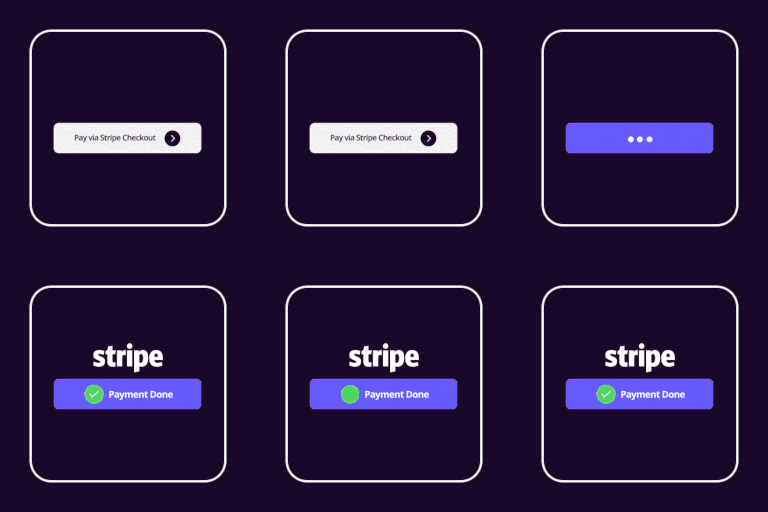
該外掛允許在音樂商店中與 Stripe 付款網關集成,接受信用卡和借記卡付款。“Stripe Payment Gateway” 部分會顯示在商店的設置頁面中,可以作為 PayPal 等其他付款網關的替代選擇。該外掛處理的付款已經具備標誌著強大客戶身份證明(SCA)的功能,兼容新的支付服務指令 (PSD 2) - 歐盟指令。該外掛的設置選項包括:啟用 Stripe 付款網關復選框、標籤(顯示在付款網關列表中,供買家選擇)、付款模式(測試(沙盒)模式還是生產模式)、公開密鑰(Stripe 公開密鑰)、秘密金鑰(Stripe 秘密金鑰)、語言(在付款彈窗中使用的語言。如果選擇了“自動”選項,則使用的語言將取決於用戶的語言)、是否要求輸入帳單地址、付款面板副標題(顯示在付款彈窗頂部的文本)和標誌圖像的 URL(顯示在付款彈窗頂部的圖像的 URL)。
外掛標籤
開發者團隊
原文外掛簡介
The plugin allows to integrate the Stripe payment gateway with the Music Store for accepting payments with credit and debit cards.
The “Stripe Payment Gateway” section appears in the store’s settings page. It can be enabled as alternative to other payment gateways like PayPal.
The payments processed by the plugin are SCA ready (Strong Customer Authentication), compatible with the new Payment services (PSD 2) – Directive (EU)
The add-on settings are:
Activate the Stripe payment gateway checkbox.
Label, the text that appears in the list of payment gateways, selectable by the buyers.
Payment mode?, to select between the test (sandbox) mode, or the production one.
Publishable key, the publishable Stripe key.
Secret key, the secret Stripe key.
Language. Select the language to use with the payment popup, if the “auto” option is selected, the language to use would dependen on the user’s language.
Ask for billing address? would include the fields for entering the billing data.
Subtitle for payment panel, the text to display at top of payment pop-up.
URL of logo image, the URL to the image to display at top of payment pop-up.