
內容簡介
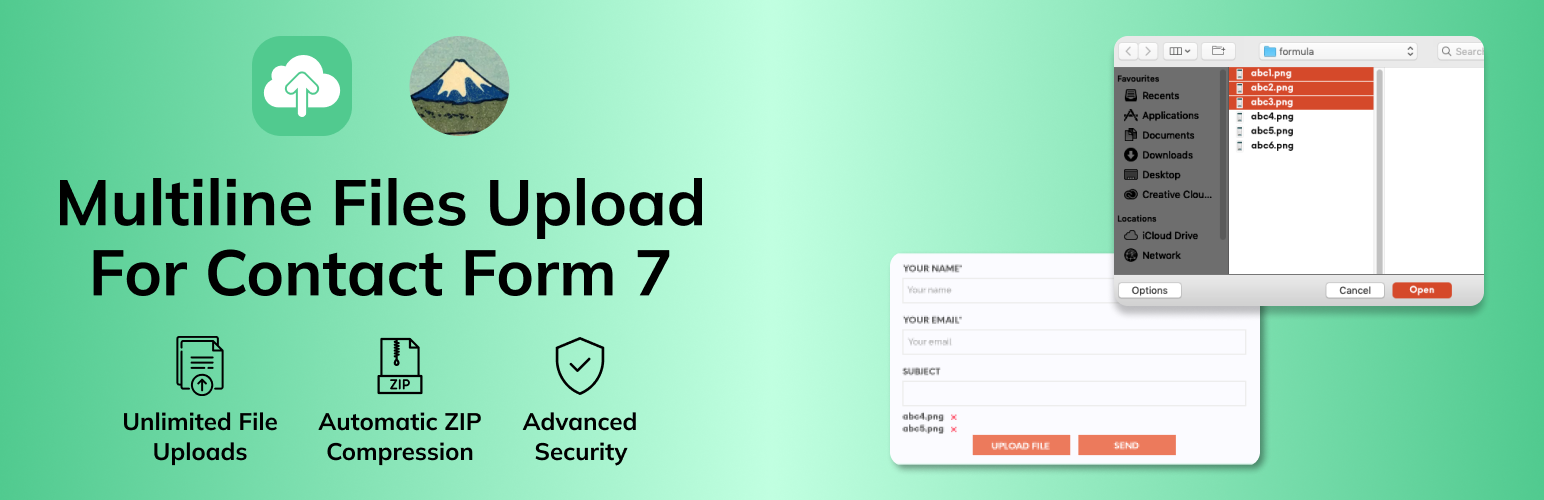
多行文件上傳讓Contact Form 7在WordPress網站上的使用者可以無限制地附加檔案上傳。使用者可以逐一上傳無限制的檔案,所選擇的檔案會以良好的方式顯示在屏幕上,使用者甚至可以刪除已選擇的檔案。管理員可以設置將所有附加的檔案通過電子郵件發送。所有檔案都將合併為一個ZIP檔。此外,此外掛可進行配置,使用者可以更改按鈕和檔案列表的樣式。
功能
通過電子郵件接收多個檔案
接受(文檔、音頻、視頻、音樂和其他類型的檔案)
允許不直接被WordPress接受的不同MIME(檔案類型)
前端上傳按鈕,方便地選擇檔案
逐一上傳檔案
檢視所選擇的檔案列表
刪除任何單個文件
具有響應式設計,上傳器可與移動設備、平板電腦、筆記本電腦和桌面電腦良好地配合使用
與最新版本的WordPress兼容
非常容易安裝和配置
要求
Contact Form 7外掛程式
您的託管伺服器上啟用了ZipArchive()擴展
WordPress(當然!)
如何使用Contact Form 7的多行文件上傳
進入Contact Form 7,編輯您的表單,然後單擊multilinefile,打開包含不同類型選項的對話框(截圖1):
文件大小限制(位元組)-允許您以位元組格式添加自定義文件大小。
允許的檔案類型 - 允許您定義允許的檔案格式,只需添加您的檔案類型代碼。在設置多個檔案類型時請用' |'(管道)隔開。
根據需要填寫對話框選項,然後單擊插入標籤按鈕生成一個短代碼。現在將此短代碼放置在您想顯示添加檔案按鈕的地方(截圖2,截圖3)
插入短代碼後,您可以在聯繫表單中看到添加檔案按鈕,請參見以下截圖(4)
現在轉到郵件面板,複製您的multilinefile上傳標籤,將其粘貼到檔案附件框中,然後單擊保存按鈕(截圖5)
現在單擊添加檔案按鈕,然後選擇您的文檔、音頻、視頻或任何類型的檔案。默認情況下,在添加檔案按鈕之前會顯示上傳的檔案列表(截圖6)
使用者可以通過單擊文件名旁邊的相應X圖標來刪除任何已選擇的檔案。
選擇了所有檔案之後,單擊發送以提交表單。非常簡單和快速。
如果您已設置接收檔案,此插件將作為單個ZIP檔發送您的上傳檔案。
高級功能 - 高級外掛
我可以在同一頁面或同一表單上添加兩個添加檔案按鈕嗎? - 此功能在我們的高級外掛中可用
我們可以設置最小/最大檔案上傳限制嗎? - 此功能在我們的高級外掛中可用
如何更改檔案列表的位置?(截圖7) - 如果您希望更改檔案列表的位置,請嘗試我們的高級外掛
如果批次選擇了多個檔案,如何刪除其中一個檔案? - 此功能在我們的高級外掛中可用
如何更改風格?
如果您希望更改我們的外掛程式按鈕或其他檔案列表樣式並應用自己的自定義樣式,請在您的佈景主題的CSS檔中添加自定義CSS。
外掛標籤
開發者團隊
② 後台搜尋「MultiLine Files for Contact Form 7」→ 直接安裝(推薦)
原文外掛簡介
MultiLine Files for Contact Form 7 is the ultimate solution for adding multiple file upload functionality to your Contact Form 7 forms. Whether you’re collecting documents, images, videos, or any other file types, this plugin provides a seamless, user-friendly experience that enhances your forms’ capabilities.
Why Choose MultiLine Files for Contact Form 7?
✅ Unlimited File Uploads – No restrictions on the number of files users can upload
✅ Intuitive User Interface – Clean, responsive design that works on all devices
✅ Smart File Management – Users can preview, remove, and manage files before submission
✅ Automatic ZIP Compression – All files are automatically compressed into a single ZIP file for easy email delivery
✅ Advanced Security – Built-in file type validation, size limits, and security measures
✅ Easy Integration – Works seamlessly with Contact Form 7 without complex setup
✅ Fully Responsive – Perfect experience on desktop, tablet, and mobile devices
Perfect For:
Document submission forms
Portfolio uploads
Job application forms
Support ticket systems
Content submission platforms
Any form requiring multiple file attachments
How to change style?
If you want to change our plugin button or others file listing style and apply your custom style please add your custom css in your theme’s css file. Adding style in child theme is recommended. Here I have shown style guide for button and listing. so, you can easily update style of the elements.
Buttton style: #mfcf7_zl_add_file { background-color: #004834; }
‘X’ icon style: .mfcf7_zl_multifilecontainer p .mfcf7_zl_delete_file i { color: azure; }
Selected file name style: .mfcf7-zl-multifile-name { color: black; }
Premium Features
Upgrade to Pro for Advanced Features:
🎯 Multiple Upload Buttons – Add multiple file upload fields in the same form
📊 File Limits – Set minimum and maximum file count limits
🎨 Custom Positioning – Change the location of the file list display
🗑️ Individual File Removal – Remove files one by one even when selected together
🚀 Priority Support – Get faster response times and dedicated support
🔧 Advanced Customization – More styling and configuration options
Get Pro Version Now
Need Help?
📧 Email Support: Contact us through the WordPress.org support forums
🐛 Bug Reports: Report issues on our GitHub repository
💡 Feature Requests: Suggest new features via our support channels
Privacy Policy
This plugin does not collect, store, or transmit any personal data. All file uploads are handled locally on your server and are not sent to any third-party services. Files are temporarily stored during form submission and are automatically cleaned up after processing.
Credits
Developed by Zluck Solutions with ❤️ for the WordPress community.
Donate
If you find this plugin helpful, please consider buying us a coffee to support continued development and maintenance.
