內容簡介
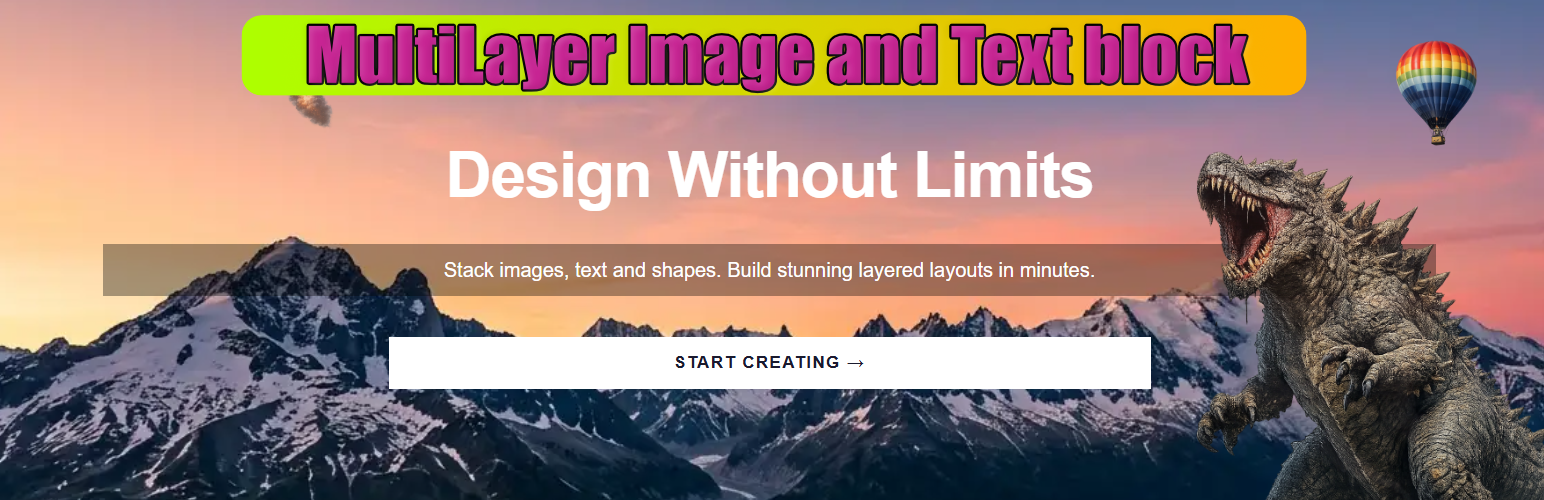
MultiLayer Image and Text Block 外掛幫助使用者在 WordPress 區塊編輯器中輕鬆建立專業的英雄區域、橫幅及創意組合,無需撰寫程式碼。使用者可以自由堆疊無限的圖像、文字和按鈕層,快速轉換簡單的橫幅為完整的行動呼籲佈局。
【主要功能】
• 無限層級:在同一容器中添加圖像、文字和按鈕層
• 專屬按鈕層:創建真正的行動呼籲連結
• 原生連結選擇器:選擇內部內容或輸入外部網址
• 按鈕樣式預設:快速使用主要、強調、柔和或輪廓樣式
• 自由定位:使用百分比或像素控制層的位置
• 響應式佈局:適應桌面、平板和手機的靈活定位
外掛標籤
開發者團隊
② 後台搜尋「MultiLayer Image and Text Block」→ 直接安裝(推薦)
原文外掛簡介
MultiLayer Image and Text Block helps you build professional hero sections, banners, and creative compositions directly inside the WordPress block editor.
Stack unlimited image, text, and button layers, position them freely, and turn a simple banner into a complete call-to-action layout without writing code.
Perfect for:
Hero sections with layered images, typography, and CTA buttons
Promotional banners and campaign sections
Creative photo compositions
Landing page headers
Portfolio showcases
Visual blocks that need both design freedom and clickable actions
Key Features:
Unlimited Layers: Add image, text, and button layers in the same container
Dedicated Button Layer: Create real call-to-action links, not just styled text
Native Link Picker: Choose internal WordPress content or enter an external URL
New Tab Control: Open links in the same tab or safely in a new tab
Button Style Presets: Start quickly with Primary, Accent, Soft, or Outline styles
Fill and Outline Variants: Switch between solid and outlined button designs
Button Colors and Hover: Control text, background, and border colors for normal and hover states
Border Controls: Set width, style, color, and radius independently
Fixed or Fit Content Width: Size buttons manually or let them adapt to their text
Typography Controls: Font family, size, weight, spacing, transform, alignment, and line height
Modern Sidebar UI: Gutenberg-style ToolsPanel controls with collapsible and resettable options
Free Positioning: Position layers with percentage or pixel controls
Image Fit Modes: Cover, contain, fill, scale down, or free sizing
Layer Management: Rename, reorder, duplicate, select, and remove layers
Z-Index and Opacity: Control stacking order and transparency
Responsive Layouts: Flexible positioning for desktop, tablet, and mobile
Quick Demo Layouts: Load sample compositions to get started instantly
Backward Compatibility: Existing blocks and legacy block names remain supported
Credits
Developed by Nick Digital Projects.