內容簡介
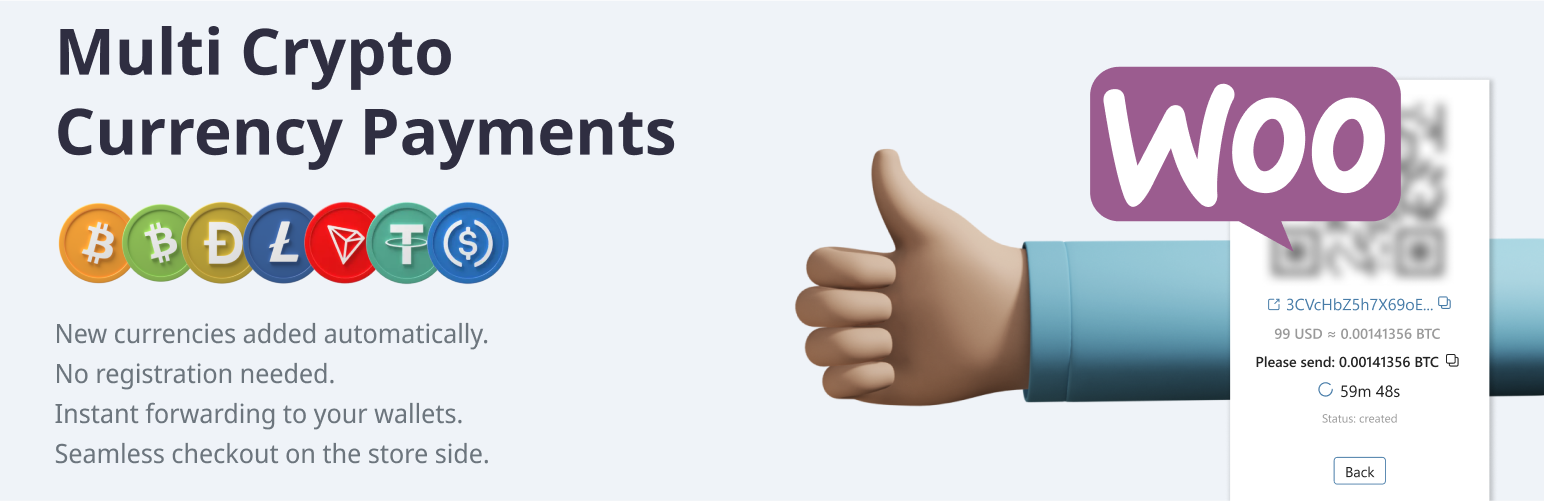
Multi CryptoCurrency Payments 外掛允許您的商店接受多種流行的加密貨幣(如 BTC、LTC、BCH、Doge 等),並透過自動轉發支付流程將付款直接轉入您的錢包,無需繁瑣的 KYC 認證。
【主要功能】
• 自動將付款轉發至您的錢包
• 固定手續費,少量付款完全免費
• 無需 KYC 認證即可使用
• 白標處理,無需重定向或廣告
• 全球範圍內均可使用
• 支援 Tor 網路
外掛標籤
開發者團隊
② 後台搜尋「Multi CryptoCurrency Payments」→ 直接安裝(推薦)
原文外掛簡介
Accept the most popular cryptocurrencies (BTC, LTC, BCH, Doge etc.) on your store all around the world. Use any crypto supported by provider to accept coins using the Forwarding payment process.
Key features:
Payment automatically forwards from temporarily generated crypto-address directly into your wallet (temp address identify payment to exact order)
The payment gateway has a fixed fee which does not depend on the amount of the order. Small payments are totally free. https://apirone.com/pricing
You do not need to complete a KYC/Documentation to start using our plugin. Just fill in settings and start your business.
White label processing (your online store accepts payments on the store side without redirects, iframes, advertisements, logo, etc.)
This plugin works well all over the world.
Tor network support.
How does it work?
The Buyer adds items into the cart and prepares the order.
Using API requests, the store generates temporary crypto (BTC, LTC, BCH, Doge) address and show a QR code.
Then, the buyer scans the QR code and pays for the order. This transaction goes to the blockchain.
The payment gateway immediately notifies the store about the payment.
The store completes the transaction.
Supported currencies
Bitcoin
Bitcoin (testnet)
Litecoin
Bitcoin Cash
Dogecoin
TRON
Ethereum
BNB SMART CHAIN
TON/GRAM
USDC (TRC20), USDC (ERC20), USDC (BEP20)
USDT (TRC20), USDT (ERC20), USDT (BEP20), USDT (TON)
Installation via WordPress Plugin Manager
Go to WordPress Admin panel > Plugins > Add New in the admin panel.
Enter “Multi CryptoCurrency Payments” in the search box.
Click Install Now.
Fill settings of your crypto addresses into Plugin Settings: WooCommerce > Settings > Payments > Multi CryptoCurrency Payments. Turn the “On” checkbox in the Plugin on the same setting page.
Third Party API & License Information
API website: https://apirone.com
API docs: https://apirone.com/docs/
Privacy policy: https://apirone.com/privacy-policy
Support: [email protected]