內容簡介
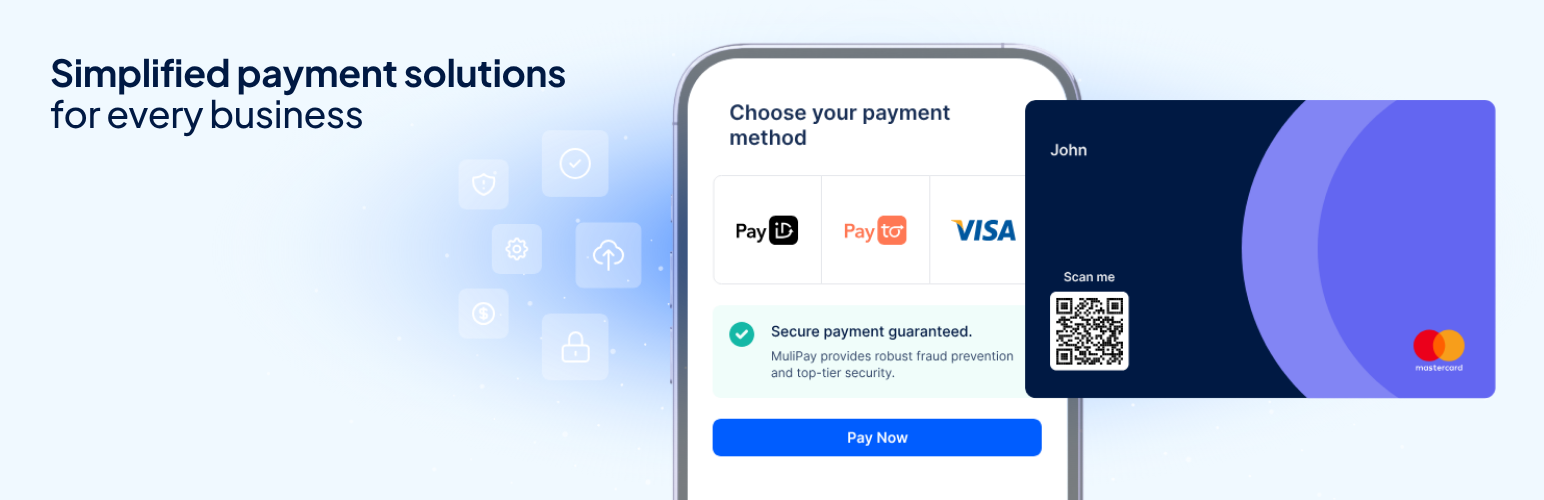
MuliPay Payments for WooCommerce 外掛幫助商家將其 WooCommerce 商店連接至 MuliPay,無需自訂開發。顧客可在 MuliPay 的安全結帳頁面完成付款,並在付款狀態變更時自動更新 WooCommerce 訂單。
【主要功能】
• MuliPay 提供的安全結帳頁面
• 支援多種 MuliPay 付款方式
• WooCommerce 自動更新付款狀態
• 從 WooCommerce 管理介面進行全額及部分退款
• 相容於 WooCommerce 高效能訂單儲存 (HPOS)
• 支援經典及區塊式 WooCommerce 結帳
外掛標籤
開發者團隊
② 後台搜尋「MuliPay Payments for WooCommerce」→ 直接安裝(推薦)
原文外掛簡介
MuliPay Payments for WooCommerce helps merchants connect their WooCommerce store to MuliPay without custom development. Customers complete payment on MuliPay’s secure hosted checkout page, and WooCommerce orders are updated automatically when payment status changes.
Features
Hosted checkout powered by MuliPay
Support for multiple payment methods available through MuliPay
Automatic payment status updates in WooCommerce
Full and partial refunds from the WooCommerce admin
Compatibility with WooCommerce High-Performance Order Storage (HPOS)
Support for classic and block-based WooCommerce checkout
Signed payment notifications from MuliPay for secure order updates
Before you start
To use this plugin, you need an active WooCommerce store, a MuliPay merchant account, and MuliPay API credentials. MuliPay currently supports AUD (Australian Dollar).
How it works
At checkout, the plugin creates a MuliPay hosted checkout page for the order. The customer is redirected to MuliPay to pay. When payment status changes, MuliPay notifies your store so the WooCommerce order can be updated automatically.
External service
This plugin connects to MuliPay to start hosted checkout, manage the customer details needed for payment, keep order statuses in sync, and process refunds. Requests are sent to MuliPay’s production or sandbox service, depending on the mode selected in the plugin settings.
When embedded checkout is enabled, the customer’s browser loads the MuliPay checkout SDK from https://js.mulipay.com/. The SDK securely collects and sends payment details directly to MuliPay so that sensitive card or bank information does not pass through this plugin or your WordPress server.
Data is sent to MuliPay’s servers when:
API credentials are submitted to connect your store to MuliPay, or a refresh token is submitted to keep that connection active.
A customer payment record is created or looked up. This may include the customer’s billing email address, billing first name, billing last name, and generated customer reference.
A customer places an order. This may include the WooCommerce order ID, order number, currency, total amount, checkout description, item names, item quantities, item totals, payer ID, and return URL.
A customer uses embedded checkout. The MuliPay SDK receives the payment details entered in the embedded form, the selected payment method, and the payment-session identifier directly from the customer’s browser.
A refund is initiated from the WooCommerce admin. This may include the MuliPay payment transaction ID, refund amount, and refund reason.
Payment notifications are registered or verified. This may include the store notification URL and MuliPay payment event type.
Use of MuliPay services is subject to MuliPay’s Terms of Service and Privacy Policy.