
內容簡介
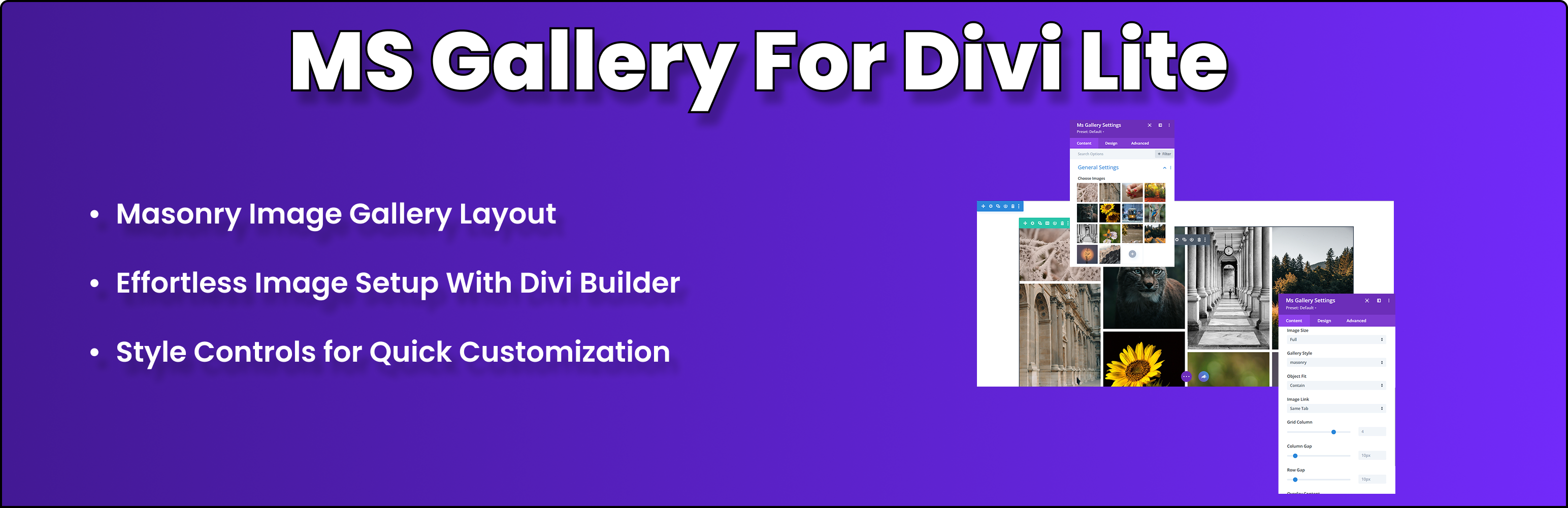
總結:Ms Gallery For Divi Lite 是一個輕巧而強大的外掛,可將令人驚艷的磚塊畫廊模塊添加到 Divi Builder 中。輕鬆創建類似 Pinterest 風格的響應式圖像畫廊,可定制佈局、圖像尺寸和優雅的懸停效果。
問題與答案:
1. Ms Gallery For Divi Lite 的主要特點有哪些?
- 磚塊佈局:創建類似 Pinterest 風格的響應式畫廊,圖像高度各異
- Divi Builder 整合:與 Divi Visual Builder 原生配合
- 響應式設計:針對桌面、平板和移動設備進行優化佈局
- 可定制網格:控制列數 (1 到 5) 和圖像之間的間距
- 圖像尺寸選擇:選擇 WordPress 圖像尺寸(縮略圖、中型、大型、完整)
- 懸停效果:懸停時內建的比例和陰影動畫
- 先進樣式:邊框設置和自定義 CSS 選項
- 性能優化:輕量並快速加載的前端
- 輕鬆選擇圖像:從 WordPress 多媒體庫中選取圖像
2. Ms Gallery For Divi Lite 的響應式佈局是怎麼樣的?
- 桌面:最多 5 列
- 平板(≥910px):3 列
- 移動(≥768px):2 列
- 小型移動 (<575px):1 列
3. Ms Gallery For Divi Lite 是適合哪些用途?
- 攝影作品集
- 產品展示
- 博客圖像畫廊
- 需要時尚圖像佈局的任何 Divi 風格網站
外掛標籤
開發者團隊
原文外掛簡介
Ms Gallery For Divi Lite is a lightweight and powerful plugin that adds a stunning masonry gallery module to the Divi Builder. Create Pinterest-style responsive image galleries with ease—complete with customizable layouts, image sizes, and elegant hover effects.
✨ Key Features:
Masonry Layout – Create Pinterest-style responsive galleries with varying image heights
Divi Builder Integration – Works natively with the Divi Visual Builder
Responsive Design – Optimized layouts for desktop, tablet, and mobile devices
Customizable Grid – Control number of columns (1–5) and spacing between images
Image Size Options – Choose from WordPress image sizes (thumbnail, medium, large, full)
Hover Effects – Built-in scale and shadow animations on hover
Advanced Styling – Border settings and custom CSS options
Performance Optimized – Lightweight and fast-loading frontend
Easy Image Selection – Pick images from the WordPress Media Library
📱 Responsive Layouts:
Desktop: Up to 5 columns
Tablet (≥910px): 3 columns
Mobile (≥768px): 2 columns
Small Mobile (<575px): 1 column
🎯 Perfect For:
Photography portfolios
Product showcases
Blog image galleries
Any Divi-powered website needing stylish image layouts
Credits
Developed by lionecoders.
Source Code & Build Process
The unminified source code for this plugin’s JavaScript and CSS is available in the /src directory of this plugin.
If you wish to build the minified files yourself, run npm install and npm run build in the plugin root.
For more details, see our GitHub repository: https://github.com/lionecoders/ms-gallery-for-divi-lite













