外掛標籤
開發者團隊
原文外掛簡介
Stop guessing why your WordPress site is slow.
Mochyon Pulse analyzes every layer of your site’s performance — from Google Core Web Vitals to individual plugin impact — and tells you exactly what to fix first. One click, no configuration, and (mostly) plain English results.
This is a diagnostic tool that gives you a clear, prioritized report that helps you take action.
How It Works
Click “Run New Analysis” in your WordPress admin
Pulse scans your site
You’ll see a complete performance report with prioritized recommendations
That’s it. No API keys, no setup wizard, no configuration.
What You Get
A performance analysis that covers:
Core Web Vitals — your real-world LCP, INP, CLS, and TTFB scores from Google, with pass/warn/fail ratings
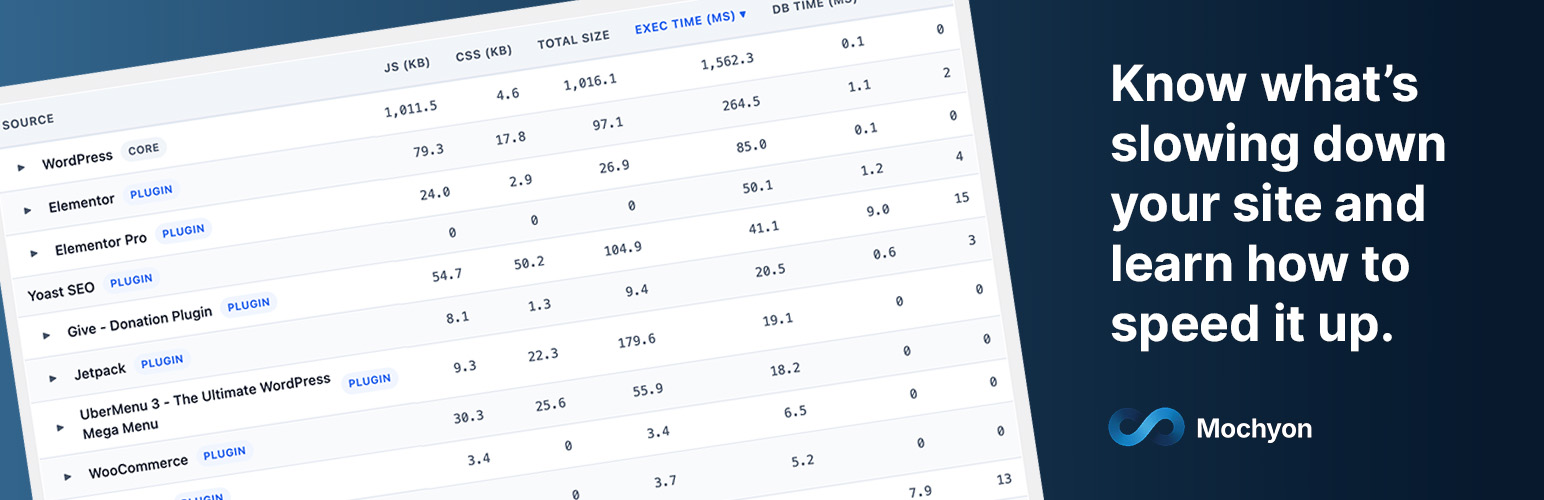
Per-plugin performance impact — see exactly how much load time, JavaScript, CSS, and database queries each plugin adds to your page
Asset inventory — every script and stylesheet on your page, sized and attributed to the plugin that loaded it
Environment check — PHP version, CDN detection, compression support, and server configuration
Plugin inventory — optimization gaps, redundant plugins, and missing essentials
Results you can understand and share:
Plain English narrative — a written summary that explains what’s wrong, why it matters, and what to do about it
Impact-prioritized findings — issues ranked by their actual effect on your Core Web Vitals, so you know what to fix first
PDF reports — download a polished report to share with your developer, agency, or hosting provider
Historical tracking — compare your baseline, previous scan, and latest results side by side to measure progress
Who It’s For
Site owners who know their site is slow but don’t know why
Freelancers and agencies who need to explain performance issues to clients
Developers who want a quick diagnostic before diving into optimization
Anyone evaluating whether their plugins, hosting, or theme is the bottleneck