內容簡介
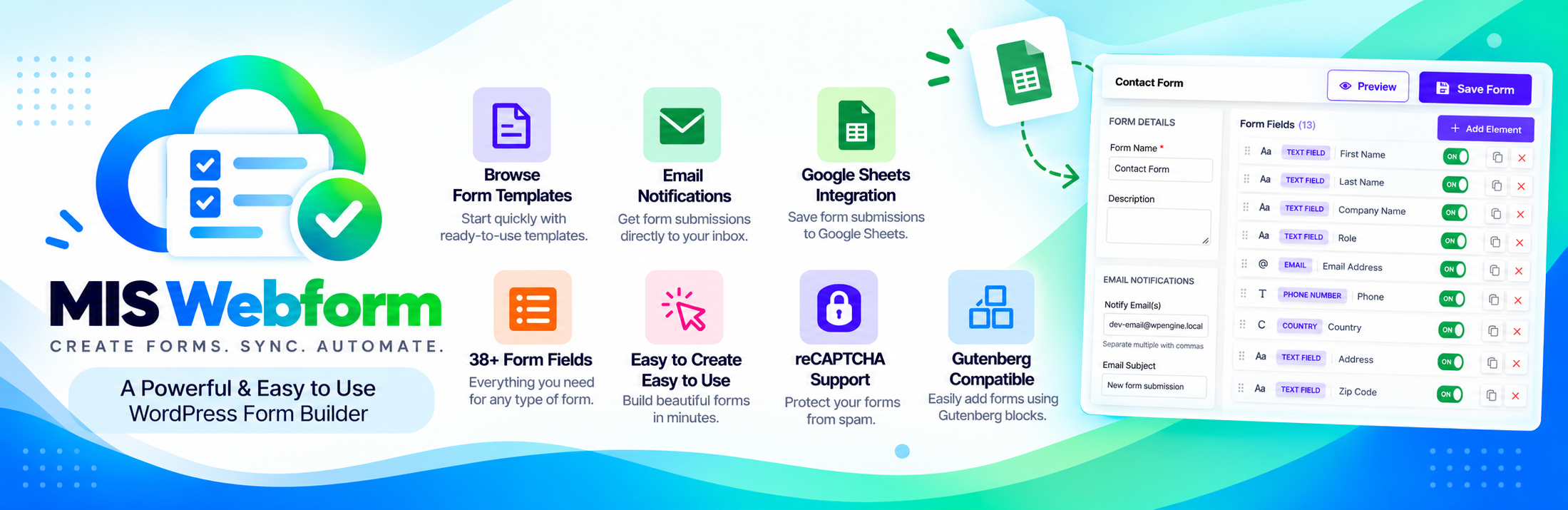
MIS Webform 是一款功能齊全的 WordPress 表單建構器,讓使用者能在幾分鐘內創建聯絡表單、調查、註冊表單及多步驟表單,無需編碼,且不限制表單或提交數量。
【主要功能】
• 拖放式表單建構器,支援 38 種以上欄位類型
• 8 種現成模板:聯絡、捐款、會員、課程註冊等
• 多步驟表單,附進度條
• 條件邏輯:根據訪客回答顯示或隱藏欄位
• 檔案上傳:支援圖片、文件、音訊及影片
• 表單分析儀表板:查看、提交及轉換率
外掛標籤
開發者團隊
原文外掛簡介
MIS Webform is a full-featured form builder for WordPress. Create contact forms, surveys,
registration forms, and multi-step forms in minutes. No coding needed, and no limit on forms or
submissions.
Features
Drag-and-drop form builder with 38+ field types
8 ready-made templates: contact, donation, membership, course enrollment, event RSVP, file
upload, poll, and survey
Multi-step forms with a progress bar
Conditional logic: show or hide fields based on the visitor’s answers
File uploads: images, documents, audio, and video, with file type and size limits
Signature field: visitors sign with their mouse or finger
Form validation: required fields, length limits, and custom error messages
Email notifications to you, plus an optional copy to the visitor
Spam protection: honeypot, Google reCAPTCHA, and submission rate limiting
Form block for the WordPress block editor, plus a shortcode for any page
Live preview of your form before you publish it
Submissions inbox with unread markers, file downloads, and CSV export
Form analytics dashboard: views, submissions, and conversion rate for the last 7 days
Google Sheets sync: send every new submission to a Google spreadsheet automatically
Privacy friendly: works with the WordPress personal data export and erase tools
Field types
Text, email, phone, number, website, date, time, dropdown, multi-select, radio buttons,
checkboxes, toggle, name, address, country, star rating, slider, Likert scale, color picker,
signature, terms and conditions, hidden field, file upload, page break, and more.
External services
This plugin can connect to two Google services. Both are off by default and only work after you
set them up.
Google reCAPTCHA (optional spam protection for a form)
Sends: the visitor’s reCAPTCHA answer and IP address to Google, when they submit a form that has
reCAPTCHA turned on. The reCAPTCHA script is loaded from https://www.google.com/recaptcha/api.js
and the answer is checked at https://www.google.com/recaptcha/api/siteverify.
When: only on forms where you turned reCAPTCHA on and added your own keys.
Privacy Policy and Terms of Service
Google Sheets (optional, MIS Webform → Google Sheets)
Sends: your service account sign-in to https://oauth2.googleapis.com/token, and the form
answers you chose to https://sheets.googleapis.com/v4/spreadsheets/. These answers can include
personal data the visitor entered.
When: only after you connect a Google account and turn on a feed for a form.
Privacy Policy, Terms of Service, and Google APIs Terms
Nothing else is sent anywhere. All other files are bundled with the plugin.
Credits
Date and time picker: flatpickr 4.6.13 (MIT license).