內容簡介
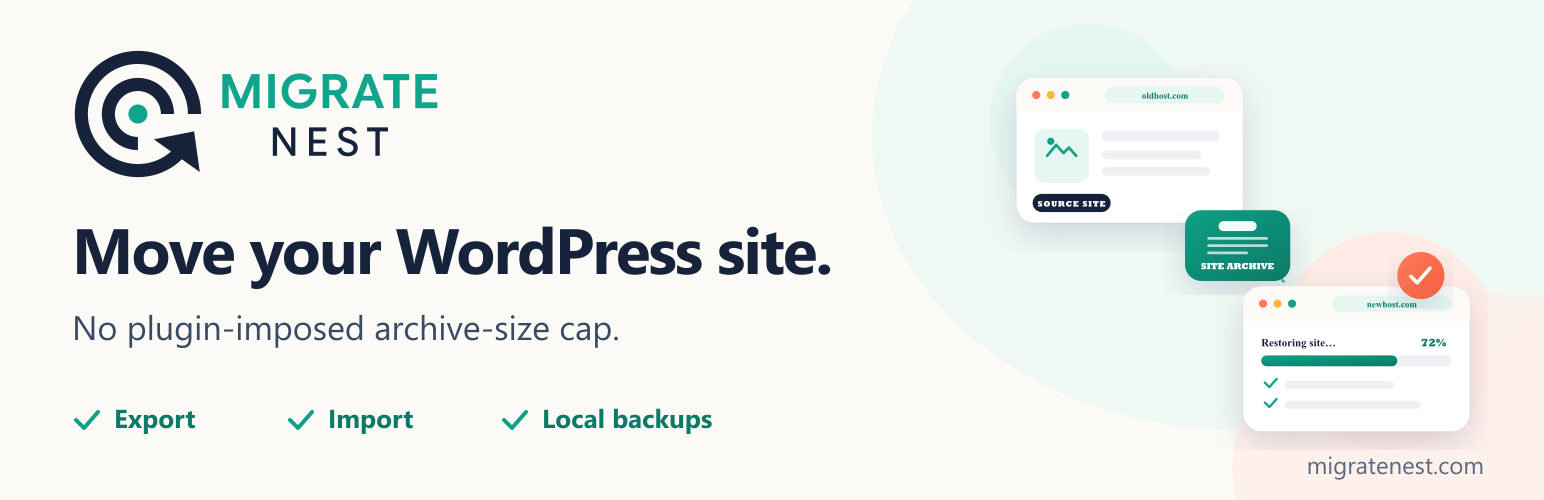
MigrateNest 是一款專為 WordPress 設計的外掛,幫助用戶輕鬆地將網站遷移至其他主機或網域,並提供手動備份和從可攜式檔案恢復網站的功能。它支援無限制的檔案大小,讓遷移過程更加順暢。
【主要功能】
• 一鍵匯出整個網站為單一檔案
• 自訂匯出內容:資料庫、媒體、外掛、佈景主題等
• 支援大型網站的分批匯出
• 自動更新網址以符合新網域
• 無檔案大小限制的匯入功能
• 提供手動備份選項
外掛標籤
開發者團隊
② 後台搜尋「MigrateNest – Migrate, Backup & Restore WordPress」→ 直接安裝(推薦)
原文外掛簡介
MigrateNest helps you migrate WordPress to another host or domain, create a manual backup, and restore a site from a portable archive. Free export and import include your database, media library, plugins, themes and other wp-content files, with no plugin-imposed archive-size cap.
Move your site by exporting a single .ewpm archive on the source site and importing it on the destination. MigrateNest updates site URLs, including URLs stored in serialized data. Basic migration, URL replacement and manual local backups do not require a paid license.
No plugin-imposed archive-size cap (free) – archives are uploaded in chunks by design, so imports do not depend on PHP’s normal whole-file upload ceiling or an Unlimited Extension. Available disk, memory, database, filesystem, network, proxy, and execution-time limits still depend on the host.
How to migrate WordPress to another host or domain
Install and activate MigrateNest on the source and destination WordPress sites. WordPress must already be installed on the destination.
On the source site, open MigrateNest and export the database and content you want to move. Download the .ewpm archive.
Back up the destination before importing: a restore replaces its database and the content included in the archive.
On the destination site, import the archive, review the pre-flight checks and confirm the restore. URLs are updated for the destination site.
Sign in using the restored site’s administrator account and check your pages, media and permalinks.
Export (free)
One-click export of your whole site into a single archive
Choose exactly what to include: database, media, plugins, themes, other files
Pick individual plugins and database tables
Advanced find & replace with serialized-data safety and optional email-domain protection
Time-budgeted batching for large sites
Import (free)
Drag & drop – no plugin-imposed total archive-size cap
Automatic URL migration when restoring to a different domain
Live progress with an activity log
Manual backups (free) – keep archives on the server and restore any of them on demand.
Pro features (annual license from migratenest.com – Personal $79 / 2 sites, Freelancer $149 / 10 sites, Agency $299 / 50 sites – same price every year)
Every plan:
Scheduled backups (daily / weekly / monthly) with retention strategies
Cloud destinations: Google Drive (one-click OAuth), Dropbox, OneDrive, Box, pCloud, Amazon S3 & S3-compatible (DigitalOcean Spaces, Backblaze B2, Google Cloud Storage, Wasabi, Cloudflare R2, MinIO), Azure Blob Storage, WebDAV (Nextcloud, ownCloud), FTP/FTPS
Restore verification and recovery points
Sync: full push and selective differential push with conflict detection
Pro auto-updates
Fair licenses: activations you control, and you can deactivate a site to free a seat
Freelancer and Agency add:
Remote Pull: site-to-site migration over authenticated REST
WP-CLI automation
Agency adds:
Multisite tools: export one site of a network as a standalone site, or add a standalone site into a network
Always excluded for safety: WordPress core files (wp-admin, wp-includes), wp-config.php, .htaccess and the backups folder itself.
What a restore writes outside this plugin’s own folder. A restore rewrites wp-content file by file while the import keeps making requests, and each of those requests boots WordPress and loads every active plugin — including one that is half-written at that instant. That fatals the request and leaves the site broken mid-restore. To prevent it, MigrateNest installs a small must-use plugin at wp-content/mu-plugins/ewpm-import-guard.php for the duration of the restore, because loading before other plugins is the only way to stop them loading at all. It is written only when a restore starts, it is deleted when the restore finishes, and if mu-plugins cannot be created or written the restore simply proceeds without it. Nothing else is written outside the backups folder.
MigrateNest is independent software and is not affiliated with ServMask or All-in-One WP Migration.
Free vs Pro
Free: chunked export/import with no plugin-imposed archive-size cap, search-replace, manual backups
Personal: scheduling, cloud offload, restore verification, recovery points, Sync
Freelancer: everything in Personal, plus Remote Pull and WP-CLI
Agency: everything in Freelancer, plus the multisite tools and priority support
External services
This package (the free plugin) makes no outbound network requests of its own. It has no licence check, no update check and no analytics. The only request it can ever make is an error report, and only after an administrator explicitly turns that on — see “Optional error reporting” below.
The services listed after that are reached only by the separate MigrateNest Pro add-on, and only for the destination or feature you configure. No third-party hostname appears anywhere in this package; the shared interface code here is generic, and the add-on supplies the endpoints at runtime. They are documented anyway so you can see, before installing anything, exactly what the paid add-on would contact and what it would send. Nothing in this package contacts them under any circumstances.
Optional error reporting (off by default)
Under Settings → Diagnostics an administrator may switch on “Send error reports”. While it is on, and only when an error is actually logged, one request is sent to migratenest.com containing: your site URL, the plugin/WordPress/PHP versions, the error message, and the redacted context of the failing operation. No passwords, keys, tokens or site content are included. It is off on a fresh install, it never sends anything on a successful operation, and it can be turned off again at any time.
Provided by Omer Shafqat (migratenest.com) — Terms · Privacy Policy
Services used by the Pro add-on
migratenest.com — licence activation and verification, Pro update checks, and the OAuth broker used by the one-click cloud connect buttons. Sends your licence key, site URL and plugin version when you activate a licence or when an update check runs; the broker receives only the sign-in exchange and returns the resulting access token to your site. The broker is used only if you choose one-click connect instead of entering your own app credentials. Terms · Privacy Policy
Google (accounts.google.com, oauth2.googleapis.com, www.googleapis.com, storage.googleapis.com) — used when Google Drive is configured as a backup destination, and when Google Cloud Storage is chosen as the S3-compatible endpoint. Sends the OAuth sign-in exchange and then uploads your archive file to the account you authorised. Google Terms · Google Cloud Terms · Privacy Policy
Dropbox (dropbox.com, api.dropboxapi.com, content.dropboxapi.com) — used when Dropbox is configured as a backup destination. Sends the OAuth sign-in exchange and uploads your archive file. Terms · Privacy Policy
Microsoft (login.microsoftonline.com, graph.microsoft.com, *.blob.core.windows.net) — used when OneDrive or Azure Blob Storage is configured as a backup destination. Sends the sign-in exchange or your storage account credentials, and uploads your archive file. Services Agreement · Privacy Statement
Box (account.box.com, api.box.com, upload.box.com) — used when Box is configured as a backup destination. Sends the OAuth sign-in exchange and uploads your archive file. Terms · Privacy Policy
pCloud (my.pcloud.com, api.pcloud.com, eapi.pcloud.com) — used when pCloud is configured as a backup destination. Sends the OAuth sign-in exchange and uploads your archive file. Terms · Privacy Policy
Amazon Web Services (s3.*.amazonaws.com) — used when Amazon S3 is configured as a backup destination. Sends the access key you entered, as a request signature, and uploads your archive file to your bucket. Service Terms · Privacy Notice
Backblaze B2 (s3.*.backblazeb2.com) — used when Backblaze is chosen as the S3-compatible endpoint. Sends your access key as a request signature and uploads your archive file. Terms · Privacy Policy
Wasabi (s3.*.wasabisys.com) — used when Wasabi is chosen as the S3-compatible endpoint. Sends your access key as a request signature and uploads your archive file. Terms of Use · Privacy Policy
Cloudflare R2 (*.r2.cloudflarestorage.com) — used when Cloudflare R2 is chosen as the S3-compatible endpoint. Sends your access key as a request signature and uploads your archive file. Terms · Privacy Policy
DigitalOcean Spaces (*.digitaloceanspaces.com) — used when DigitalOcean Spaces is chosen as the S3-compatible endpoint. Sends your access key as a request signature and uploads your archive file. Terms · Privacy Policy
Hosts you supply yourself — a custom or self-hosted S3-compatible endpoint (for example MinIO), a WebDAV server (Nextcloud, ownCloud), an FTP/FTPS server, or another WordPress site used with Sync or Remote Pull. These are contacted only at the address you enter, are not operated by us, and no third party is involved. Their terms are whatever applies to the server you chose.