
內容簡介
<!DOCTYPE html>
<html>
<body>
<h2>WordPress 外掛 MetaViewer 總結:</h2>
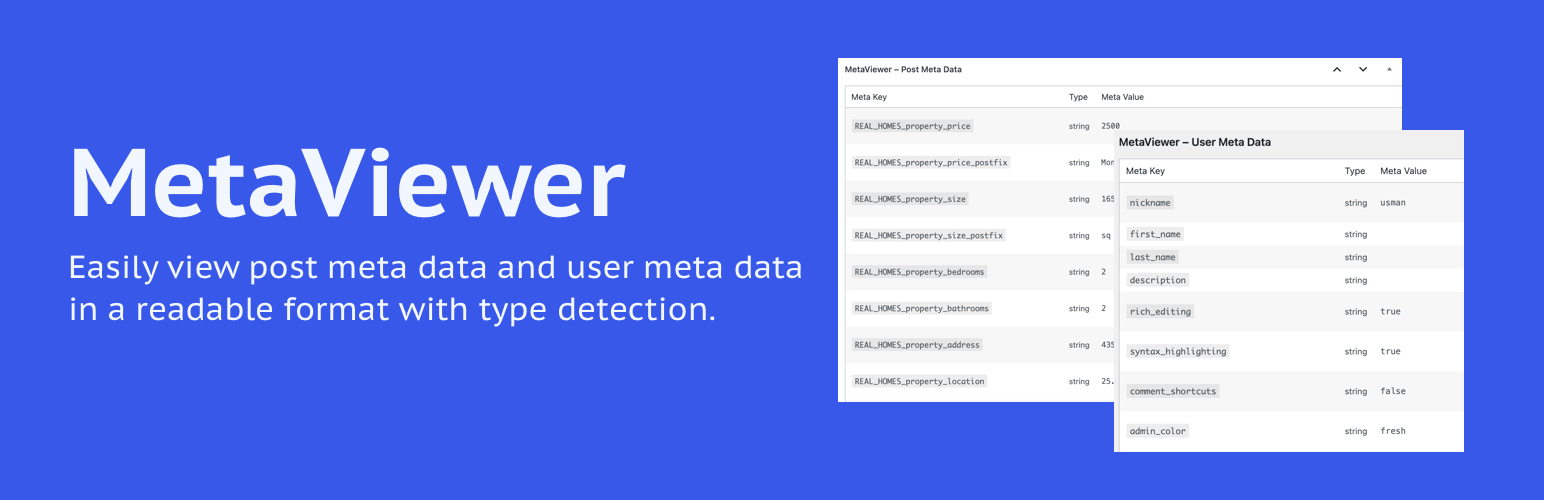
<p>MetaViewer 外掛幫助開發人員和進階使用者以清晰、有組織的表格格式查看所有文章和使用者的元數據。它支援自定義文章類型,並顯示每個值的數據類型(字符串、整數、數組等)。</p>
<h3>問題與答案:</h3>
<ul>
<li>
<strong>MetaViewer 有哪些主要功能?</strong>
<ul>
<li>可以在所有文章類型的編輯畫面上查看文章元數據。</li>
<li>可以在使用者個人資料頁面上查看使用者元數據。</li>
<li>擁有清晰的表格布局,帶有斑馬紋。</li>
<li>自動檢測並顯示數據類型(字符串、整數、數組等)。</li>
<li>支援多語言翻譯,並且輕量級。</li>
<li>與 PHP 7.4 到 8.3 版本相容。</li>
</ul>
</li>
<li>
<strong>MetaViewer 外掛的授權方式是什麼?</strong>
<p>這個外掛的授權方式是根據 GPLv2 或更新版本。</p>
</li>
</ul>
</body>
</html>
外掛標籤
開發者團隊
② 後台搜尋「MetaViewer – Debug Meta Data」→ 直接安裝(推薦)
原文外掛簡介
MetaViewer helps developers and advanced users view all post meta and user meta data in a clear, organized table format. It supports custom post types and displays the data type of each value (string, integer, array, etc.).
This plugin is useful for debugging, development, or reviewing what’s stored in WordPress meta fields.
Key Features:
View post meta data on the edit screen of all post types.
View user meta data on user profile pages.
Clean tabular layout with zebra striping.
Auto-detects and displays data types (string, int, array, etc.).
Translation ready and lightweight.
Compatible with PHP 7.4 to 8.3.
License
This plugin is licensed under the GPLv2 or later.