外掛標籤
開發者團隊
原文外掛簡介
Mersal SMTP takes over wp_mail(): WooCommerce emails, contact forms, password resets and everything else your site sends go out through the SMTP accounts saved on your Mersal account.
Sign in with your Mersal account — SMTP passwords stay on Mersal and never reach your site.
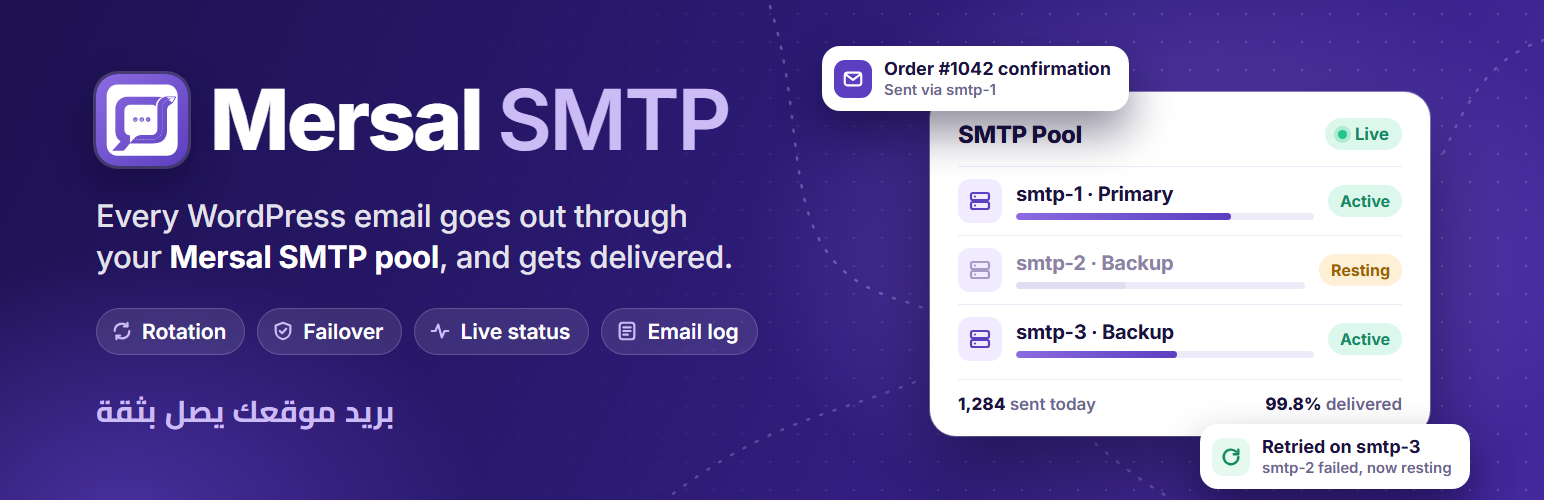
Rotation methods — round-robin, weighted, primary with backups, least used or random.
Failover — if an account fails, the message is retried on the next one, and the failing account rests for a while.
Limits and routing — per-account hourly and daily limits and routing rules.
Your sender identity — keep the sender name, use the site name, a fixed name, a template or the account name, and set a reply-to address.
Live server status — see the state of each SMTP server on your Mersal account and test it from the dashboard.
Email log — every message with the server that carried it, its delivery status and any error.
Your language — the dashboard follows your WordPress language. Translations ship for Arabic, French, Spanish, German, Portuguese (Brazil), Italian, Turkish, Russian, Dutch, Indonesian, Persian, Urdu, Hindi, Japanese and Chinese (Simplified), with a right-to-left layout for Arabic, Persian and Urdu. More languages can be added on translate.wordpress.org.
Until a Mersal account is linked, the plugin does not touch wp_mail() and WordPress sends email as usual.
Credits
Fonts bundled with the dashboard: Cairo and Inter (SIL Open Font License 1.1) and Material Symbols (Apache License 2.0). Licenses are in includes/suite/assets/fonts/LICENSES.txt.
Requirements
A Mersal account with SMTP accounts on it. Mersal is a paid messaging service; the plan on your account decides which SMTP accounts and how many emails are available. See the plans on mersal.it.
External services
This plugin is a connector for the Mersal messaging service (https://mersal.it), operated by Mersal. It cannot send email without it. It talks to the service only after you link your Mersal account from the plugin’s dashboard, and only to these endpoints on mersal.it:
Linking your account — /wordpress/sso opens in your browser so you can sign in; /api/wordpress/user/me checks the sign-in token; /api/wordpress/site registers your site’s address (site URL and plugin name) with your account.
Reading your SMTP accounts — /api/wordpress/gateways and /api/wordpress/smtp/servers return the SMTP accounts and their status. This runs when you open the dashboard and on a schedule.
Sending email — /api/email/send receives each email your site sends: recipients, subject, message body, headers, sender name and attachments. Mersal delivers it through your SMTP accounts.
Testing a server — /api/wordpress/smtp/servers/test when you press “Test” on a server.
Delivery status — /api/wordpress/smtp/status receives the IDs of queued messages to report whether they were delivered (can be turned off in the settings).
Account notifications — /api/wordpress/notifications returns messages from Mersal about your account, shown in the dashboard bell.
Each request carries the token or API key of your linked account. Nothing is sent before an account is linked, and unlinking stops all requests.
Terms of service: https://mersal.it/pages/terms-of-service/135
Privacy policy: https://mersal.it/pages/privacy-policy/134