
外掛標籤
開發者團隊
② 後台搜尋「MenuNest: Smart Menu Manager」→ 直接安裝(推薦)
原文外掛簡介
The classic menu editor (Appearance > Menus) always adds new items at the very bottom. On a big menu you then drag every item up, and to the right, under its parent. MenuNest removes that hassle and keeps your menus safe while you work.
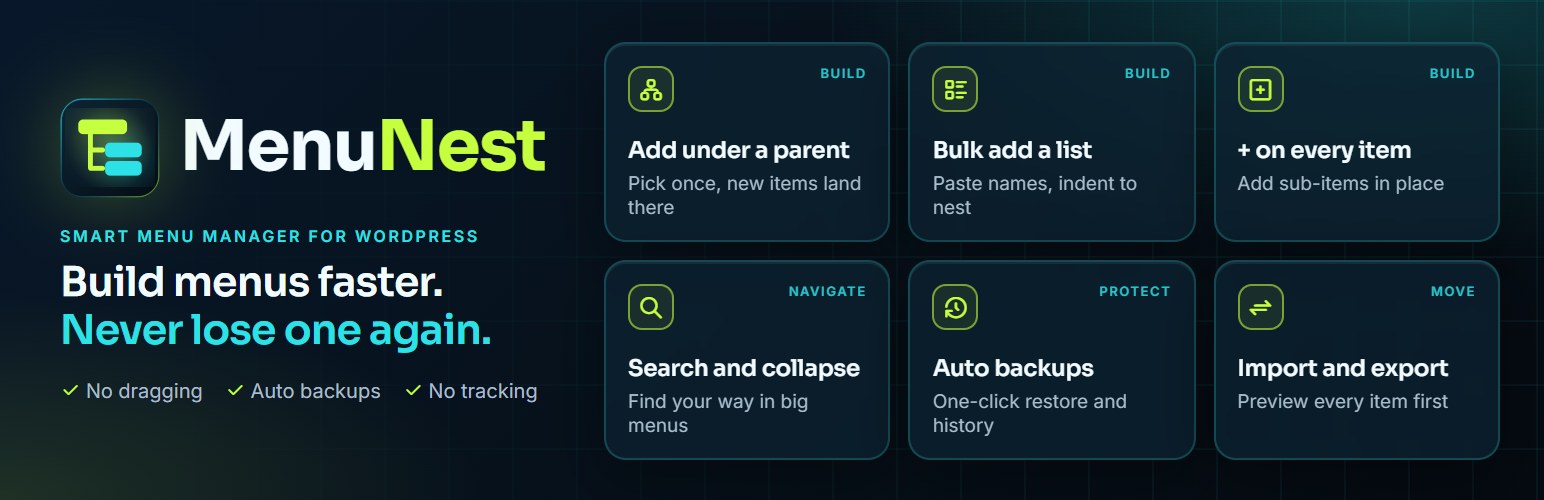
Build menus faster
Add new items under a parent. Pick the parent once. Every “Add to Menu” button (custom links, pages, posts, categories, product categories) puts new items straight under it.
Add a sub-item from the item itself. Click the plus button on any menu item, type the link text and URL, press Enter. Add several in a row.
Bulk add from a pasted list. Paste a list of names from an email, a document or a website. See a preview, untick what you don’t need, and add everything in one click. Add links with “Name | https://…”, indent lines to make sub-items, and names that match an existing category are linked to it automatically.
Add a category with all its subcategories. Tick one category, for example a WooCommerce product category, and its whole tree is added, already nested.
Find your way around big menus
Collapse and expand any branch, or the whole menu at once.
Search the menu and jump between matches.
Keep menus safe
Automatic backups every time you save a menu (skipped when nothing changed).
Back up now with one click from the Menus screen.
One-click restore, into the same menu or as a new menu. The current version is backed up first, so a restore can be undone.
Download any backup as JSON.
Choose how many backups to keep per menu.
Move menus between sites
Export any menu as a JSON file, including extra item settings from your theme and plugins.
Import with a full preview before anything is created: menu name, number of items, source site, export date, and which items matched.
Smart matching of pages, posts and categories by their address (slug), so links point to the right content on the new site. Links to the old site are updated to the new address.
Manual mapping. Choose what any item should link to, right in the preview.
Clear warnings for missing content types, items that become custom links, and theme locations.
Progress bar for big menus. Imports always create a new menu, so existing menus are never changed.
Know what happened
History log of every import, export, backup, restore and duplicate: who did it, when, and what happened.
Download the history as JSON or plain text, or clear it.
Built the WordPress way
Uses the native WordPress admin design. No page builders, no external services, no tracking.
Loads only on Appearance > Menus and Appearance > MenuNest.
No custom database tables.
Asks you to take a backup before you first use it, and nothing changes on your site until you click Save Menu.
Translation ready.
Tested with 137 automated tests on PHP 7.4 to 8.4, checked with PHPStan level 8 and the WordPress Coding Standards.
Contribute
The code is on GitHub. Bug reports and pull requests are welcome.
