內容簡介
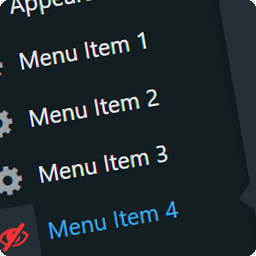
總結:MenuGuard Labs Menu Control 外掛可讓您根據使用者角色顯示或隱藏儀表板菜單。特別設計給開發人員,讓他們將乾淨簡化的儀表板交給客戶,避免他們存取可能造成網站故障的設定。
問題與答案:
1. MenuGuard Labs Menu Control 外掛的目的是什麼?
- 答:讓您可以根據使用者角色顯示或隱藏儀表板菜單。
2. 這個外掛的特點有哪些?
- 答:包括「基於角色的控制」、「開發人員鎖定」、「客戶交接模式」、「匯入/匯出」以及「乾淨的介面」等功能。
外掛標籤
開發者團隊
原文外掛簡介
MenuGuard Labs Menu Control allows you to show or hide dashboard menus based on user roles. It is designed for developers who want to hand off a clean, simplified dashboard to their clients, preventing them from accessing settings that could break the site.
Key Features:
* Role-Based Control: Hide specific menus and sub-menus for any user role.
* Developer Lock: Lock the settings so other admins cannot change visibility rules.
* Client Handoff Mode: Automatically hides sub-menus when the parent menu is hidden.
* Import/Export: Easily transfer your menu settings using JSON.
* Clean Interface: Modern, responsive settings page.