100+
安裝啟用
★★★★☆
4.9/5 分(7 則評價)
4392 天前
最後更新
—
問題解決
WordPress 3.6+ v0.1.0 上架:2014-03-09
內容簡介
這是一個標準的WordPress外掛,能夠幫助您在導覽選單項目中添加多個小工具。
功能
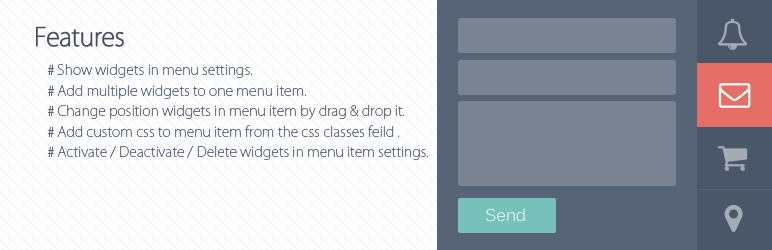
在選單設置中顯示小工具。
將多個小工具添加到一個選單項目中。
通過拖放方式更改小工具在選單項目中的位置。
在選單設置中的CSS類字段中添加自定義CSS到選單項目中,CSS類以"menu-item"開頭並添加到"li"標籤中,其餘的添加到"i"標籤中。(例如:<li class="menu-item custom-css"><i class="icon"></i>)
在選單項目設置中啟用/停用/刪除小工具。
外掛標籤
開發者團隊
📦 歷史版本下載
原文外掛簡介
A standard wordpress plugin that helps you add multiple widgets to navigation menu item.
Features
Show widgets in menu settings.
Add multiple widgets to one menu item.
Change position widgets in menu item by drag & drop it.
Add custom css to menu item from the css classes feild in menu settings, the css classes starts to ‘menu-item will’ appends in “li” tag and the rest of appends to “i” tag.(eg: )
Activate / Deactivate / Delete widgets in menu item settings.