外掛標籤
開發者團隊
② 後台搜尋「MediaRon Block Shortcuts for GenerateBlocks」→ 直接安裝(推薦)
原文外掛簡介
MediaRon Block Shortcuts for GenerateBlocks is an add-on for GenerateBlocks that brings additional functionality and enhancements to your block editing experience. Key features include:
Pattern Importer: Easily import remote patterns, including all images and unique IDs, ensuring no style conflicts.
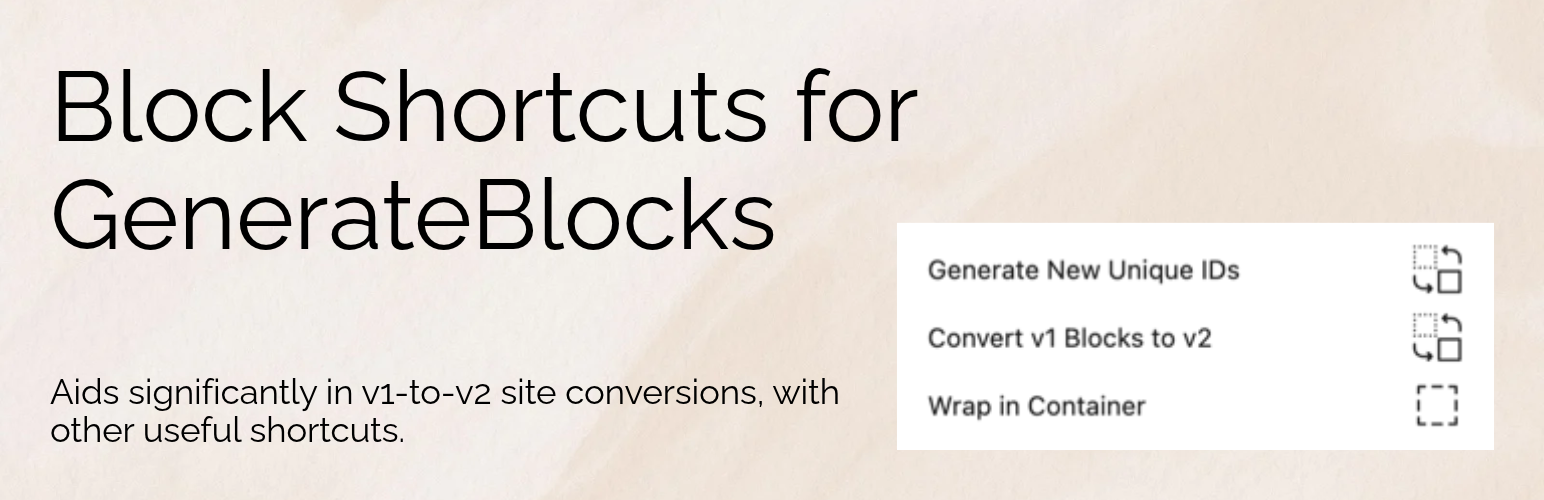
Version 1 to Version 2 Blocks Converter: Stuck on an old v1 site? Convert v1 to v2 blocks with a quick transform, or surgically behind a useful contextual menu shortcut.
Adobe Font Support: Integrate Adobe Fonts from popular font plugins like Astra’s Typekit plugin and Blocksy’s Adobe Font module.
Container Block Wrapping and Unwrapping: Select multiple blocks and wrap them in a Container block with ease. Just as easily, you can unwrap the container via a contextual shortcut.
Transform the Group block to a Container: Convert Group blocks into Container blocks, maintaining all internal blocks.
Command Palette Shortcuts: Access GenerateBlocks settings quickly with shortcut commands in the block editor’s Command Palette. This includes a post-wide v1 to v2 block conversion shortcut. Other commands allow for quick regeneration of GenerateBlocks styles, and a command for outlining different blocks such as grids and containers.
Unique ID Generation: Avoid style conflicts by generating new unique IDs for duplicated or copied blocks. This is still very useful today.
Build Styles for Select Post Types and Templates: Have GenerateBlocks regenerate site-wide styles based on your selected post types or FSE templates.
Useful Block Commands: Convert all paragraph blocks into Text blocks (with paragraphs being selected) as well as converting all headlines into a Text block with appropriate headings selected.
Add a Global Menu Toolbar Shortcut: The current admin bar only shows overlays. With Block Shortcuts, you can see all available menu items from a top-level admin menu in the toolbar in both the admin and the frontend.
MediaRon Block Shortcuts for GenerateBlocks is perfect for users looking to streamline their GenerateBlocks workflow and add more versatility to the block editor design experience.
The source code for this plugin is open source and available on GitHub.