外掛標籤
開發者團隊
② 後台搜尋「MediaPrune – Media Cleaner & Unused Image Remover」→ 直接安裝(推薦)
原文外掛簡介
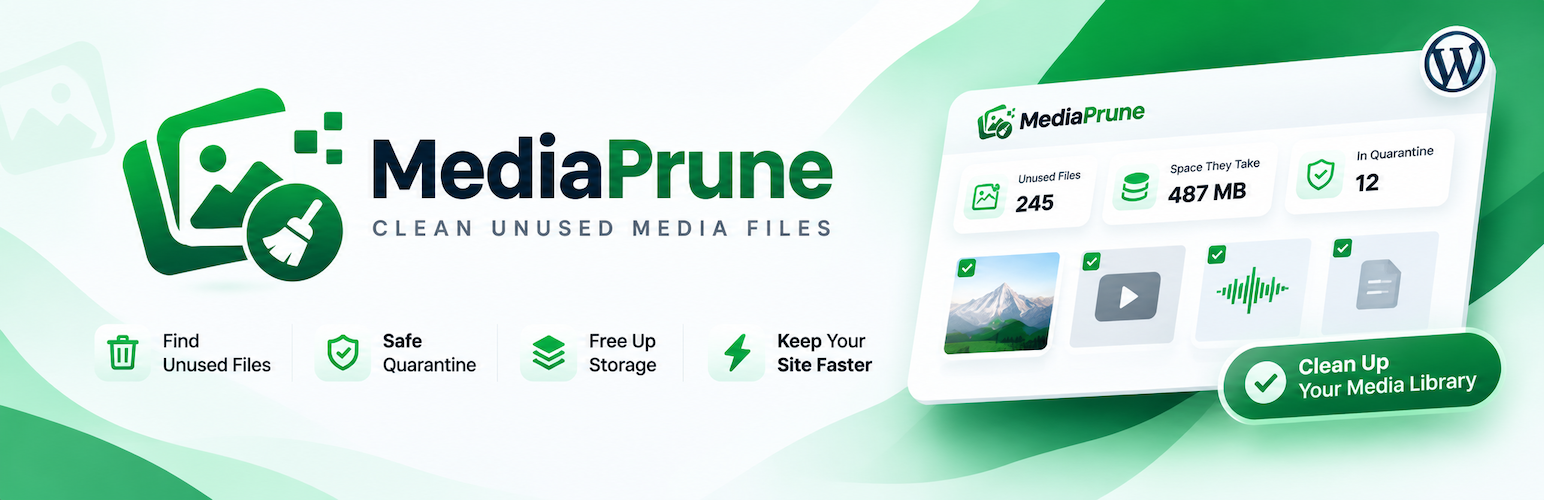
MediaPrune is a media cleaner for WordPress. It finds the images, videos, PDFs and other files in your media library that nothing on your site uses, so you can delete them and free up disk space without breaking any pages.
Most media libraries fill up over time with unused images: old uploads, replaced product photos, test files and leftovers from deleted posts. Each upload also creates several resized copies, so one forgotten image can take up a lot of space. MediaPrune finds these files, shows you what can go, and lets you remove them in a few clicks.
Why MediaPrune
Safe by default. Files go to a quarantine first, not straight to the bin. If a page turns out to need one, restore it in one click. Quarantined files are deleted for good after 30 days.
Careful scan. When in doubt, MediaPrune keeps the file. Each file is checked again right before it’s removed, in case something started using it after the scan.
Thorough clean-up. Removes the original and every copy: all the sizes WordPress made, plus the extra crops and WebP versions other plugins create.
Works on large libraries. Scans in small steps, so it doesn’t time out, and an interrupted scan picks up where it left off.
Lightweight and private. Runs only on its own admin screen, adds nothing to your site’s front end, and sends no data anywhere.
How it finds unused media
A scan checks every place that can point to a file:
the content of all posts, pages and custom post types, including drafts, scheduled and private posts: images, galleries, covers, videos and file links in blocks, classic content and shortcodes;
featured images;
custom fields on posts, categories, tags and users, which covers ACF, WooCommerce product galleries and page builders;
site settings: the site logo and icon, Customizer settings and widgets.
Any file used in one of these places is kept.
Review before you clean
Every unused file is listed with a preview, file size and upload date, and is ticked for cleaning. Untick anything you want to keep. You can search by file name, filter by images, video, audio or documents, switch between grid and list views, and see how much space your selection will free up. Files you untick stay unticked in later scans.
Quarantine or delete permanently
Move to quarantine takes the selected files offline. They disappear from the media library and their URLs stop working, so if a page still used one, you’ll notice straight away. Restore any file from the Quarantine tab.
Clean selected deletes the selected files permanently, after you confirm. Use it for files you’re sure about.
Uninstalling MediaPrune restores everything in quarantine before it removes the plugin’s own data.
Credits
The admin screen’s line icons are based on the Lucide icon set (ISC licence). The licence notice is in third-party-licenses.txt.