內容簡介
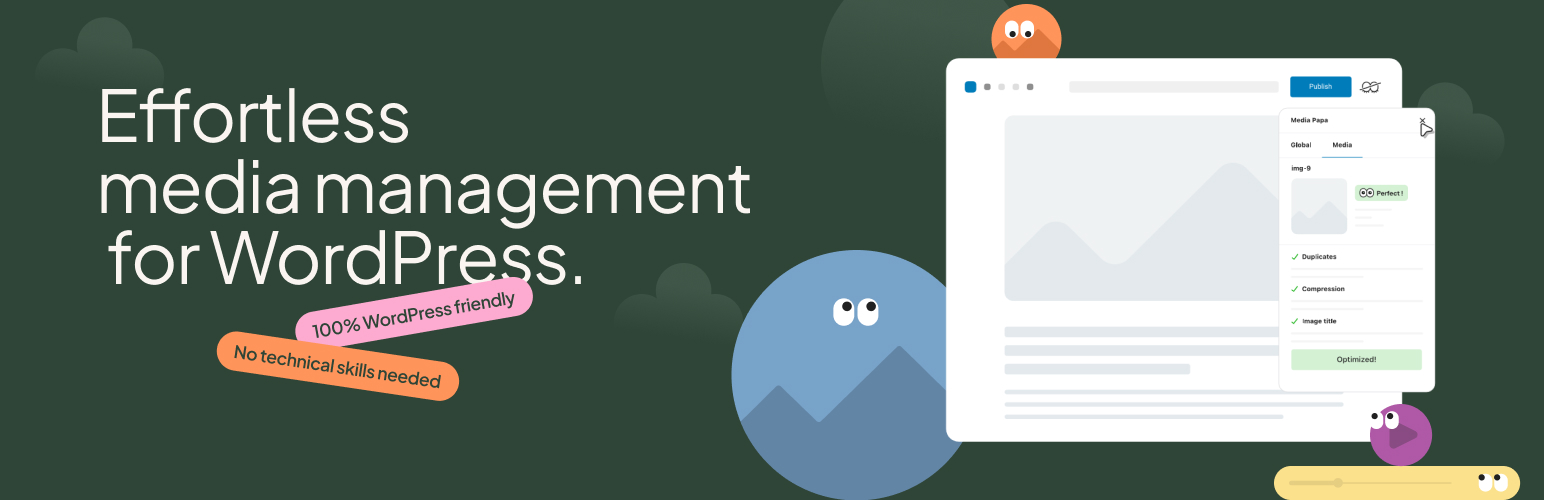
Mediapapa 是一款輕鬆管理 WordPress 媒體庫的外掛,提供完整的媒體檔案使用狀況檢測,幫助用戶組織、優化並維護健康的媒體庫,避免重複檔案和未使用的媒體檔案。
【主要功能】
• 媒體檔案使用狀況檢測
• 媒體評分系統
• 重複檔案檢測
• 未使用媒體檔案識別
• 全面媒體庫健康評估
外掛標籤
開發者團隊
② 後台搜尋「Mediapapa – Your WordPress Media Library Manager & Copilot」→ 直接安裝(推薦)
原文外掛簡介
Mediapapa is the effortless WordPress media library manager. It gives you full visibility into where and how your media files are used across your site, helping you organize, optimize, and maintain a healthy media library. Mediapapa manages images, videos, audio, and documents in one place.
Most WordPress sites accumulate thousands of media files over time: duplicates, unused media, missing metadata, and oversized images. Previously, you needed multiple plugins to understand and manage your media library. Mediapapa replaces them all.
Know Where Every File Is Used
This is Mediapapa’s core feature: comprehensive usage detection across your entire site.
The foundation of safe media management is knowing where your files actually appear. Mediapapa scans your entire WordPress site with high-precision detection to show you exactly where each media file is used: posts, pages, Gutenberg blocks, Elementor sections, custom post types, custom fields, widgets, and navigation menus.
This comprehensive usage tracking makes everything else safe. You will not accidentally delete a media file that is still in use. You can confidently identify unused files and understand the full impact before taking any action.
Complete Media Library Intelligence
Media Score
Every media file receives a Media Score based on storage optimization, accessibility, SEO, and performance. Your entire library receives a Library Health rating, making it easy to track improvements over time.
Usage Detection
Mediapapa detects usage across all media types and content sources: images, videos, audio files, and documents in Gutenberg blocks, Elementor, Classic Editor, custom post types, custom fields, widgets, and navigation menus.
Duplicate Detection
Automatically identifies duplicate images and shows you which one is the reference version. See which duplicates are safe to remove without breaking your site. No more wasted storage from identical files uploaded multiple times.
Unused Media Detection
Identify every media file that is not referenced anywhere on your site. Review the full list before deciding what to clean up. Nothing is deleted without your explicit confirmation.
Metadata Analysis
Find missing alt text, titles, and captions that hurt your SEO and accessibility. Get clear guidance on what needs attention and why it matters.
Image Optimization Recommendations
Detect oversized images, inefficient formats, and missing compression. Get recommendations you can act on to improve your site’s performance.
Smart Library Organization
Filter and organize your media library by health status, usage, duplicates, or optimization needs. Find what matters without risking accidental changes.
Media Tagging System
Assign multiple tags per media file and filter the library with smart search suggestions. Organize large libraries with tagging and search.
Built for Safety and Full Control
Mediapapa analyses your media and lets you act manually with full control. You decide what to clean, optimize, or keep. This makes it ideal for auditing media libraries, planning cleanups, and understanding your WordPress media before taking action.
No files are modified or deleted without your explicit confirmation.
When you need bulk actions, AVIF conversion, and automated size optimization, Mediapapa Pro handles that.
Upgrade to Mediapapa Pro →
What You Get for Free
Mediapapa Free is a complete WordPress media library manager at no cost:
Complete usage tracking across your entire site
Duplicate detection with reference file identification
Unused media detection with full preview before cleanup
Media Score and Library Health analysis for accessibility, SEO, and performance
Image optimization recommendations for file size and format
Metadata writing tools with improved Media Library and Gutenberg interfaces
Manual cleanup actions with full control
Anti-duplication checker when adding new media
Library filtering and smart organization tools
Compatible with Gutenberg, Elementor, Classic Editor, custom post types, and custom fields
Mediapapa Pro
Designed for freelancers maintaining client sites, agencies auditing media across projects, and e-commerce stores managing large product image libraries.
AI-powered metadata generation (with credits purchase): auto-generate SEO-friendly alt text, titles, and captions
Bulk Operations: delete unused files and remove duplicate images in bulk, with safety checks throughout
Unlimited Image Optimization: compression and AVIF conversion via the Mediapapa API with no monthly quotas or usage limits
WP-CLI: command-line tools for indexing, scoring, optimization, duplicates, and media replacement
WordPress Multisite: analyse and manage media libraries across your entire network
Scheduled Indexing: automate library indexing on a schedule
Priority Support: dedicated response times through your account dashboard
Compare Free vs Pro →
Who Uses Mediapapa
WordPress site owners who have accumulated years of uploads and want to understand what is safe to remove before running a cleanup.
Freelancers and agencies who audit and optimize client media libraries as part of a site handover or performance review.
E-commerce stores managing large product image libraries where duplicates and oversized images directly affect page speed and storage costs.
Content teams publishing regularly who need confidence that deleting an old image will not break a page built three years ago.
Privacy and Safety
Mediapapa analyses your media locally on your server. Core features (usage tracking, duplicate detection, health scoring, optimization recommendations) run entirely on your server with no data sent externally. The free version’s AI-powered metadata (opt-in) sends image data to the Mediapapa API only when you explicitly request metadata generation. Mediapapa Pro adds optimization and AVIF conversion via the API: you choose when to use these features. See the FAQ section for full details on external services and data handling.
Documentation and Support
Help other WordPress users find Mediapapa by leaving a 5-star review.
Support: Free plugin support is available via WordPress.org forums. Mediapapa Pro customers receive priority support through their account dashboard.
Documentation and user guide
Public roadmap and feature requests