
內容簡介
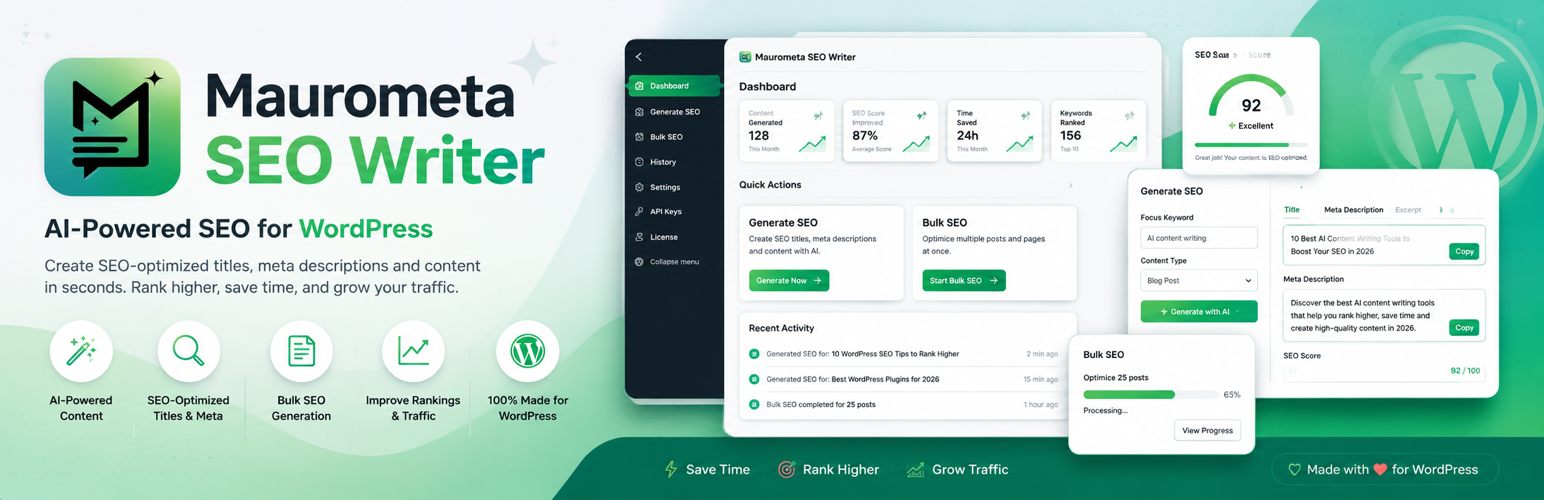
Maurometa SEO Writer 是一款幫助用戶為文章、頁面、自訂文章類型及 WooCommerce 產品填寫 SEO 欄位的外掛。透過自訂的 API 金鑰,自動生成 SEO 標題、描述及關鍵字,提升網站的搜尋引擎優化效果。
【主要功能】
• 支援 Rank Math 和 Yoast SEO 整合
• 生成 SEO 標題、描述及焦點關鍵字
• 提供 Open Graph 欄位建議
• 優化內容及 WooCommerce 短描述
• 圖片替代文字自動生成
• 批次處理及暫停/恢復功能
外掛標籤
開發者團隊
原文外掛簡介
Maurometa SEO Writer helps you fill SEO fields for posts, pages, custom post types, and WooCommerce products using your own API keys. It writes meta into Rank Math or Yoast SEO (not affiliated with those products).
What it generates
SEO title, meta description, and focus keyword
Open Graph fields
URL slug suggestions
Optimized body content (configurable minimum word count)
WooCommerce short descriptions
Image alt texts
Optional AI featured/gallery images
Features
Rank Math and Yoast SEO integration with editor sync
Preview mode with diff and SEO checklist
Configurable fields (meta only, content, slug, alts, etc.)
Revision backup before overwrite and per-post history with undo
Bulk processing with pause/resume and filters
Provider fallback (Gemini → Groq → OpenAI)
WP-CLI: wp ai-seo generate --post-id=42
This plugin is not an official Rank Math, Yoast, Google, Groq, OpenAI, or Pollinations product.
External services
Maurometa SEO Writer is a serviceware plugin: when you generate SEO text or images, it sends content from your site to third-party AI APIs that you configure. No requests are made until an administrator saves an API key (where required) and starts a generation, preview, bulk job, image generation, or connection test.
Data typically sent: post title, content/excerpt (or product data), language/tone settings, focus keyword context, and prompts built by the plugin. API keys you enter are stored encrypted in the WordPress database and sent only to the matching provider as a Bearer/query credential. The plugin does not send WordPress passwords, cookies, or other plugins’ secrets.
Google Gemini (Generative Language API)
Used for: SEO text generation and optional image generation.
When: Generate / preview / apply / bulk / test API / image jobs when Gemini is selected.
Endpoint family: https://generativelanguage.googleapis.com/
Service: https://ai.google.dev/
Terms: https://ai.google.dev/gemini-api/terms
Privacy: https://policies.google.com/privacy
Groq
Used for: SEO text generation (chat completions).
When: Generate / preview / apply / bulk / test API when Groq is the active (or fallback) provider.
Endpoint: https://api.groq.com/openai/v1/chat/completions
Service: https://groq.com/
Terms: https://groq.com/terms-of-use/
Privacy: https://groq.com/privacy-policy/
OpenAI
Used for: SEO text generation and optional DALL·E / GPT Image generation.
When: Generate / preview / apply / bulk / test API / image jobs when OpenAI is selected.
Endpoint family: https://api.openai.com/
Service: https://openai.com/
Terms: https://openai.com/policies/terms-of-use/
Privacy: https://openai.com/policies/privacy-policy/
Pollinations (Flux images)
Used for: Free-tier image generation (featured / gallery) without an OpenAI/Gemini image key.
When: Image generation when Flux / Pollinations is selected (or auto-fallback).
Endpoint family: https://image.pollinations.ai/
Service: https://pollinations.ai/
Terms: https://pollinations.ai/terms
Privacy: https://pollinations.ai/privacy
You are responsible for complying with each provider’s terms and with applicable privacy laws for content you send from your site.
Note: This plugin currently integrates with AI providers via their HTTP APIs to support multi-provider fallback and image generation. Migration to the WordPress core AI Client is planned for a future release once provider connectors cover the same workflows.














