外掛標籤
開發者團隊
② 後台搜尋「MatrixInn Password Protect – Site & Pages」→ 直接安裝(推薦)
原文外掛簡介
MatrixInn Password Protect puts your WordPress site behind a password: the whole site while you build it or show it to a client, or only the pages, categories and post types you choose.
Everything listed here is free. There is no trial and no limit.
Lock the whole site, or only what you choose
Whole site, with exceptions: keep the home page, chosen pages or addresses such as /contact or /landing/* public.
Only chosen content: pages (their child pages too), categories and other hierarchical taxonomies, whole post types, or addresses such as /members/*.
A box on every edit screen locks a post, product or page with one click.
Several passwords, each with a name
Give each client or group their own password, with a label such as “Client review team”.
Remove one and only the people who used it must enter a password again.
See how often and when each password was last used.
Passwords are stored as WordPress password hashes, never as plain text.
Who can pass
Administrators always see everything.
Every logged-in user, or only the roles you choose.
IP addresses and ranges (CIDR), with safe support for Cloudflare and other proxies: a proxy header is only believed for requests that really come from the proxy addresses you list.
Your own password screen
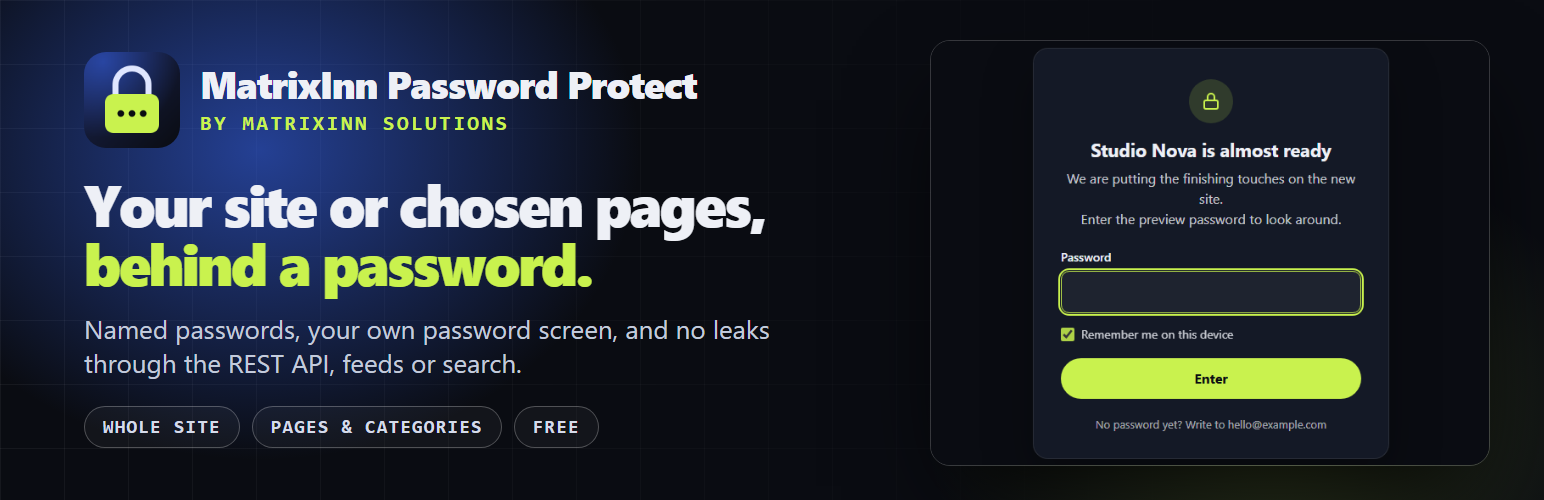
Heading, message, button text, a line at the bottom, your logo and five colours, with a live preview.
Shown on its own, without the theme, so no theme or page builder can break it or show locked content around it.
“Remember me on this device” for as many days as you choose.
No side doors
Many lock plugins hide the page but leave the content readable elsewhere. This plugin also locks or leaves out locked content in:
the REST API (/wp-json), feeds, sitemaps (WordPress, Yoast SEO), search results, embeds (oEmbed), archives, comment lists and attachment pages.
Login, the dashboard, WP-Cron, robots.txt and WooCommerce payment callbacks stay open, so nothing else breaks.
Works with page caches
Locked pages are sent with “do not cache” headers that WP Rocket, W3 Total Cache, WP Super Cache, LiteSpeed Cache and most hosts follow.
Caching check: one click asks your site for locked addresses the way a stranger would and tells you if a cache shows them.
Safe by design
The unlock cookie is signed with your site’s secret keys, HttpOnly, Secure on HTTPS and SameSite.
Wrong guesses are limited per visitor (5 tries, then 15 minutes, both adjustable).
The password screen answers with status 401 and asks search engines not to index it.
WordPress’s own post passwords are never touched. Deactivate the plugin and everything is as it was.
For developers
WP-CLI: wp minn-pp status, wp minn-pp lock --mode=site, wp minn-pp unlock, wp minn-pp password add "Client team", wp minn-pp password list.
Shortcode [minn_pp_logout text="Lock again"] for a log out link.
Filters: minn_pp_visitor_allowed, minn_pp_open_endpoint, minn_pp_rest_open_routes. Action: minn_pp_unlocked.
Setup guide, screenshots and FAQs: MatrixInn Password Protect documentation
MatrixInn Password Protect is made by MatrixInn Solutions.