外掛標籤
開發者團隊
原文外掛簡介
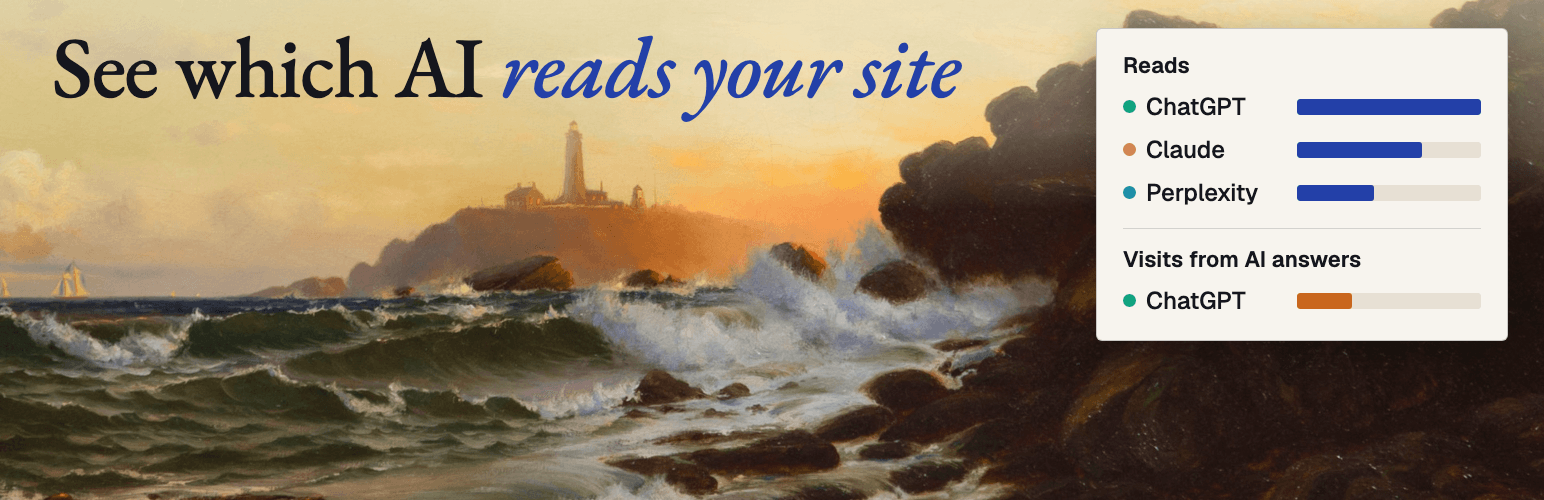
ChatGPT, Claude, Perplexity and Google can only cite a page they actually fetched. This plugin counts those fetches on your own site, so you can see whether the assistants that might recommend you are reading your pages at all.
It is useful with no account. Everything on the AI crawlers screen is read from your own database.
Confirmed, not guessed. A user agent is easy to fake. By default, fetches are checked by forward-confirmed reverse DNS against the crawler operator’s published hosts, and confirmed and unconfirmed fetches are shown in separate columns. Administrators can disable confirmation under Settings > AI crawlers > DNS confirmation settings; new fetches then remain unconfirmed. This plugin deliberately shows no single “visibility score”, because no such number can be verified.
It stores nothing that identifies a person. A crawler fetch is stored only when its user agent matches the published AI-crawler list. No IP address, cookie, referrer address, query string, header or visitor identifier is stored or sent — not even in hashed form. The crawler’s address is used once, in memory, to confirm the crawler, then discarded. No database table has a column that could hold a visitor.
Visits from AI answers. On for new installs. A site that updates from an older version stays off until an administrator ticks “Count visits from AI answers” under Settings > AI crawlers, and any administrator can turn it off there at any time. While it is on, a small script counts a visit when someone opens one of your pages from a link in an AI assistant’s answer: ChatGPT, Perplexity, Claude, Gemini, Copilot, DeepSeek, Grok, Meta AI or Mistral. It sends only the assistant’s name and the page path to your own site, without cookies, and the plugin stores only the day, the assistant, the page and the number of visits. Google AI Overviews and AI Mode share Google search’s referrer, and Copilot in Bing shares Bing’s, so they cannot be told apart and are not counted.
This plugin:
Counts AI crawler fetches per day and per page, with a separate confirmed count and a separate count of fetches an assistant made while answering a person.
Counts visits that arrive from AI answers, per day, assistant and page. New installs count by themselves; an administrator can turn it off.
Checks HTTPS, REST API, Application Password, and draft-permission readiness locally.
Links to a free MakeTrend shortlist benchmark.
Connects WordPress to MakeTrend through WordPress’s native, revocable Application Password approval flow.
Allows MakeTrend to create drafts after you approve a fix. It does not publish content live.
Adds one direct check to Tools > Site Health.
The plugin never identifies people and never sends visitor data or site content automatically. Reporting the counts to MakeTrend is optional and starts only after an administrator pastes a connection code.
External service
This plugin connects to the MakeTrend software service at maketrend.ai. A MakeTrend account is required to run a benchmark or connect draft publishing. Monitoring and verified-fix features may require a paid MakeTrend subscription; the plugin itself is free.
Data is sent only after an administrator explicitly clicks a MakeTrend link or approves a connection:
The WordPress site URL, so MakeTrend can prefill the site connection.
Campaign attribution identifying the WordPress plugin as the source.
After approval, a WordPress-generated Application Password and username. The Application Password is separate from the normal login password, stored encrypted by MakeTrend, used over HTTPS, and revocable in WordPress.
Content required to create an administrator-approved WordPress draft.
If, and only if, an administrator pastes a connection code on Settings > AI crawlers: a signed report of the aggregate crawler counts, sent once a day, right after connecting and right after the visit setting changes. Each row is a date, a crawler name, a page path, a fetch count, a confirmed count, a count of fetches made for a person (and how many of those were confirmed) and the last response status. The report also says whether visit counting is on and, if it is, carries rows of a date, an assistant name, a page path and a visit count. No visitor data exists in that report.
MakeTrend privacy policy: https://maketrend.ai/privacy
MakeTrend terms of service: https://maketrend.ai/terms