內容簡介
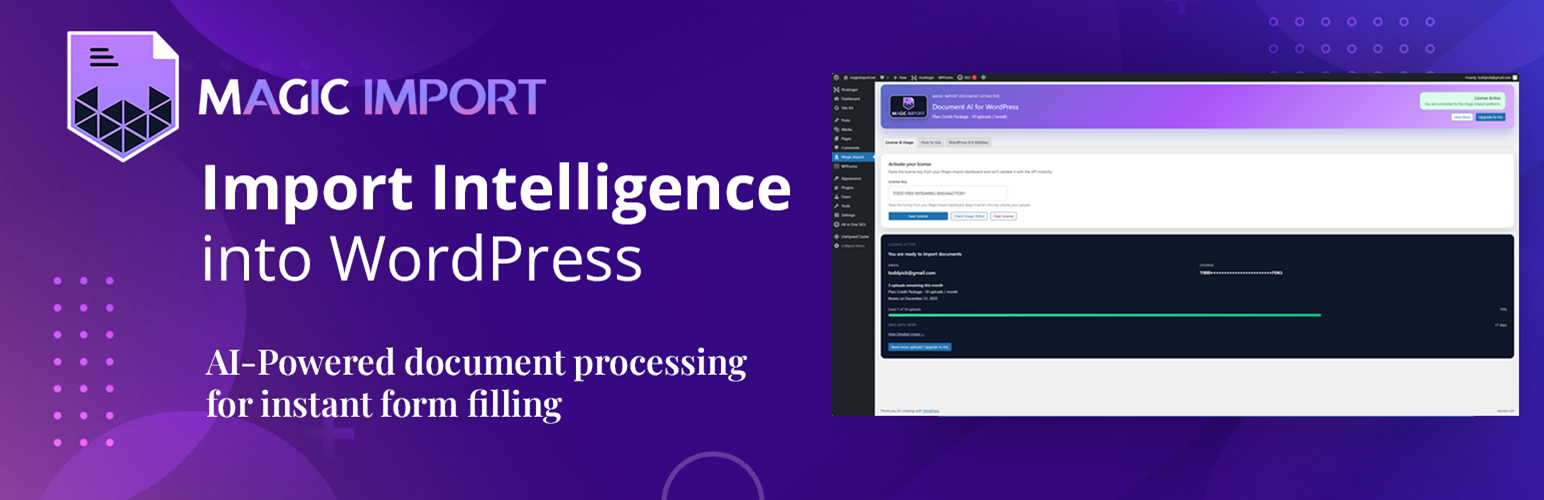
總結:Magic Import Document Extractor 將 AI 驅動的文件提取功能帶到您的 WordPress 網站,無需技術知識。
以下是問題與答案:
問題:Magic Import Document Extractor 外掛將文件提取技術帶到哪裡?
答案:Magic Import Document Extractor 將文件提取技術帶到您的 WordPress 網站。
問題:使用 Magic Import Document Extractor 外掛需要連接到哪個外部服務?
答案:使用 Magic Import Document Extractor 外掛需要連接到 https://magicimport.ai 的 Magic Import API 以利用人工智慧處理文件。
問題:Magic Import Document Extractor 提供哪些主要特點?
答案:Magic Import Document Extractor 提供每月 10 次 AI 處理請求、拖放界面、支援多種文件類型、AI 提取功能、不需要 API 金鑰、注重隱私保護、可驗證的刪除功能等。
問題:如何使用 Magic Import Document Extractor 外掛?
答案:使用 Magic Import Document Extractor 外掛,首先取得免費授權碼,啟用外掛並輸入授權碼,將 [magic_import] 短碼添加到任何頁面,使用者拖放文件後,AI 將自動填寫表單字段。
外掛標籤
開發者團隊
② 後台搜尋「Magic Import Document Extractor」→ 直接安裝(推薦)
原文外掛簡介
Magic Import Document Extractor brings the power of AI-driven document extraction to your WordPress site. No technical knowledge required!
Key Features
🌍 Multilingual Support – Process documents in 10+ languages: Greek, Spanish, French, German, Italian, Japanese, Chinese, Arabic, and more
10 AI Processing Requests Per Month – No credit card required (service tier limitation)
Drag & Drop Interface – Simple and intuitive
Multiple File Types – PDF, Word, Excel, TXT, CSV, JSON, XML, HTML, Markdown, RTF, plus images (JPG, PNG, GIF)
AI-Powered Extraction – Automatically extract structured data from documents
Cross-Language Field Mapping – Greek “Όνομα” automatically maps to your English “name” field
No API Keys Needed – We handle all the AI infrastructure
Privacy Focused – Files are uploaded to the Magic Import cloud over HTTPS and deleted as soon as processing finishes
Verifiable Deletion – Every upload logs a document_deleted_at timestamp so you can see how long we kept the file
How It Works
Get your free license key at magicimport.ai
Activate the plugin and enter your license key
Add the [magic_import] shortcode to any page
Users drag and drop documents – AI automatically fills form fields
Free Service Tier
The Magic Import cloud service includes a free tier:
* 10 AI document processing requests per month
* Monthly limit resets on the 1st
* All plugin features fully functional
* No credit card required
For increased monthly processing, upgrade to Magic Import Pro.
WordPress 6.9 AI Integration
Magic Import Document Extractor is fully compatible with WordPress 6.9’s new Abilities API and Command Palette.
Enhanced Features on WordPress 6.9+
Native AI Registry – Magic Import abilities are registered with the WordPress AI system
Command Palette – Launch Magic Import via Ctrl+K (Windows) or Cmd+K (macOS)
REST API Exposure – Access abilities programmatically via /wp-json/wp-abilities/v1/
AI Dashboard – Magic Import appears inside the WordPress AI tools panel where supported
Smart Form Analyzer (API) – Call the magic-import/list-supported-forms ability to audit Contact Form 7, Gravity Forms, WPForms, and Forminator builds, highlight performance, and decide where Magic Import can save the most time
Backward Compatibility
Magic Import Document Extractor continues to run perfectly on WordPress 5.9+ even without the Abilities API. The uploader, shortcode, and admin tools all work the same way—WordPress 6.9 simply unlocks the native AI enhancements.
Perfect For
Form automation
Data entry reduction
Document digitization
Invoice processing
Resume parsing
ID verification
And much more!
Free vs Pro
Free Plan:
* 10 uploads per month
* Use on unlimited pages and forms
* Up to 10MB file size
* All supported file types listed above
Pro Plan:
* Starts at $19/month for 50 uploads (higher tiers unlock additional uploads)
* Priority support on paid tiers
Upgrade to Pro →
⚠️ FIELD TYPE RECOMMENDATIONS
Magic Import extracts ALL data from documents. However, your form field types determine how much data can be stored.
RECOMMENDED FIELD TYPES
Short Data (< 50 characters):
✅ Single Line Text
✅ Number Field
✅ Email Field
✅ Date Field
Examples: Contract numbers, amounts, dates, simple names
Medium Data (50–200 characters):
✅ Single Line Text (with increased character limit)
✅ Name Field (for person names only)
Examples: Company names, simple addresses
Long Data (200+ characters):
✅ Paragraph Text / Textarea
✅ Long Text Field
Examples: Full addresses with postal codes, attorney info blocks, job descriptions, legal clauses, multi-line content
⚠️ COMMON MISTAKE:
Using a “Name” field for defendant information that includes address and tax ID will truncate the data. Use “Paragraph Text” instead.
External Services
Magic Import Document Extractor relies on the Magic Import API, a third-party cloud service, to process documents and enforce license limits.
Service Details
* Service Name: Magic Import
* Service URL: https://magicimport.ai
* API Endpoint: https://magicimport.ai/api/magic-import
* Purpose: AI-powered document extraction and form filling
When Data Is Sent
* When a user uploads a document via the [magic_import] uploader
* When the plugin validates your license key or checks remaining uploads
* When usage metrics sync to display remaining uploads in your dashboard
What Is Sent
* Document payload (file bytes, filename, mime type, and size) so our AI can extract your mapped fields
* Your Magic Import license key so we can authenticate the request and track monthly usage
* Form context you chose to send (field mappings, form ID, optional page URL) so we know where to place the extracted data
How Data Is Processed
* Files are transmitted over HTTPS and processed by Anthropic Claude or Google Gemini, with Google Document AI reserved for the most complex layouts
* Typical processing time is 2–10 seconds depending on file size and complexity
* Documents are deleted immediately after extraction once document_deleted_at is recorded
Why This Service is Required
Document processing uses:
* Claude AI (Anthropic) – Text extraction and field mapping
* Google Gemini – Alternative AI processing
* Google Document AI – Complex PDF layout analysis
* Server-side infrastructure – Cannot run locally
Each document processed incurs third-party API costs (Claude AI, Google Document AI, Google Gemini).
Free Service Tier
The free tier includes 10 AI document processing requests per month. This limit resets on the 1st of each month. After reaching the limit, users can upgrade to Magic Import Pro for significantly higher monthly limits starting at 50 documents per month.
This is similar to how services like Akismet provide free API call tiers with usage limits based on service costs.
Policies
* Privacy Policy: https://magicimport.ai/privacy
* Terms of Service: https://magicimport.ai/terms
Privacy Policy
IMPORTANT: This plugin uses an external service.
Magic Import Document Extractor connects to the Magic Import API at https://magicimport.ai to process documents with artificial intelligence. This connection is required for the plugin to function.
What data is transmitted
See the “External Services” section above for the full list of data elements shared with the Magic Import API.
Data retention
* Documents are processed and deleted immediately after extraction
* A document_deleted_at timestamp is logged for auditing purposes
* No document content is stored after processing completes
* License and usage data is stored to enforce rate limits and billing
Third-party service information
* Service: Magic Import API
* Service URL: https://magicimport.ai
* Privacy Policy: https://magicimport.ai/privacy
* Terms of Service: https://magicimport.ai/terms
By using this plugin you acknowledge that document data is transmitted to Magic Import’s servers for processing and agree to review the links above to ensure the service meets your privacy requirements.
For more details, visit https://magicimport.ai/privacy.
Support
For support, documentation, and feature requests:
* Documentation: magicimport.ai/docs
* Support: magicimport.ai/support
* Feature Requests: magicimport.ai/support