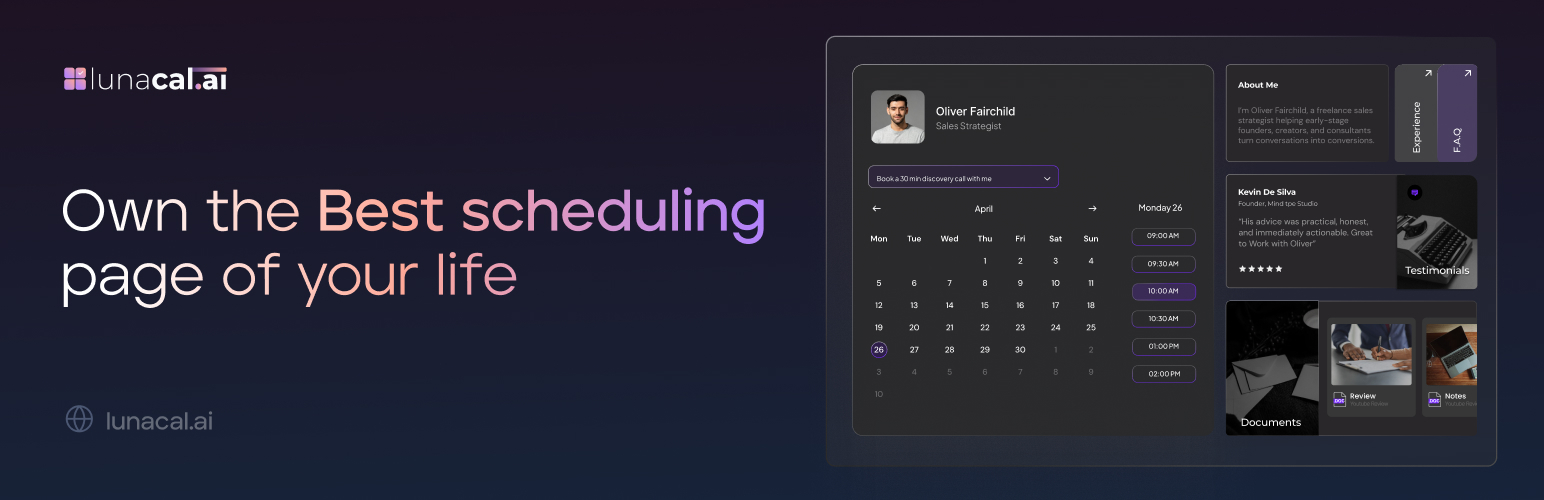
內容簡介
以下為總結:
Lunacal 可讓您有效管理和維護您的行事曆,並透過簡單的短碼直接在 WordPress 中嵌入您的品牌預訂體驗。
問題與答案:
問題:什麼是 Lunacal 的主要功能?
答案:Lunacal 的主要功能是讓您可以有效管理和維護您的行事曆,並透過簡單的短碼在 WordPress 中直接嵌入品牌預訂體驗。
問題:如何在 WordPress 中新增 Lunacal 預訂行事曆?
答案:您可以透過在任何 WordPress 頁面/文章中使用簡單的短碼來新增 Lunacal 預訂行事曆。
問題:Lunacal 的短碼如何設定?
答案:您可以透過以下格式設定 Lunacal 短碼:[lunacal url=username/meetingid],其中 url 為必填項目,是指指向您預訂行事曆的部分路徑。
外掛標籤
開發者團隊
原文外掛簡介
Lunacal allows you to efficiently manage and maintain your calendar.
Embed your branded booking experience directly in WordPress using a simple shortcode.
Features
Add Lunacal booking calendar to any WordPress page/post with a simple shortcode.
Customize your booking appearance via your Lunacal dashboard.
Supports multiple booking links per site.
Mobile-responsive embed.
Shortcode
[lunacal url=username/meetingid]
url — (required) The partial path to your booking calendar.