
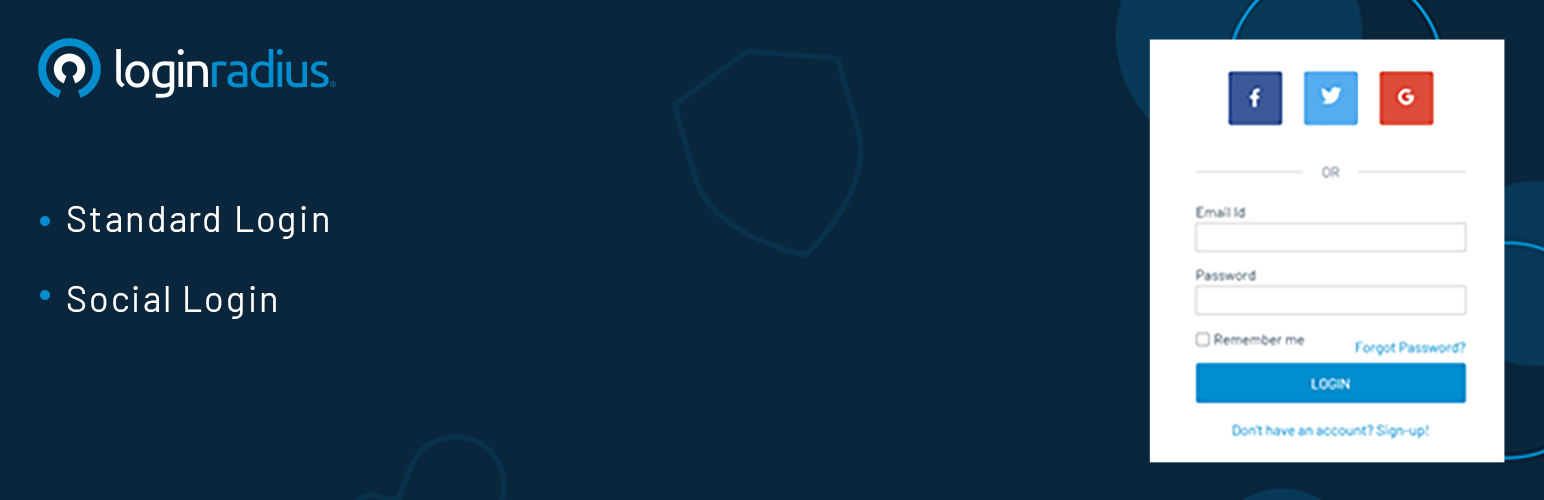
內容簡介
Authentication by LoginRadius 外掛可取代 WordPress 預設的驗證機制,提供電子郵件登入與社群登入等多元驗證方式,並支援多因素驗證與使用者管理功能,有效提升網站安全性與使用者體驗。
【主要功能】
• 支援標準電子郵件登入,可自訂註冊欄位
• 整合 20 種以上社群帳號快速登入
• 提供忘記密碼與重設密碼功能
• 多因素驗證強化網站安全性
• 於 WordPress 控制台集中管理使用者資料
• 透過 API Key 與 API Secret 輕鬆串接
外掛標籤
開發者團隊
② 後台搜尋「Authentication by LoginRadius」→ 直接安裝(推薦)
📦 歷史版本下載
原文外掛簡介
The Authentication by LoginRadius WordPress plugin allow you to replace the default WordPress Authentication feature with diverse authentication methods, including standard login (email login) and social login. This plugin also provides the forgot password and reset password features.
The other benefits you get from using this plugin are enhanced security via multi-factor authentication, and effective user management features. Let’s have a more in-depth look into the plugin features:
Authentication Methods:
You get to choose a user authentication method based on your target audience and use cases.
Standard login (email login): You can customize the registration fields based on your business nature, where email id and password remain the default fields. Once registered, the consumers can log in to their account using the email id and password.
Social login: You can choose the desired social providers from 20+ social providers like Facebook, Google, Twitter, as a quick and convenient registration and login approach for consumers. It is easy to configure the social login options using this plugin.
Note: Our Authentication and SSO Plugin supports the additional authentication methods like Phone Login, Passwordless Login and Single Sign-On (SSO).
Effective User Management:
The consumers data remains available in the WordPress Admin Panel and the LoginRadius Admin Console. And you can efficiently perform all user management actions in the LoginRadius Admin Console, permitting the necessary support to your consumers in managing their accounts.
In addition to the above, the plugin offers the following additional features:
Easy to integrate via API secret and API key (available in your LoginRadius Account).
Reduces user abandonment rates.
LoginRadius manages consumer provisioning, de-provisioning, authentication, and authorization. Hence no extra efforts are needed to handle registration, login, reset passwords flows.
Existing data migration to LoginRadius Admin Console and those migrated users can authenticate themself on your WordPress application.
Data is encrypted end to end at transmission as well as at rest.
Enable interface customizations to meet your brand requirements.
Customizable email templates that you can personalize according to consumers and their demographics.
Configurable email providers to send out the standard emails to the consumers.
Compliant with GDPR and CCPA data protection laws.
Fully compatible with Buddypress and bbPress.
Fully compatible with the Multisite feature.
Top-notch support (24×7) and integration help.
The plugin has simple shortcodes that let you add registration, login, forgot password, and reset password interfaces anywhere to your application. Or you can create these authentication interfaces from the plugin.
Shortcodes
Following are the shortcodes to add the authentication interfaces:
Login – [ciam_login_form]
Registration – [ciam_registration_form]
Forgot password – [ciam_forgot_form]
Reset Password – [ciam_password_form]
Free Plan Features
5,000 Monthly active users.
1 WordPress application supported.
Standard login (email login) with predefined registration fields
3 Social login providers (Facebook, Google, and Twitter)
Get basic user profile data when a user registers using social login.
Transactional email templates can be set up.
Customizable login interfaces.
Paid Plan Features
The paid plans have all of the free plan’s features + additional features. Find a detailed list of paid plan features here.
About LoginRadius
LoginRadius is a leading cloud-based consumer identity and access management (CIAM) solution that empowers businesses to deliver a delightful consumer experience and win consumer trust.
The developer-friendly Identity Platform provides a comprehensive set of APIs to enable authentication, identity verification, single sign-on, user management, and account protection capabilities such as multi-factor authentication on any web or mobile application. The company offers open source SDKs, integrations with over 150 third party applications, pre-designed and customizable login interfaces, and best-in-class data security products. The platform is already loved by over 3,000 businesses with a monthly reach of 1.17 billion users worldwide.
For more information, visit loginradius.com
Support
We offer 24/7 support, reach out to our support team, or refer our product documents:
Enterprise Account: Reach us out here or browse our support documents.
Developer or Free Account: Reach us out here or browse our support documents.
If you found a bug, please create an issue on here or browse our Github where we can act upon them more efficiently.
