
內容簡介
這個外掛的概念很簡單,它會在側邊欄新增一個小工具,有兩種模式。如果使用者已驗證身份,它會顯示「Hello」和一個連結按鈕,點擊按鈕可前往使用者的個人資訊設定頁面。
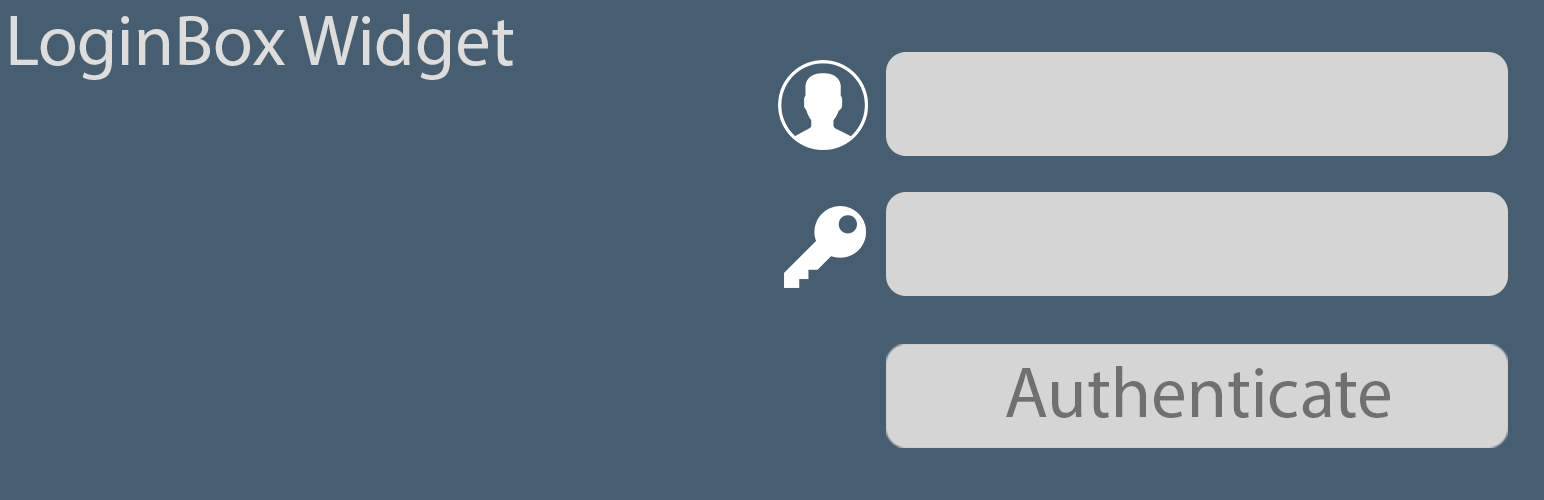
如果使用者未驗證身份,它會顯示一個名為「Authenticate」的按鈕,按下按鈕會顯示登入表單。
額外鳴謝
這個外掛的圖示是由 https://www.flaticon.com/authors/pixel-perfect 提供的免費圖示,依照 Flaticon 基本授權 (需要標示來源) 使用:
https://file000.flaticon.com/downloads/license/license.pdf
外掛標籤
開發者團隊
原文外掛簡介
The idea is simple, the plugin adds a widget to the sidebar that can work in two modes. If the user is authenticated it shows “Hello ” and a button that goes to the user profile settings page,
and if the user is not authenticated it will show a button called “Authenticate” that will show the login form if pressed.
Additional credits
The logo is a free icon provided by https://www.flaticon.com/authors/pixel-perfect licensed under Flaticon Basic License (Free with attribution):
https://file000.flaticon.com/downloads/license/license.pdf














