內容簡介
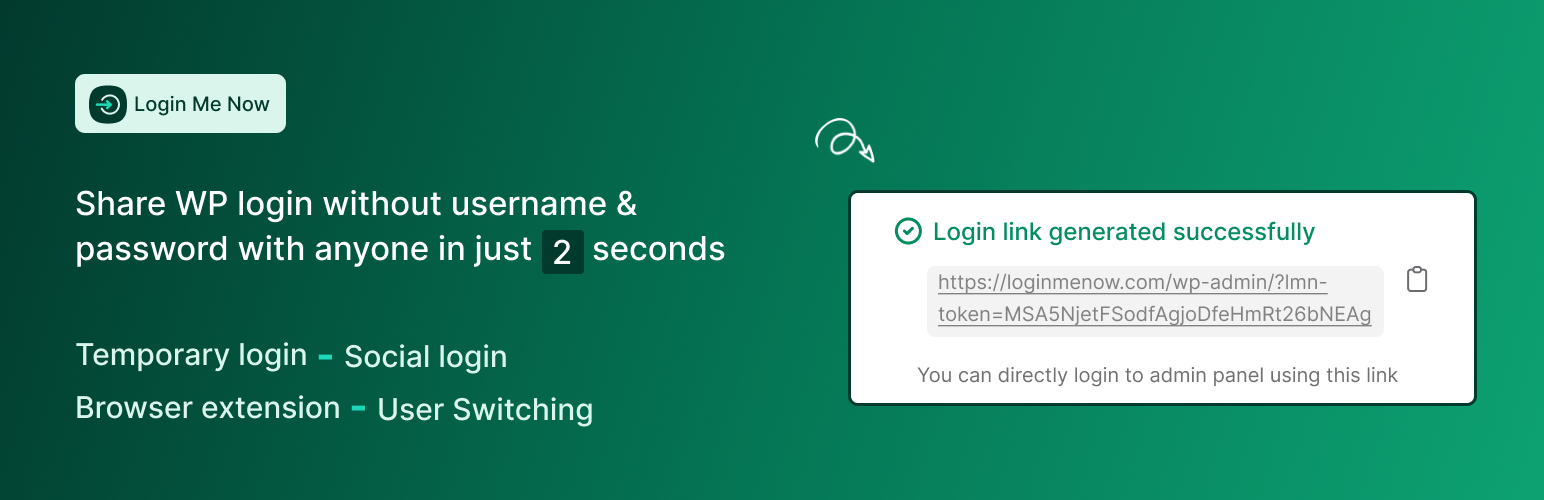
Login Me Now 是一款現代化的 WordPress 登入與存取控制解決方案,提供無密碼登入、社交媒體登入及一次性密碼驗證等功能,旨在提升網站安全性與使用者體驗。
【主要功能】
• 無密碼及臨時登入
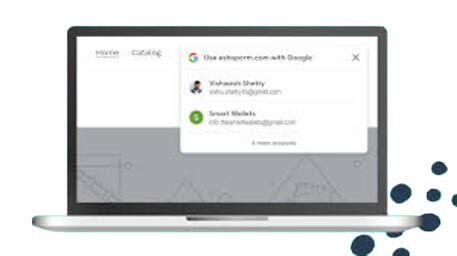
• 支援 Google 和 Facebook 社交登入
• 一次性密碼登入(Phone OTP)
• 使用者帳號快速切換
• 電子郵件魔法連結登入
• 活動紀錄追蹤
外掛標籤
開發者團隊
② 後台搜尋「Login Me Now – Passwordless, Magic Link, OTP & Social Login for WordPress」→ 直接安裝(推薦)
📦 歷史版本下載
原文外掛簡介
What is Login Me Now?
Login Me Now is a modern login and access control solution for WordPress. It helps you:
Grant temporary access with secure one-time links
Log in without passwords
Offer Google and Facebook social login
Switch between user accounts instantly
Use browser extensions for one-click dashboard access
Verify users with SMS-based one-time passwords
Track login history and activity
Manage modules, integrations, and features from a single hub
New: Phone OTP Login
Allow users to verify identity with one-time passwords delivered via SMS using Firebase or Twilio.
Improved Email Magic Link
Refined modal, confirmation step, and updated email template for a more professional experience.
Video Overview
Watch a quick 38-second overview of the problem, solution, and features:
Key Features
Passwordless & Temporary Login
Generate secure login links with expiration time (hours or days)
No passwords needed — secure login with one click
Control access using validity periods and conditional settings
Social Login
Google and Facebook login support
Use shortcodes to place login buttons anywhere
Pro: Sync profile photo and name
Pro: Redirect users to any page after login
Phone OTP Login (New)
OTP delivery through Firebase or Twilio Verify
Rate limiting, resend cooldown, and reCAPTCHA supported
Country flag selector and restriction options
Store and normalize phone numbers in user profiles
Works via shortcode or wp-login.php login provider interface
User Switching
Instantly switch between user accounts
No logout/login cycles required
Email Magic Link
Single-use secure login links
Clean modal with validation and success confirmation
Friendly email template with clear CTA
Activity Log
Integrates with Simple History
Track who logged in and how they authenticated
Browser Extensions
Chrome Extension
Firefox Add-on
Uses encrypted JWT tokens for secure and fast access
No passwords are stored in the extension
Modules Hub (New)
Toggle modules, integrations, and upcoming features from one dashboard
Search, filter, and manage active, available, and upcoming modules
Module state persists automatically
Shortcodes
Use these shortcodes to display login buttons anywhere:
[login_me_now_google_button]
[login_me_now_facebook_button]
[login_me_now_phone_otp_button]
[login_me_now_email_magic_link_button]
Use Cases
Site Owners: Give temporary access without sharing passwords
Developers: Request secure client access instead of asking for admin credentials
Agencies: Switch between multiple user accounts easily
Integrations
All-in-One Content Restriction
WooCommerce
Easy Digital Downloads
Directorist
Simple History
Fluent Support
Coming Soon: Tutor LMS, BuddyBoss, BuddyPress, Dokan, bbPress
Why Choose Login Me Now?
Encrypted, time-sensitive authentication
Faster, smoother login flows
Works for both beginners and power users
Actively updated and maintained
Pro Features
Social login profile sync (name, avatar)
Custom redirect after login
More integrations (coming soon)
WooCommerce express login (coming soon)
Advanced OTP enhancements (coming soon)
Priority support
Pro version:
FIND AN ISSUE?
Support forum:
https://wordpress.org/support/plugin/login-me-now/
Please search existing topics before opening a new one.