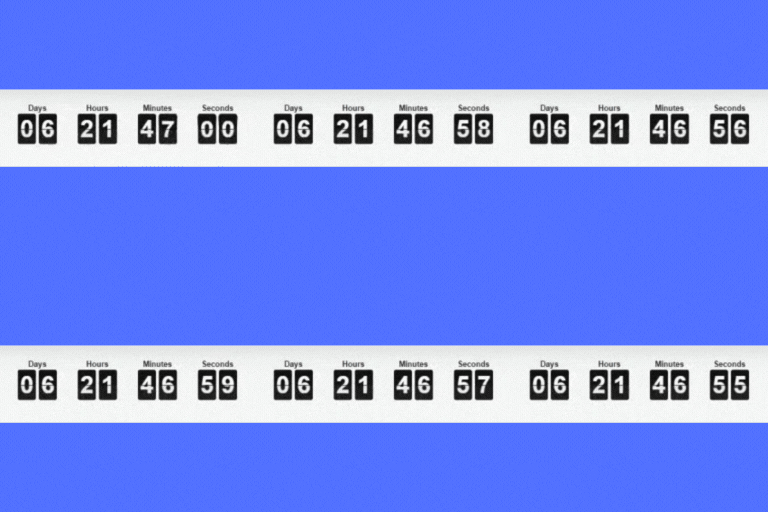
內容簡介
此外掛為 WooCommerce 提供倒數計時功能,讓使用者能在產品頁面上顯示倒數計時器,並可透過電子郵件註冊以獲取優惠碼,提升促銷效果。
【主要功能】
• 在產品頁面顯示倒數計時器
• 可設定倒數開始與結束日期
• 支援電子郵件註冊以獲取優惠碼
外掛標籤
開發者團隊
② 後台搜尋「Product Count Down for WooCommerce」→ 直接安裝(推薦)
原文外掛簡介
This plugin adds a “LR Count Down Settings” section to the admin panel for the plugin settings. You can see the countdown in the header of the product page. Before that, you need to select the checkbox from the product page in the admin panel and set the from and to dates for the countdown.
Steps to enable the countdown:
Log in to WordPress
Open Products
Edit your product
Open the Product CountDown tab on the product edit screen
The countdown appears on the front end of the product page
The main goal of the plugin is to add a countdown on the product detail page so visitors can register by email to receive a coupon code.
For more features, contact us at Logicrays.