內容簡介
LoadGate Forge 是一款專為優化網站效能而設計的 WordPress 外掛,能夠根據特定網址路徑控制外掛的載入,避免不必要的資源浪費,提升頁面加載速度。
【主要功能】
• 根據網址路徑選擇不載入的外掛
• 支援「包含」、「以...開頭」或精確路徑匹配
• 一鍵關閉所有規則的主開關
• 不影響後台、登入畫面及 REST API
• 可隨時清除規則恢復外掛正常載入
外掛標籤
開發者團隊
原文外掛簡介
Most sites run a few plugins that are only needed on one or two pages: a form plugin used on the contact page, a gallery plugin used in the portfolio, a chat widget you only want on the homepage. Loading all of them on every request is wasted work.
LoadGate Forge lets you say “do not load this plugin on these URLs” and takes it off those requests entirely, so the code never runs there.
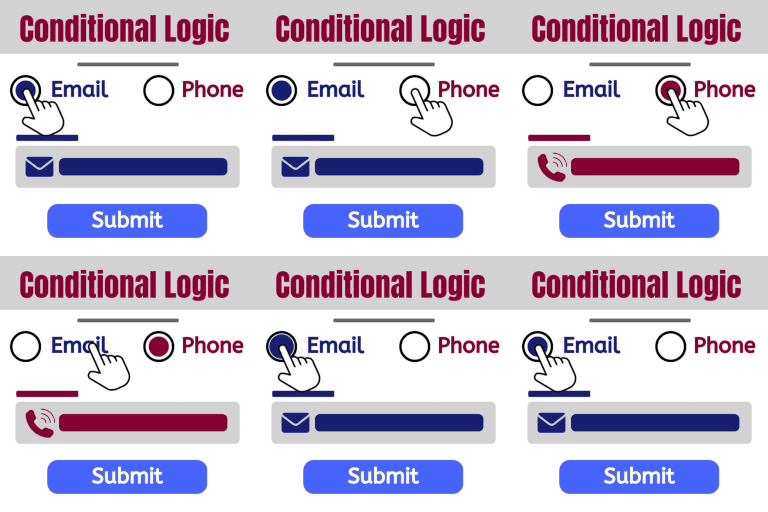
Pick a URL path and the plugins that should sit out on it.
Match by “contains”, “starts with”, or an exact path.
A master switch turns every rule off in one click.
Nothing is deleted and nothing is permanent. Clear a rule and the plugin loads normally again.
To take a plugin off a request, the decision has to happen before WordPress loads plugins. LoadGate Forge does that through a small must-use loader it installs for you on activation, and removes when you deactivate.
What it does not touch
Rules only ever apply to normal front-end page views. The admin area, the login screen, REST API calls, cron and WP-CLI are always left with every plugin active, so you cannot lock yourself out of the dashboard.
Good to know
Matching happens before the page template is known, so rules are based on the request URL, not on conditional tags like is_page().
Disabling a plugin that builds a page will break that page. Test each URL after you save a rule.
Single-site installs. Multisite network activation is not supported yet.