
內容簡介
總結:
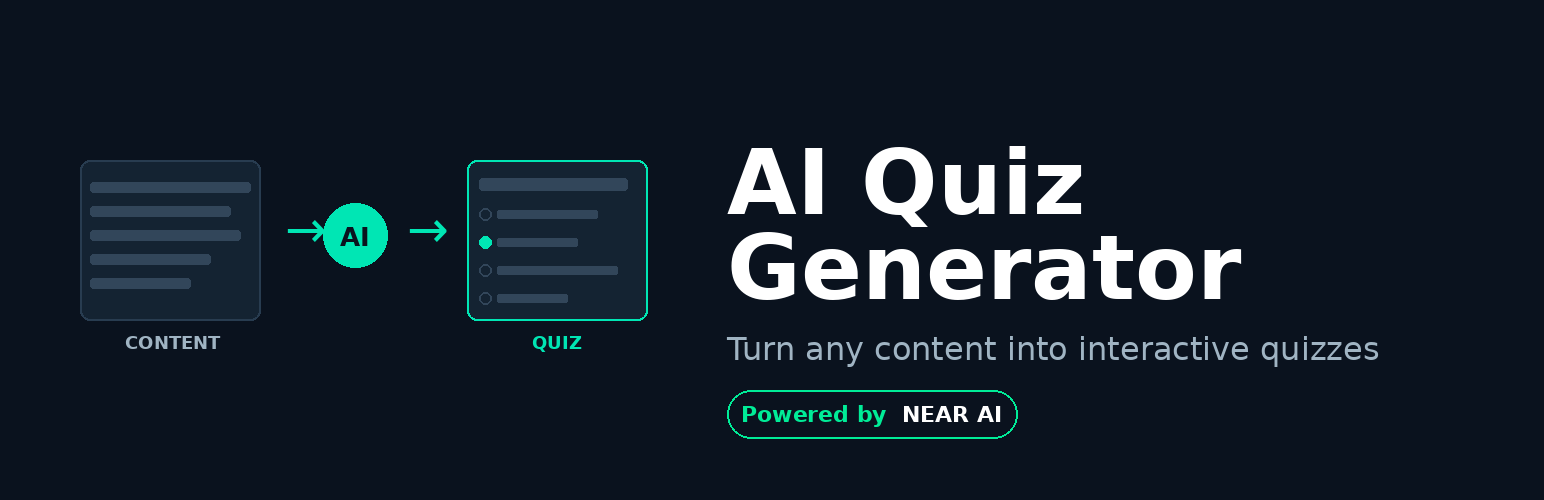
LNC AI Quiz Generator 是一個 WordPress 外掛,利用人工智慧自動從文章內容生成教育性測驗。通過將任何文字內容包裹在簡單的短代碼中,該外掛使用 NEAR AI Cloud API 分析內容並創建引人入勝的多選測驗,幫助用戶測試他們的知識並提高內容保留率。
問題與答案:
1. LNC AI Quiz Generator 是一個什麼樣的 WordPress 外掛?
- 它是一個利用人工智慧從文章內容生成教育性測驗的 WordPress 外掛。
2. 如何啟用自動測驗生成?
- 通過將任何內容用 [lnc_ai_quiz_generator]...[/lnc_ai_quiz_generator] 短代碼包裹起來來啟用自動測驗生成。
外掛標籤
開發者團隊
② 後台搜尋「LNC AI Quiz Generator for NEAR AI Cloud」→ 直接安裝(推薦)
原文外掛簡介
LNC AI Quiz Generator is a WordPress plugin that leverages artificial intelligence to automatically generate educational quizzes from your article content. By wrapping any text content in a simple shortcode, the plugin uses the NEAR AI Cloud API (https://cloud.near.ai/) to analyze the content and create engaging multiple-choice quizzes that help users test their knowledge and improve content retention.
🎯 Key Features
AI-Powered Quiz Generation: Automatically generates contextually relevant quizzes based on your article content using advanced AI models.
Simple Shortcode Integration: Wrap any content with [lnc_ai_quiz_generator]...[/lnc_ai_quiz_generator] shortcode to enable automatic quiz generation for that section.
Interactive Quiz Interface: Clean, user-friendly quiz modal with instant feedback, showing correct/incorrect answers and explanations.
Customizable AI Parameters: Configure API settings including model selection, temperature, max tokens, and other AI parameters to fine-tune quiz generation.
Educational Focus: Each quiz includes 2 carefully crafted questions with 4 multiple-choice options and detailed explanations for correct answers.
🔧 Setup Instructions
Step 1: Configure Cloud AI Settings
Navigate to WordPress Admin > Settings > Cloud AI Client Configuration
Fill in the following fields:
API URL: Enter https://cloud-api.near.ai
API Key: Enter your NEAR AI Cloud API key (obtain from cloud.near.ai)
Quiz Model: Select deepseek-ai/DeepSeek-V3.1 (or your preferred model)
Configure the AI Prompt (pre-filled with optimal settings):
The prompt instructs the AI to:
Read article content and create exactly 2 questions
Provide 4 multiple-choice options (A, B, C, D) for each question
Include correct answer and explanation
Output valid JSON format only
AI Parameters (defaults):
Temperature: 0.7
Max Tokens: 2000
Top P: 1
Frequency Penalty: 0
Presence Penalty: 0
Click Save to store your configuration
Step 2: Add Quiz to Your Content
Create or edit any WordPress post or page
Wrap the content you want to quiz users on with the shortcode:
[lnc_ai_quiz_generator]
Your article content goes here...
[/lnc_ai_quiz_generator]
Publish or update the post
Step 3: User Experience
When visitors view your content:
1. They’ll see a help icon (?) next to the content wrapped in [lnc_ai_quiz_generator]
2. Clicking the icon opens an interactive quiz modal
3. The AI generates 2 questions based on the content
4. Users select answers and receive instant feedback
5. Correct answers are highlighted in green with checkmarks
6. Incorrect answers are shown in red with X marks
7. Explanations help users understand the correct answers
🧩 Use Cases
Educational Websites: Enhance learning by testing comprehension after each article or lesson
Training Platforms: Create automatic knowledge checks for training materials
Content Marketing: Increase engagement and time on page with interactive quizzes
E-Learning: Add instant assessments to any educational content without manual quiz creation
Documentation Sites: Help users verify they understood technical documentation
💡 For WordPress Developers
The plugin uses the NEAR AI Cloud API to generate quizzes. The AI model receives:
– Article content from within [lnc_ai_quiz_generator] shortcode
– Structured prompt for quiz generation
– Returns JSON with quiz questions, options, correct answers, and explanations
The quiz interface is built with vanilla JavaScript and renders in a modal overlay with real-time feedback.
Important Links
NEAR AI Cloud: https://cloud.near.ai/
Get API Key: Register at cloud.near.ai
Third-Party Services
This plugin connects to the NEAR AI Cloud API to generate quiz questions.
When a visitor clicks the quiz button, the text wrapped in the [lnc_ai_quiz_generator] shortcode is sent to NEAR AI Cloud for processing in order to generate quiz questions.
Service:
– NEAR AI Cloud API: https://cloud-api.near.ai/
Terms:
– https://near.ai/near-ai-cloud-terms-of-service
Privacy:
– https://near.ai/privacy-policy






