[WordPress] 外掛分享: Lite Maintenance Mode

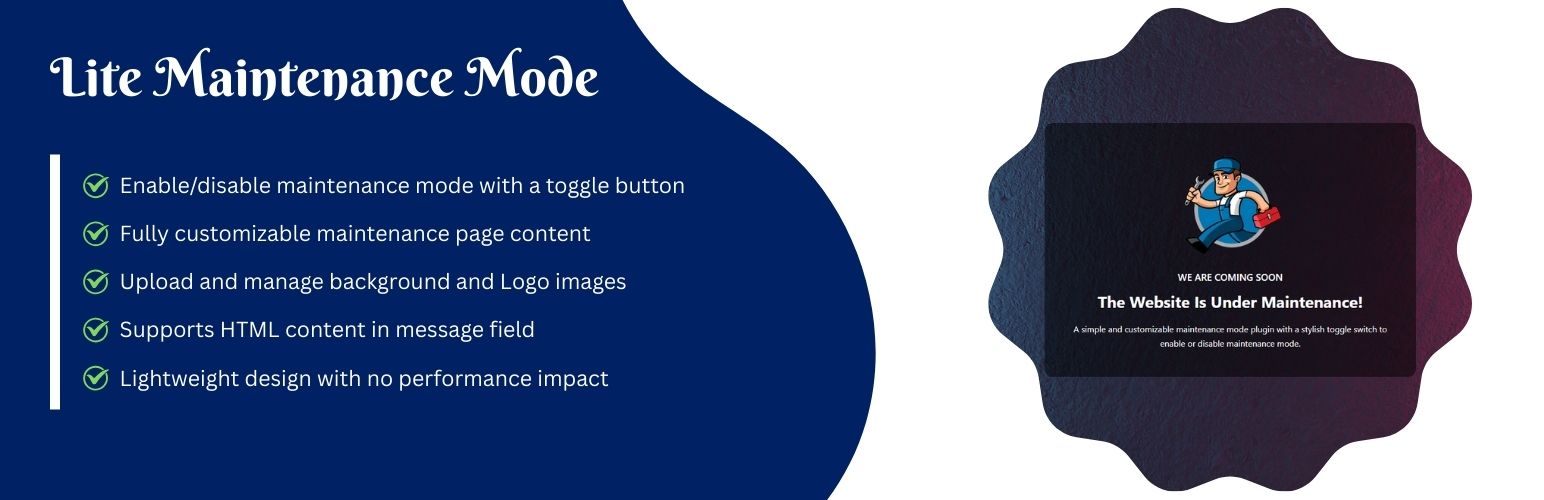
WordPress 外掛 Lite Maintenance Mode 的封面圖片。

前言介紹

  • 這款 WordPress 外掛「Lite Maintenance Mode」是 2025-10-04 上架。
  • 目前有 70 個安裝啟用數。
  • 上一次更新是 2025-10-05,距離現在已有 143 天。
  • 外掛最低要求 WordPress 5.0 以上版本才可以安裝。
  • 外掛要求網站主機運作至少需要 PHP 版本 7.2 以上。
  • 有 3 人給過評分。
  • 還沒有人在論壇上發問,可能目前使用數不多,還沒有什麼大問題。

外掛協作開發者

dharmendrapatidar |

外掛標籤

coming soon | maintenance | site offline | maintenance mode |

內容簡介

總結:Lite Maintenance Mode 是一個 WordPress 外掛,允許你快速啟用或停用網站的維護/即將推出頁面。在維護模式下,只有管理員可以看到現存網站。

1. 問題:Lite Maintenance Mode 可以讓你快速啟用或停用 WordPress 網站的什麼頁面?
答案:維護/即將推出頁面。

2. 問題:在維護模式下,僅有誰可以看到網站實況?
答案:只有管理員可以看到現存網站。

3. 問題:Lite Maintenance Mode 的功能包括哪些項目?
答案:自定義標題、副標題和訊息、上傳背景和 Logo 圖片選項、設定中時尚的開/關切換按鈕、輕量級設計無性能影響。

4. 問題:Lite Maintenance Mode 具備哪些特點?
答案:透過切換按鈕啟用/停用維護模式、完全可自訂的維護頁面內容、上傳和管理背景和 Logo 圖片、在訊息欄位支援 HTML 內容、具備行動響應設計。

5. 問題:在何種授權下提供 Lite Maintenance Mode 外掛?
答案:GPLv2 或更新版本。

原文外掛簡介

Lite Maintenance Mode allows you to quickly enable or disable a maintenance/coming soon page for your WordPress site.
Only administrators can see the live site when maintenance mode is active.
Includes:
* Custom heading, subheading, and message
* Background and Logo image upload options
* Stylish ON/OFF toggle button in settings
* Lightweight design with no performance impact
Features

Enable/disable maintenance mode with a toggle button
Fully customizable maintenance page content
Upload and manage background and Logo images
Supports HTML content in the message field
Mobile Responsive Design

License
This plugin is licensed under the GPLv2 or later.

各版本下載點

  • 方法一:點下方版本號的連結下載 ZIP 檔案後,登入網站後台左側選單「外掛」的「安裝外掛」,然後選擇上方的「上傳外掛」,把下載回去的 ZIP 外掛打包檔案上傳上去安裝與啟用。
  • 方法二:透過「安裝外掛」的畫面右方搜尋功能,搜尋外掛名稱「Lite Maintenance Mode」來進行安裝。

(建議使用方法二,確保安裝的版本符合當前運作的 WordPress 環境。


1.0.2 | trunk |

延伸相關外掛(你可能也想知道)

  • Hostinger Tools 》- Hostinger Onboarding WordPress Plugin 简化和加快了WordPress网站的设置过程。, - 提供了简便和快速的方式来建立WordPress网站。。
  • Maintenance 》Maintenance 外掛可讓 WordPress 網站管理員進行維護,關閉網站,啟用 “503 Service temporarily unavailable”,設定臨時頁面並進行授權,並且可...。
  • WP Maintenance 》WP Maintenance 外掛可讓你將網站進入等候維護或上線頁面,透過以下功能便能客製化此頁面,圖片和倒數計時:, 功能, , 選擇文字色彩和字型, 上傳 Logo 圖片, ...。
  • XO Security 》XO Security 是一個可增強登入相關安全性的外掛程式。, 此外掛程式不會寫入 .htaccess 檔案,除了 Apache 外,也支援 LiteSpeed、Nginx 和 IIS。, 功能, , 記...。
  • Maintenance Mode 》作為一個經常使用 WordPress 的網站開發人員,我經常遇到這樣的問題:如果我想使用簡單的維護外掛程序對自己的網站或客戶網站進行更新,我就會遇到所有這些無...。
  • WordPress Manutenção 》這個 WordPress 外掛可以讓您簡單明瞭地進行網站維護,同時提供多項選擇:, , , 在不必停用外掛的情況下取消維護模式;, , , 選擇您的維護模式:您可以使用維...。
  • Under Construction, Coming Soon & Maintenance Mode 》「Under Construction, Coming Soon & Maintenance Mode」外掛可以讓你為即將推出的 WordPress 網站建立維護模式頁面、即將推出頁面或建設中頁面。, 這個...。
  • Slim Maintenance Mode 》Slim Maintenance Mode 是一款輕量的計畫性維護解決方案。啟用這個外掛後,只有管理員才能看到網站。, 功能特色, , 無需額外設定,啟用、進行維護、停用即可...。
  • Maintenance Redirect 》注意:最新版的 PHP 8.1 似乎存在問題。如果您遇到問題,請發布支援文章。, 此外掛主要是為設計師 / 開發人員設計的,他們需要讓客戶在對外公開之前預覽網站...。
  • EZP Maintenance Mode 》需要讓您的訪客知道您的網站正在進行維護嗎?EZP Maintenance Mode 讓這變得容易!, 基本功能, , 非常簡單。沒有混亂的選項或複雜的設置。, Mini 主題。在維...。
  • Coming soon and Maintenance mode 》「即將推出功能」和「維護模式」外掛的描述如下:, , , 即將推出功能和維護模式外掛是一個很棒的工具,可以向您的網站訪問者展示您正在為改善網站而努力工作...。
  • Maintenance Mode 》這個外掛主要是針對需要讓客戶在網站對外公開之前預覽網站,或是在 WordPress 網站進行重大更新時暫時隱藏網站的開發者。 , 任何具有 WordPress 管理員權限的...。
  • MilesWeb Tools 》總結: MilesWeb Tools 是一款功能強大的 WordPress 外掛,旨在增強安全性、管理維護模式、強制 HTTPS、禁止文件編輯、追蹤使用者登入記錄、監控儲存空間使用...。
  • Machete 》Machete是一個簡單的工具套件,可以盡可能節省資源來解決常見的WordPress煩惱。Machete並不適用於每一種使用情況,但若您使用Machete,會需要較少的外掛程式...。
  • YITH Maintenance Mode 》如果您正在開發您的網站,並想要向訪問者表明,可以安裝 YITH Maintenance Mode 外掛,快速設置可愛的自訂頁面,讓您的訪問者知道網站正在進行維護,暫時關閉...。

文章
Filter
Apply Filters
Mastodon