內容簡介
### 總結:
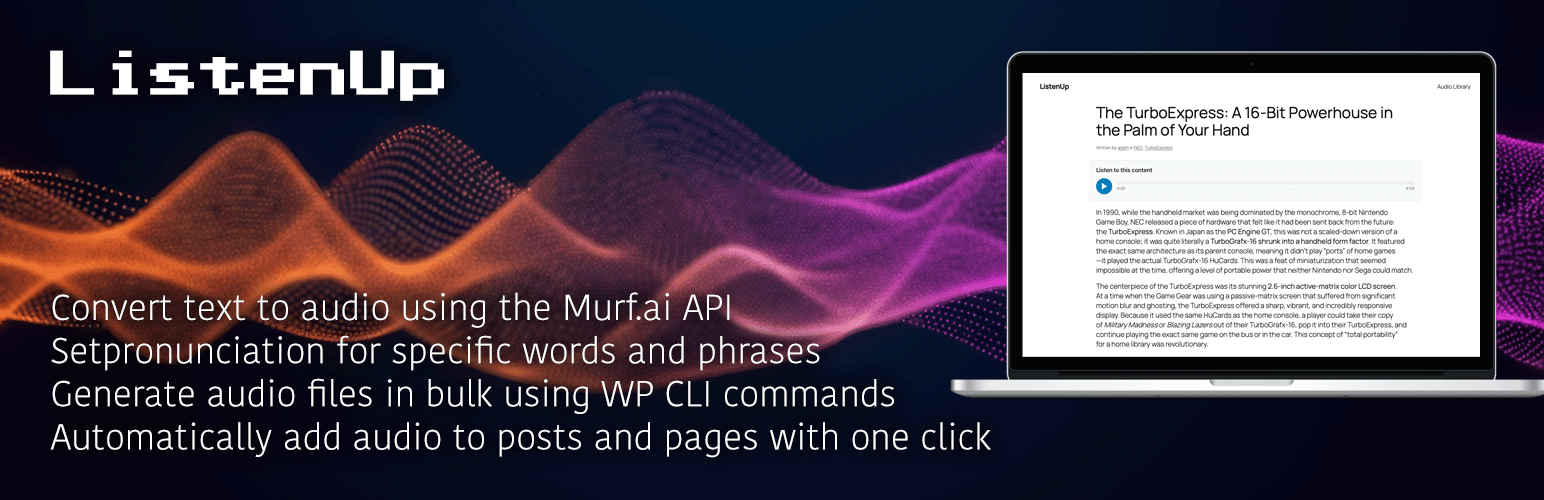
ListenUp 是一個功能強大的 WordPress 外掛,可將文字轉為語音功能添加到您的文章和頁面中。只需點擊幾下,即可使用 Murf.ai 的先進人工智能語音生成高質量音訊版本。
### 問答:
1. ListenUp 的主要功能有哪些?
- 簡單的語音生成:只需一個簡單點擊,即可為任何文章或頁面生成音訊。
- Murf.ai 整合:使用專業的人工智能語音來生成自然聲音的音訊。
- 無 FFmpeg 需求:適用於無法使用或受限制的 FFmpeg 主機環境。
- 智慧快取:音訊文件在本地快取,以節省 API 點數。
- 智慧分割:將長內容自動分割為易管理的片段。
- 流暢播放:多個音訊片段連續播放,無間斷。
- 防盜連保護:安全的音訊傳遞,防止未授權訪問和熱連結。
- 下載控制:限制下載只針對登入的使用者或完全停用下載。
- 靈活放置:選擇在內容前後顯示音訊播放器。
- 短代碼支援:使用 [listenup] 短代碼在任何位置放置播放器。
- 優先無障礙:符合 WCAG 規範的音訊播放器,支持鍵盤導航。
- 行動回應:在所有設備上完美運作。
- 管理友好:簡單的設定頁面和清晰的說明。
2. 如何運作 ListenUp 外掛?
- 設置:在外掛設定中輸入您的 Murf.ai API 金鑰。
- 生成:在任何文章/頁面上使用元框生成音訊。
- 顯示:音訊播放器會自動顯示或使用短代碼。
- 收聽:訪客可以播放、暫停、下載音訊內容。
3. ListenUp 最適合哪些用途?
- 想要為文章提供音頻版本的部落客。
- 希望提高無障礙性的內容創作者。
- 針對喜歡音頻內容的移動用戶的網站。
- 具有長形式內容的教育網站。
- 希望提供音訊新聞的新聞網站。
以上是 ListenUp 外掛的主要功能、操作方式和適用用途。
外掛標籤
開發者團隊
原文外掛簡介
ListenUp is a powerful WordPress plugin that adds text-to-speech functionality to your posts and pages. With just a few clicks, you can generate high-quality audio versions of your content using Murf.ai’s advanced AI voices.
Key Features
Easy Audio Generation: Generate audio for any post or page with a simple click
Murf.ai Integration: Uses professional AI voices for natural-sounding audio
No FFmpeg Required: Ideal for hosting environments where FFmpeg is not available or restricted
Smart Caching: Audio files are cached locally to save API credits
Intelligent Chunking: Long content is automatically broken into manageable chunks
Seamless Playback: Multiple audio chunks play continuously without interruption
Leech Protection: Secure audio delivery prevents unauthorized direct file access and hotlinking
Download Control: Restrict downloads to logged-in users or disable downloads entirely
Flexible Placement: Choose where to display the audio player (before/after content)
Shortcode Support: Use [listenup] shortcode to place players anywhere
Accessibility First: WCAG-compliant audio player with keyboard navigation
Mobile Responsive: Works perfectly on all devices
Admin-Friendly: Simple settings page with clear instructions
How It Works
Setup: Enter your Murf.ai API key in the plugin settings
Generate: Use the meta box on any post/page to generate audio
Display: Audio players appear automatically or via shortcode
Listen: Visitors can play, pause, and download audio content
Advanced Features
Content Chunking: For posts that exceed Murf.ai’s API limits, content is automatically broken into smaller chunks. Each chunk generates a separate audio file, but the frontend player seamlessly plays all chunks in sequence without interruption.
Audio Concatenation: When downloading audio content that has been chunked, the plugin automatically concatenates all audio files into a single WAV file, ensuring compatibility across all platforms and devices.
No FFmpeg Dependency: Unlike many audio plugins, ListenUp doesn’t require FFmpeg, making it perfect for shared hosting environments, managed WordPress hosts, or any situation where FFmpeg is not available or restricted.
Leech Protection: Audio files are served through a secure PHP proxy with nonce-based authentication, preventing unauthorized direct access and hotlinking. All audio is delivered via WordPress AJAX endpoints with proper HTTP range request support for smooth seeking. This server-agnostic solution works on Apache, Nginx, IIS, and any PHP-capable server without requiring special server configuration.
Perfect For
Bloggers who want to offer audio versions of their posts
Content creators looking to improve accessibility
Websites targeting mobile users who prefer audio content
Educational sites with long-form content
News sites wanting to offer audio news
Accessibility Features
Full keyboard navigation support
Screen reader compatible
High contrast mode support
Reduced motion support
Proper ARIA labels and descriptions
External Services
This plugin integrates with external services to provide text-to-speech functionality and optional cloud storage capabilities.
Murf.ai API
This plugin uses Murf.ai’s text-to-speech API to generate high-quality audio content from your post and page text.
Purpose: Generates high-quality audio from text content using professional AI voices
Data Sent: Post/page text content, selected voice ID, voice style preferences, pronunciation dictionary rules (if configured)
When Sent: Only when you manually generate audio for a post/page using the plugin’s meta box, or when generating pre-roll audio through the plugin settings
Terms of Service: https://murf.ai/terms-of-service
Privacy Policy: https://murf.ai/privacy-policy
Optional Cloud Storage Services
This plugin optionally supports uploading audio files to cloud storage services (Amazon S3, Google Cloud Storage, Cloudflare R2) to reduce bandwidth usage on your web server. This feature is completely optional and disabled by default. No data is sent to these services unless you explicitly configure and enable cloud storage in the plugin settings.
Amazon S3: https://aws.amazon.com/service-terms/
Google Cloud Storage: https://cloud.google.com/terms/
Cloudflare R2: https://www.cloudflare.com/terms/
Support
For support, please visit the plugin’s support forum or contact the developer.
Privacy Policy
This plugin does not collect or store any personal data. Audio files are cached locally on your server. The plugin only communicates with Murf.ai’s API to generate audio content.