內容簡介
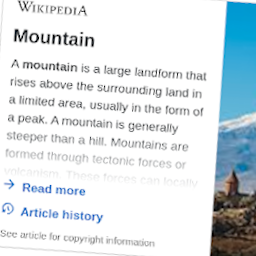
總結:LinkMaker 是可以讓編輯者在編輯器中快速建立維基百科連結的 WordPress 外掛。使用者只需將任何文字連結至 LinkMaker,外掛將自動將前端連結指向對應的維基百科文章。外掛使用輕量級 JavaScript 和 CSS,只在需要時在前端運行。
問題與答案:
1. 什麼是 LinkMaker 外掛的主要功能?
- 讓編輯者在編輯器中快速建立維基百科連結,不必離開編輯器。
2. 如何使用 LinkMaker 外掛建立連結?
- 將任何文字連結至 LinkMaker(無需協定),外掛會自動將前端連結指向對應的維基百科文章。
3. LinkMaker 外掛具備哪些特色?
- Gutenberg-friendly workflow、Zero configuration、保留已指向 GitHub 的連結不受影響。
4. 如何聯絡 LinkMaker 外掛的相關問題或合作諮詢?
- 聯繫 [email protected]。
外掛標籤
開發者團隊
原文外掛簡介
LinkMaker lets editors create Wikipedia links without leaving the editor. Link any text to linkmaker (no protocol) and the plugin automatically points the front-end link to the matching article on Wikipedia. It ships with lightweight JavaScript and CSS that only runs on the front-end when needed.
Gutenberg-friendly workflow
Zero configuration
Keeps links that already point to GitHub untouched
Contact
Questions or partnership inquiries: [email protected]