內容簡介
**總結:**
LicenShield是針對WordPress開發者的完整軟體許可證管理解決方案。透過安全的許可證驗證、啟用限制和Stripe支付,放心銷售您的外掛和主題。
**問與答:**
- LicenShield的免費功能有哪些?
- 無限產品和許可證 - 沒有人為限制
- 許可證金鑰生成 - 自動或手動創建安全獨特的許可證金鑰
- 啟用管理 - 控制每個許可證可用於多少個網站
- 到期日期 - 設置許可證有效期限
- Stripe支付 - 接受一次性付款並自動生成許可證
- REST API - 將許可驗證整合到任何WordPress外掛或主題中
- 電子郵件通知 - 自動發送購買郵件
- 費率限制 - 保護您的API不被濫用
- 設置嚮導 - 幾分鐘內即可啟動
- 什麼是LicenShield的使用案例?
- 銷售具有許可保護的高級WordPress外掛
- 管理具有啟用限制的主題許可證
- 通過許可驗證保護任何數字產品
- LicenShield如何為開發者提供友好的API?
- LicenShield為許可驗證提供了一個簡單的REST API:POST https://yoursite.com/wp-json/ls/v1/validate,並提供JSON數據內容。
- LicenShield Pro提供了什麼高級功能?
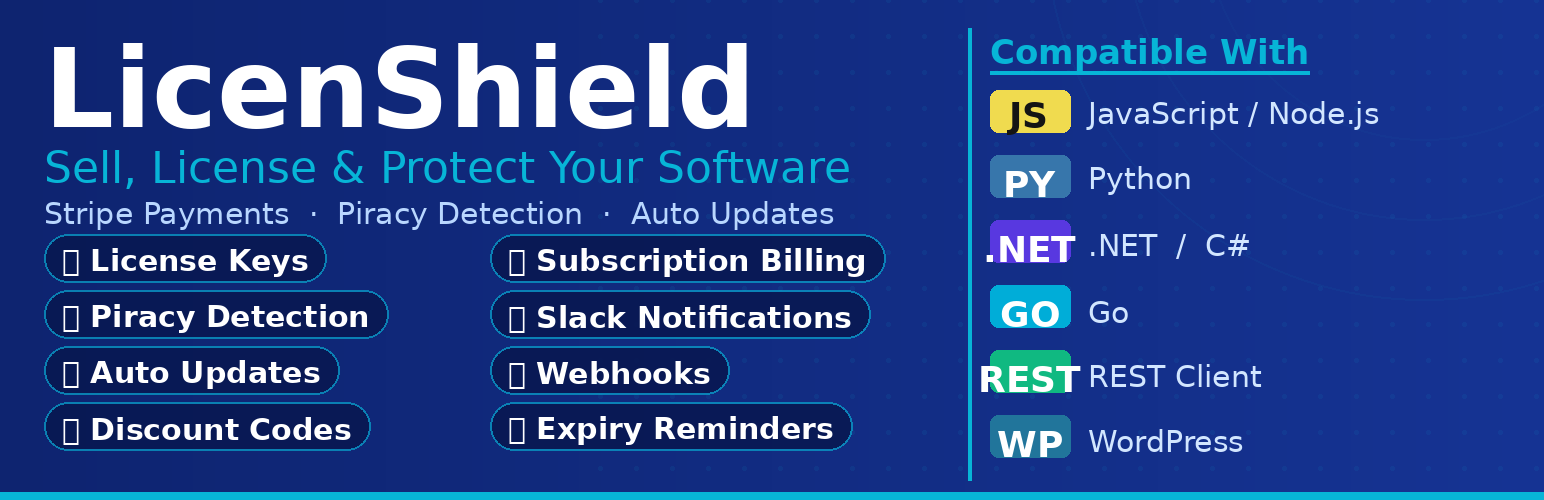
- 包括月度和年度循環付款的訂閱計費
- 創建促銷和銷售優惠券的折扣代碼
- 通過Slack通知即時獲得對銷售和啟用的警報
- 監控和保護未經授權使用的盜版檢測
- 高級分析,如收入圖表、趨勢和見解
- Webhook集成,連接到Zapier、CRM等
- 優先支援,需要時提供幫助
- 如何查看LicenShield Pro的價格和詳細信息?
- 可以透過訪問licenshield.com來獲取LicenShield Pro的價格和詳細信息。
外掛標籤
開發者團隊
原文外掛簡介
LicenShield is a complete software license management solution for WordPress developers. Sell your plugins and themes with confidence using secure license key validation, activation limits, and Stripe payments.
Free Features
Unlimited Products & Licenses – No artificial limits
License Key Generation – Create secure, unique license keys automatically or manually
Activation Management – Control how many sites can use each license
Expiration Dates – Set license validity periods
Stripe Payments – Accept one-time payments and auto-generate licenses
REST API – Integrate license validation into any WordPress plugin or theme
Email Notifications – Automatic emails for purchases
Rate Limiting – Protect your API from abuse
Setup Wizard – Get started in minutes
Use Cases
Sell premium WordPress plugins with license protection
Manage theme licenses with activation limits
Protect any digital product with license validation
Developer Friendly
LicenShield provides a simple REST API for license validation:
POST https://yoursite.com/wp-json/ls/v1/validate
{
"license_key": "LS-XXXX-XXXX-XXXX-XXXX",
"site_url": "https://customer-site.com"
}
LicenShield Pro
Take your license business to the next level with Pro features:
Subscription Billing – Monthly and yearly recurring payments
Discount Codes – Create coupons for promotions and sales
Slack Notifications – Get instant alerts for sales and activations
Piracy Detection – Monitor and protect against unauthorized use
Advanced Analytics – Revenue charts, trends, and insights
Webhook Integrations – Connect to Zapier, CRMs, and more
Priority Support – Get help when you need it
Visit licenshield.com for Pro pricing and details.
Privacy Policy
LicenShield stores license keys, customer emails, and site URLs for license validation purposes. This data is stored in your WordPress database and is not shared with third parties except for payment processing via Stripe.
For more information, visit licenshield.com/privacy.
External Services
This plugin connects to third-party services to provide payment functionality:
Stripe
LicenShield integrates with Stripe for payment processing. When a customer purchases a license through your site:
What is sent: Customer email, purchase amount, product details, and payment card information (handled directly by Stripe, never stored locally)
When it is sent: During checkout when a customer initiates a purchase, and when processing webhooks for order fulfillment
Why it is needed: To process credit card payments and automatically generate license keys upon successful payment
Stripe is a PCI-compliant payment processor. All payment data is handled securely by Stripe’s servers.
Stripe Terms of Service
Stripe Privacy Policy