
內容簡介
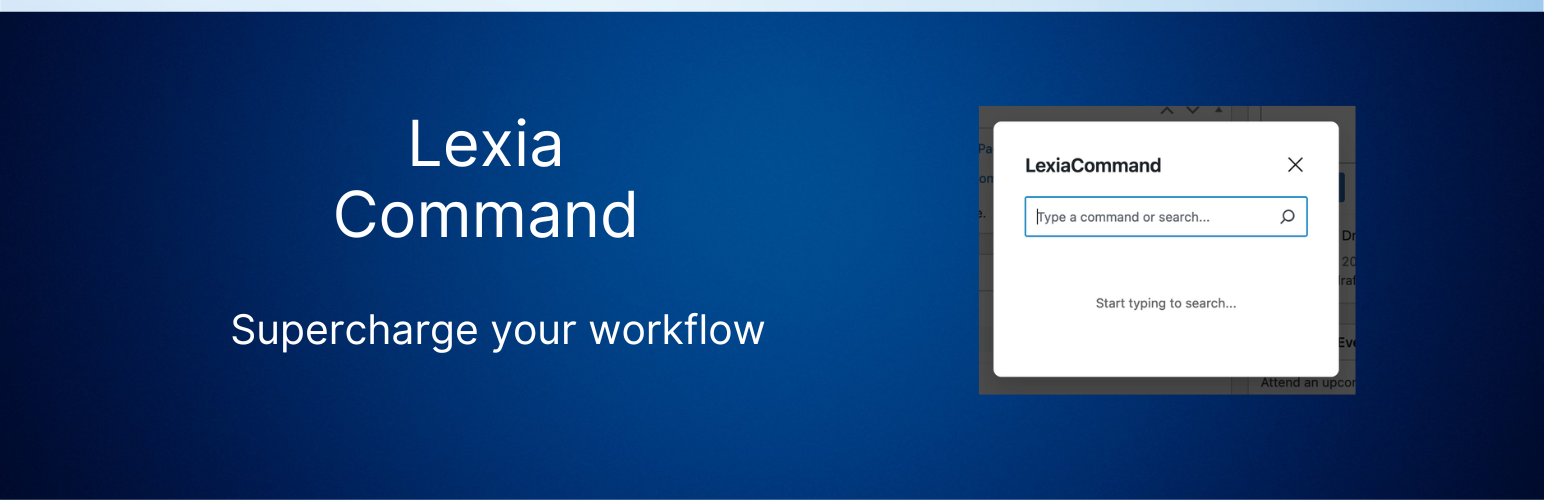
**總結:**Lexia Command 在您的 WordPress 網站上新增了一個強大的命令列,只需按幾下鍵就能訪問網站中的所有內容。
**問題與答案:**
- Q: Lexia Command 是一個什麼樣的 WordPress 外掛?
- A: 它是一個針對 WordPress 網站添加一個功能強大的命令列的外掛,讓您僅需按幾下鍵就能訪問網站中的所有內容。
- Q: 這個外掛的主要特點有哪些?
- A: 主要特點包括:
- 快速命令列:可使用 CMD+K(Mac)或 CTRL+K(Windows/Linux)啟動
- 通用搜索:可以找到文章、頁面、產品、用戶、媒體等
- 快速操作:可直接從命令列創建、編輯或管理內容
- 現代化用戶界面:乾淨、最小化的界面設計
- 鍵盤優先:專為鍵盤驅動的工作流程而設計
- 可擴展性:可通過 WordPress 濾鏡添加自定義命令
- Q: Lexia Command 有哪些使用案例?
- A: 使用案例包括:
- 快速創建新文章或頁面
- 搜索並編輯現有內容
- 訪問媒體庫
- 管理插件和主題
- 導航 WordPress 設置等
- Q: 這個外掛的開發情況如何?
- A: 這個外掛在 GitHub 上開發和維護,歡迎您貢獻!
- Q: 如何在 GitHub 上訪問這個外掛的存儲庫?
- A: 您可以訪問 [GitHub 存儲庫](https://github.com/) 查看外掛的源代碼。
外掛標籤
開發者團隊
原文外掛簡介
Lexia Command adds a powerful command bar to your WordPress site. Access everything in your WordPress site with just a few keystrokes.
Key Features
Quick Command Bar: Launch with CMD+K (Mac) or CTRL+K (Windows/Linux)
Universal Search: Find posts, pages, products, users, media, and more
Fast Actions: Create, edit, or manage content directly from the command bar
Modern UI: Clean, minimal interface inspired
Keyboard-First: Designed for keyboard-driven workflows
Extensible: Add custom commands via WordPress filters
Use Cases
Quickly create new posts or pages
Search and edit existing content
Access media library
Manage plugins and themes
Navigate WordPress settings
And much more!
Development
This plugin is developed and maintained on GitHub. Feel free to contribute!
GitHub Repository
Report Issues
Feature Requests














