內容簡介
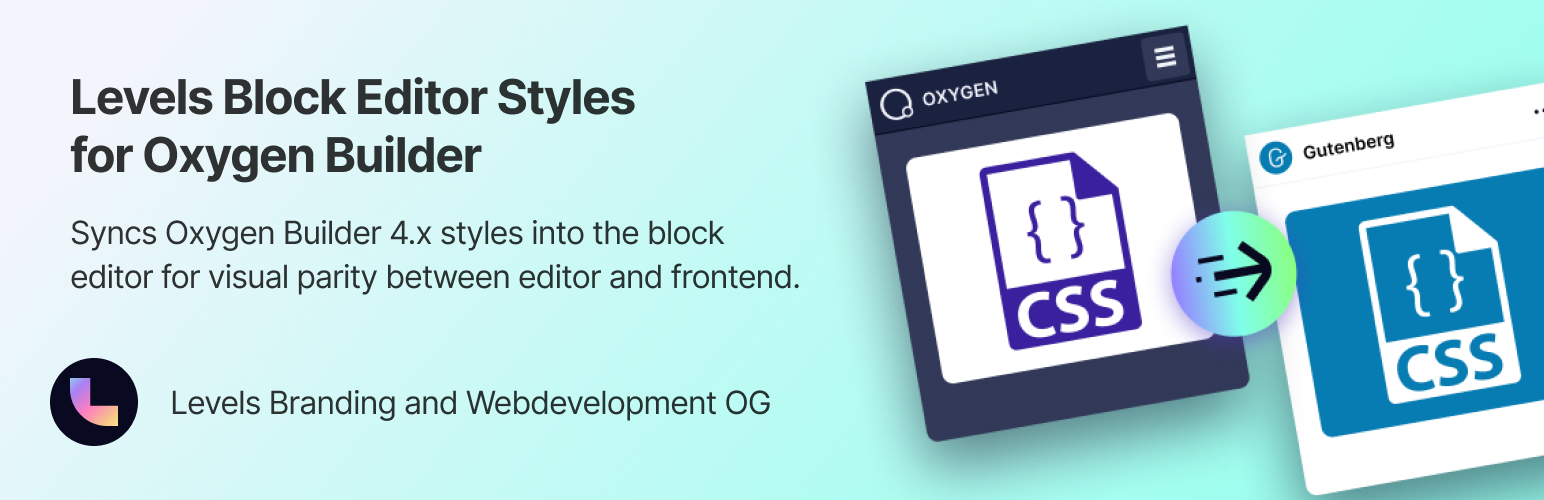
總結:Levels Block Editor Styles for Oxygen Builder可以自動將Oxygen Builder的CSS注入WordPress區塊編輯器中,確保您在編輯器中看到的與前端顯示的一致。
問題與答案:
1. 這個外掛特點是什麼?
- 自動風格檢測 - 自動查找並載入所有相關的Oxygen CSS文件
- 作用域樣式 - 所有CSS都被局限,以防影響編輯器UI元素
- 可重複使用的區塊支持 - 檢測並載入嵌入的可重複使用區塊的樣式
- 智能內容檢測 - 只會在具有編輯權限的使用者的區塊編輯器中載入
- 效能優化 - 使用最小開銷的即時讀取方法
2. 這個外掛如何運作?
- 外掛從四個來源收集CSS:
- oxygen.css - 核心Oxygen框架樣式
- universal.css - 網站範圍的Oxygen樣式
- 特定頁面CSS - 緩存頁面樣式
- 可重複使用區塊CSS - 嵌入的可重複使用區塊樣式
- 所有CSS選擇器都會自動重寫為在編輯器內容區域範圍內進行局部化,以防影響WordPress管理介面UI。
3. 使用這個外掛有什麼要求?
- 必須安裝和啟用Oxygen Builder 4.x
- WordPress版本需為5.8或更高
- PHP版本需為7.4或更高
4. 這個外掛有哪些相關外掛?
- 想要加速您的Oxygen工作流程嗎?請查看Ready Made Oxygen Integration外掛,將Figma設計轉換為可編輯的Oxygen Builder節段 - 複製並粘貼,就這樣。
5. 有選擇性依賴嗎?
- 為了100%可靠的CSS範圍,您可以通過Composer安裝CSS解析器庫:
`composer install --no-dev`
- 沒有該庫時,外掛將使用正則表達式回退,適用於大多數情況。
6. 這個外掛的開發者是誰?
- 由Levels Branding&Webdevelopment OG開發。
外掛標籤
開發者團隊
② 後台搜尋「Levels Block Editor Styles for Oxygen Builder」→ 直接安裝(推薦)
原文外掛簡介
Levels Block Editor Styles for Oxygen Builder automatically injects your Oxygen Builder CSS into the WordPress block editor, ensuring that what you see in the editor matches what appears on the frontend.
Features
Automatic Style Detection – Automatically finds and loads all relevant Oxygen CSS files
Scoped Styling – All CSS is scoped to prevent affecting editor UI elements
Reusable Block Support – Detects and loads styles for embedded reusable blocks
Smart Context Detection – Only loads in the block editor for users with edit permissions
Performance Optimized – Live-read approach with minimal overhead
Responsive Images – Automatically converts img tags to responsive versions with srcset and sizes attributes
Per-Image Size Control – Use the data-image-size attribute to override the default image size per element
Settings Page – Configure features under Oxygen > Block Editor Styles
Block Editor Styles
The plugin collects CSS from four sources:
oxygen.css – Core Oxygen framework styles
universal.css – Site-wide Oxygen styles
Page-specific CSS – Cached page styles
Reusable block CSS – Styles for embedded reusable blocks
All CSS selectors are automatically rewritten to be scoped within the editor content area to prevent affecting the WordPress admin UI.
Responsive Images
When enabled, the plugin automatically replaces tags in your content with responsive versions that include srcset and sizes attributes. This provides optimized images for all screen sizes without any manual work.
How to use in Oxygen Builder:
Go to Oxygen > Block Editor Styles in the WordPress admin
Enable “Responsive Images”
Choose a default image size (e.g. “large”)
All images in your content will now automatically get srcset attributes
Per-image size override:
You can override the default size on individual images using the data-image-size attribute:
Select your Image element in Oxygen
Go to Advanced > Attributes
Add attribute: data-image-size
Set value to any registered image size: thumbnail, medium, medium_large, large, or full
The data-image-size attribute is automatically removed from the final HTML output – it only serves as a control attribute for the plugin.
Requirements
Oxygen Builder 4.x (must be installed and activated)
WordPress 5.8 or higher
PHP 7.4 or higher
Related Plugins
Looking to speed up your Oxygen workflow? Check out Ready Made Oxygen Integration – Turn Figma designs into editable Oxygen Builder sections – copy & paste, just like that.
Optional Dependencies
For 100% reliable CSS scoping, you can install the CSS parser library via Composer:
composer install --no-dev
Without the library, the plugin uses a regex fallback that works for most cases.
Credits
Developed by Levels Branding & Webdevelopment OG