外掛標籤
開發者團隊
② 後台搜尋「Fillable Documents – let visitors fill Word and Excel forms on your page」→ 直接安裝(推薦)
原文外掛簡介
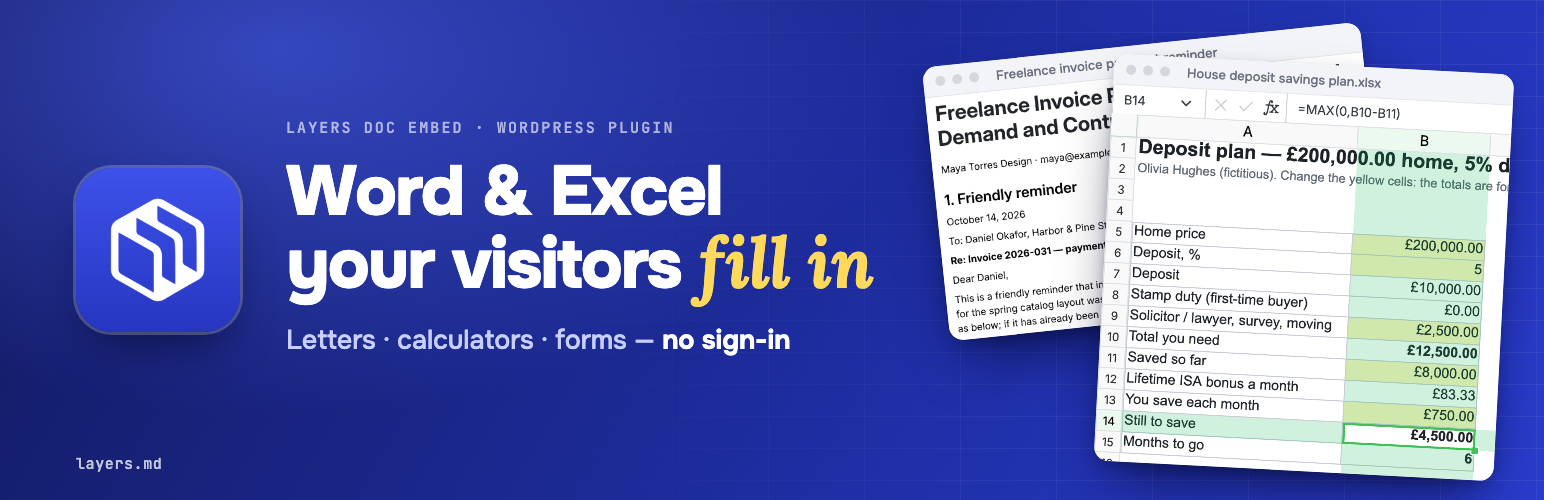
Put a working document on your page, not just a picture of one. Your visitors type into a Word letter, change the numbers in an Excel calculator and watch the formulas recalculate, or put their own text into a PowerPoint presentation, then print the result or download it as .docx / .xlsx / .pptx. No sign-in, no app to install.
Pick a document from the free Layers catalog in the block editor, or paste a one-line shortcode. The frame grows with the document, so nobody scrolls inside a small box.
What your visitors can do
Fill in a letter or form right on your page: names, dates, amounts, the details of their case.
Use a live Excel calculator. They change the input cells and the totals update as they type.
Edit a presentation. A pitch deck, a lesson or a report: they change the slides and download .pptx or a PDF.
Print it or download it as a Word, Excel or PowerPoint file they can send, sign or keep.
Do it on a phone. The light “web page” view is made for small screens.
Keep their copy private. Each visitor gets their own copy in their browser session; other visitors never see it. Saving a copy to a free Layers account is optional.
Who it’s for
Teachers and schools — letters to parents, class records, study schedules, school forms, lesson plans and lesson presentations your students and parents can fill in.
HR and small businesses — offer and resignation letters, payment reminders, invoices with tax calculation, 13th-month pay and budget calculators.
Lawyers and notaries — affidavits, a special power of attorney, demand letters, complaints and applications, contracts of lease; a notarial register in Excel.
Non-profits and community groups — monthly and annual budgets, fee records and receipts, event and gift budget planners.
Personal finance bloggers — savings, deposit and budget calculators readers can try with their own numbers.
Free features
Documents
4,300+ documents, calculators and presentations in the free Layers catalog. Word letters, affidavits and forms; Excel budgets, invoices, savings plans and school records; PowerPoint pitch decks, lesson and report presentations.
28 catalog languages, among them English, Spanish, French, Arabic, Italian, Portuguese, German, Japanese, Turkish, Korean, Polish, Indonesian and Vietnamese.
Two views: a light web page (best on phones) or the full Word / Excel / PowerPoint editor.
Embedding
“Layers document” block with a search box: type “invoice” or “budget”, click a result, see the live preview in the editor.
Shortcode for the classic editor, widgets and page builders: [layers-doc slug="affidavit-of-loss"].
Automatic height: the frame follows the length of the document. The small script that does it ships inside the plugin.
Lazy loading: the frame waits until the visitor scrolls near it, so the rest of your page loads first.
Settings page: catalog language in the block picker, default height, default view, automatic height, and an optional Layers affiliate code.
Privacy
No advertising or analytics cookies in the frame, so the embed adds nothing to your cookie banner for tracking.
No sign-in and no personal data asked from your visitors to fill in, print or download. Visitor contact details are not sent to the website owner.
No credit link by default. A “Powered by Layers” link appears only if you turn it on.
Clean uninstall: removing the plugin deletes its settings and cached catalog.
Optional 30% affiliate share
If you have a Layers affiliate code, enter it in Settings → Fillable Documents. The plugin adds that eight-character code to the document frame as ref. If one of those visitors later becomes a paying Layers customer, the affiliate receives 30% of that payment under the Layers affiliate program. This does not give the affiliate the visitor’s name, email, document or other contact details.
Browse the catalog and copy slugs at layers.md/embed.
Shortcode
[layers-doc slug="affidavit-of-loss" view="page" height="760"]
slug (required) — the template, as in app.layers.md/t/
view — page (light web page, best on phones) or file (the Word / Excel / PowerPoint editor). Default: the plugin setting.
height — starting height in pixels (300–4000).
title — accessible title of the frame.
Settings
Settings → Fillable Documents: catalog language in the block picker, default height and view, automatic height, an optional Layers affiliate code, and an optional “Powered by Layers” credit link (off unless you turn it on).
External services
This plugin embeds documents served by Layers (https://layers.md), an online office suite.
What is loaded and when: every page with a Layers block or shortcode shows a frame from https://app.layers.md/t/
What is sent: the template slug, a mark naming your site (from=embed-
In the editor: when an editor opens the block picker, your site (not the visitor’s browser) fetches the public template list from https://app.layers.md/v1/public/templates and caches it for 12 hours.
Layers terms of use: https://layers.md/userAgreement — privacy policy: https://layers.md/privacyPolicy