外掛標籤
開發者團隊
② 後台搜尋「Large Image Finder – Find, Optimize & Clean Up Large Images」→ 直接安裝(推薦)
原文外掛簡介
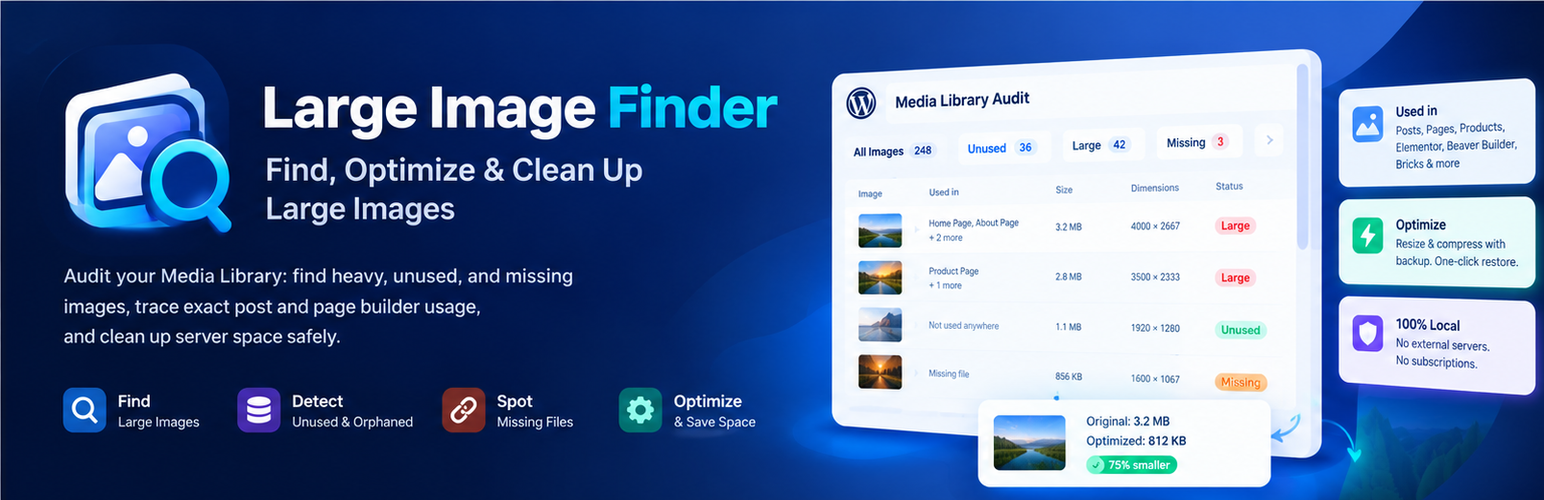
Large Image Finder is a specialized Media Library audit and usage intelligence tool for WordPress. It provides site owners and developers with a complete, transparent overview of media storage: pinpointing oversized files, mapping exactly where every image is embedded across content and page builders, identifying unused orphaned media, and detecting broken attachments.
Unlike generic image compressors that simply batch-process files without context, Large Image Finder solves the underlying media management problem: understanding which images are actually needed, where they live, and which files can be safely optimized or removed to reclaim gigabytes of disk space and boost Core Web Vitals (LCP).
How Large Image Finder is Different
Deep Media Usage Mapping: See every place an image is used (posts, pages, WooCommerce product galleries, Elementor, Beaver Builder, Bricks, site logo, icon, and widgets) before touching it.
Unused & Orphaned Media Audit: Detect images not linked to any content so you can safely clean up disk space.
Broken File Detection: Find database attachment records whose physical media files were deleted or lost.
100% Local & Private: No third-party APIs, no monthly subscriptions, and no external servers. Everything runs locally on your own server.
Safe On-Demand Optimization with Rollback: Resize and compress on request using WordPress’s built-in image tools, with original files backed up for instant one-click restoration.
Deep Media Usage Tracking
The Used in column shows the exact count of places where an image is used and links directly to each post, page, or product edit screen.
Detects featured images, in-content images, upload parent posts, WooCommerce product gallery images, custom logos, site icons, header images, and widgets.
Full compatibility with modern page builders including Elementor, Beaver Builder, and Bricks.
Sort the report by usage count to prioritize high-visibility media first.
Find Unused & Orphaned Images
The Unused images tab lists media not referenced anywhere in known content, allowing you to identify clutter without risking broken layouts.
Review unused media safely and delete unnecessary files permanently with built-in confirmation guards.
Audit Oversized & Heavy Media
Set your own audit threshold: 500 KB (default), 1 MB, 2 MB, or custom KB value. Toggle thresholds instantly without re-scanning.
View every oversized image with thumbnail preview, exact dimensions (width × height), file size, format, and attachment ID.
Review disk usage of generated thumbnail sizes and full-size originals.
Actionable hints: flags overly wide images (e.g. “4,000 px wide — resize to 2,560 px”) and heavy formats.
Detect Missing & Broken Media Files
The Missing files tab flags Media Library database records whose physical files are missing from the server.
Local On-Server Optimization (With Backup)
On-demand optimization right from the report for single images or bulk selections.
Resizes images wider than your Max width (default 2,560 px) and recompresses them using your configured Quality settings.
Uses the native WordPress image engine (Imagick or GD) — completely free and unlimited.
Replaces files in-place with identical names and URLs so existing posts and pages automatically serve smaller files without rewriting content.
Originals are safely backed up to wp-content/uploads/large-image-finder-backups/ and can be restored at any time. Optionally enable “Delete original after optimizing” if backups are not needed.
See where each image is used
The Used in column shows how many places use the image and links to each post, page or product.
Detects featured images, images inside post and page content, the post an image was uploaded to, WooCommerce product galleries, the site logo, the site icon, the header image and widgets.
Reads page builder layouts from Elementor, Beaver Builder and Bricks.
Sort by usage to fix the most visible images first.
Find unused images
The Unused images view lists images that are not used anywhere the plugin can check, so you can clean up your Media Library and save disk space.
Nothing is deleted automatically. You stay in control.
Find missing image files
Lists Media Library items whose file no longer exists on the server (broken images).
Fast and safe on large Media Libraries
Scans in small batches with a progress bar, so even libraries with tens of thousands of images do not time out.
Interrupted scans can be resumed.
Safe when the scan is started from two browser tabs.
After the first scan, the report updates itself when images are uploaded, edited or deleted, and when posts are saved.
Search, filter, export
Search by file name.
Filter by format (JPEG, PNG, WebP, GIF…), minimum file size, minimum width and minimum height.
Sort by file size, file name, width, usage or ID. Show 20 or 50 images per page.
Export the report — or only selected images — to a CSV file for Excel or Google Sheets. Exports are protected against spreadsheet formula injection.
Step through selected images in the built-in WordPress image editor, one after another, to scale them down yourself.
Everywhere in your admin
A File size column in Media → Library, highlighted when an image is over your threshold.
A Dashboard widget with the number of large, unused and missing images.
An upload warning when someone uploads an image larger than your threshold. The upload itself is never blocked.
A scan history, so you can watch the number of large images go down.
Free, private and lightweight
100% free. No API key, no account, no upsell.
No external requests. Your data never leaves your site.
Adds no scripts, styles or database queries to your front-end pages.
Multisite compatible.
Translation ready.