
內容簡介
總結
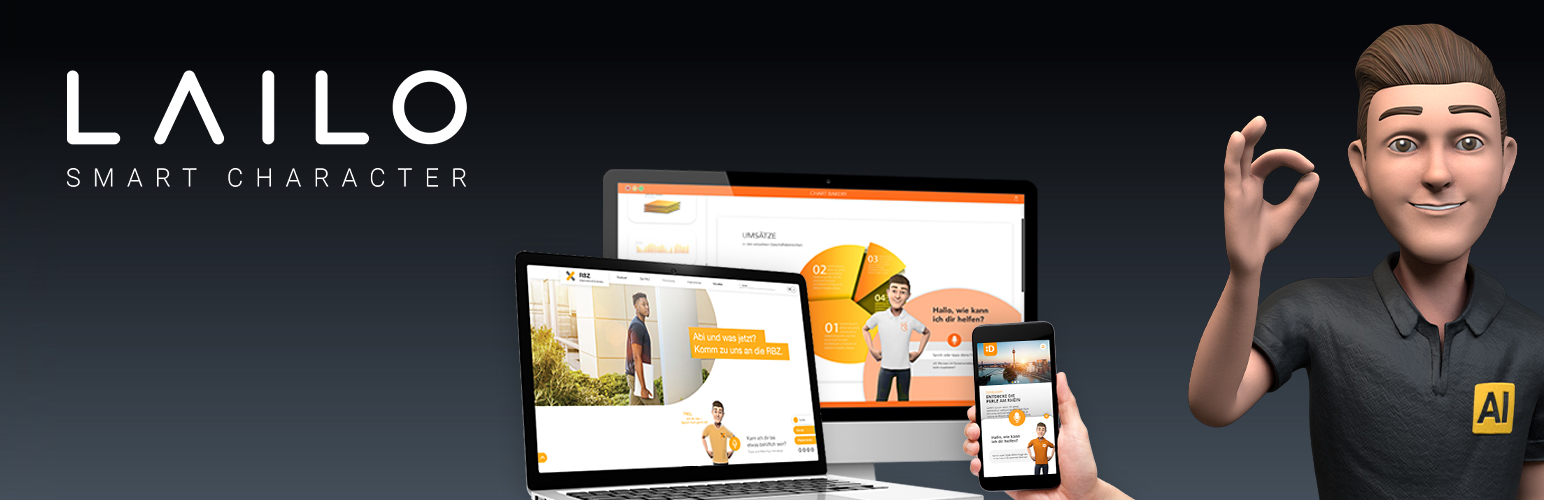
這個外掛可以讓你輕鬆地將你自己的Lailo – AI Avatar整合到你的 WordPress 頁面中。
詳細資訊
這個外掛可以輕鬆地使用標準的 WordPress shortcode 將 Lailo – AI Avatar 整合到你的 WordPress 網站上。當整合到你的網站時,Lailo 可以在問題、搜索和播放各種媒體方面幫助你的網站訪問者。因此,它不僅是一個數位助理,還是一個智能搜索和聰明的產品顧問,支援所有主要語言,甚至能夠理解方言。它的外觀就像其應用一樣多變。有關 Lailo – AI Avatar 的進一步資訊、一些樣本應用方案可以在這裡找到:https://www.lailo.ai/en/。
逐步整合方式
為了將你的 Lailo – AI Avatar 整合到你的網站上,使用這個外掛程序首先創建一個新的 Lailo – AI Avatar 配置,為其選擇一個描述性的名稱。接下來,從 Lailo Portal 複製Bot Secret ,將其插入到對應的配置欄位中,連接你的配置與 Lailo – AI Avatar。之後,指定 Lailo – AI Avatar 將如何顯示在你的頁面上。從多個不同的小部件類型中選擇並簡單地調整顏色以符合你的企業設計和主題。作為倒數第二個步驟,將你的 Lailo – AI Avatar 配置的語言設定為 Lailo portal 中指定的語言相同。當然,Lailo – AI Avatar 支援所有主要語言。然而,插件目前僅支援英語和德語,所以如果你需要支援其他語言,我們邀請你寫一封電子郵件給我們的支援團隊。最後,按下保存按鈕,你將在概述表中找到你的新 AI Avatar 項目。
成功創建 AI Avatar 配置後,你將在配置概述表的最右列中找到一個shortcode。複製短碼,打開你想插入 AI Avatar 的页面。將短碼粘貼到页面頂部。如果你現在訪問這個頁面,Avatar 將會顯示出來,你可以開始與它交互。就是這麼簡單!
請注意:你可以在整個網站上有多個具有不同設置的 Avatar,但請確保每個页面只添加一個短碼。例如,在關於頁面上擁有一個半屏幕窗口小部件,在首頁上擁有一個微小小部件,不要忘記確保你已經插入了正確的短碼(特別是在編輯 Avatar 的名稱之後)。
如果你有任何問題,隨時聯繫我們的 支援團隊。
關於
如需了解有關 Lailo – 會話 UI 平台及其產品 Lailo - AI Avatar 的更多信息,請訪問我們的網站。我們強烈推薦你在這個網站上與Demo AI Avatar 互動一下。
隱私說明
有關隱私資訊,請參閱:https://www.lailo.ai/en/privacy-policy。
外掛標籤
開發者團隊
原文外掛簡介
Summary
This plugin let’s you easily integrate your individual Lailo – AI Avatar to any of your WordPress pages.
Details
This plugin helps you to easily integrate the Lailo – AI Avatar on your WordPress websites using the standard WordPress shortcodes. Integrated into your website, Lailo e.g. can help your website visitors with questions or searches or play back media of all kinds. This way, it inspires its users not only as a digital assistant, but also as an intelligent search and clever product advisor. And of course it speaks all the major world languages and even understands dialects without any problems. Its appearance is just as changeable as its possible applications. Further information about the Lailo – Ai Avatar, some sample application scenarios can be found here: https://www.lailo.ai/en/.
Step by step integration
In order to integrate your Lailo – AI Avatar, use this plugin to first create a new Lailo – AI Avatar configuration and choose a descriptive name for it. Next, connect your configuration with your Lailo – AI Avatar by copying the Bot Secret from the Lailo Portal and inserting it into the corresponding configuration field. After this, specify how the Lailo – AI Avatar shall be displayed on your pages. Choose from multiple different widget types and easily adjust colors to fit your corporate design and theme. As a second last step, set the language of your Lailo – AI Avatar configuration to the same language as specified in the Lailo portal. Of course, Lailo – AI Avatars support all major languages. However, the plugin currently only supports English and German, so that we’d like to invite you to write an email to our support team if you need support for other languages. Finally, press the save button and you will find your new AI Avatar entry in the overview table.
Once you successfully created your AI Avatar configuration you will find a short code in the rightest column of the configuration overview table. Copy the shortcode and open the the page in which you would like to insert your AI Avatar. Paste the shortcode to the top of your page. If you now visit this page the Avatar will be displayed and you can start interacting with it. Simple as that!
Please note: you can have multiple Avatars with different settings throughout your website but make sure to always only add one shortcode per page. For example you can have a Half Screen Widget on your About Page and a Tiny Widget on your front page. Don’t forget to make sure that you inserted the correct shortcode (especially after editing the Avatar’s name).
If you have any questions feel free to contact our support team at any time.
About
To learn more about the Lailo – Conversational UI Platform and its product Lailo – AI Avatar please visit our website. We hghly encourage you to play around with the demo AI Avatar presented on this website.
Privacy notices
For privacy information please see https://www.lailo.ai/en/privacy-policy.